IPL - Inter Platform Logistics
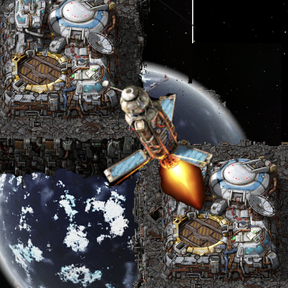
>Most of IPL is integrated in Factorio 2.1 ! The mod has been ported to 2.1 for those who want to use the thresholds and the Hard Mode. Use IPL Antennas on your Space Platforms to allow them to exchange items when at the same space location, using cargo pods. Transfer items automatically, using circuits and antennas, directly between space platforms ! Has a HARD MODE (optional). Join us on Discord : https://discord.gg/DBW37M34NX
Description


IPL in Factorio 2.1
If you just want to be able to travel between platforms, the travel feature is available as a standalone mod here : https://mods.factorio.com/mod/ipt-inter-platform-travel
Most of IPL and P2P Automation has been integrated in the core game with Factorio 2.1 update. With the version 2.1.0, IPL will not receive feature updates anymore. I will try to update the Hard Mode to leverage the new QOL modding additions, but that's about it.
You can keep using IPL to leverage the power of the antennas to manage your thresholds, but about everything IPL allowed you to do is now possible in the core game, using the circuit network, the "set requests" mode on the platform hubs, and the radars (to communicate between platforms).
Therefore, If you've never used IPL before, I'd recommand you... just don't. Unless you want to use it for its Hard Mode. I will maintain the mod for a while and then open source it.
Cheers folks.
Compatibility Warning
This mod had compatibility issues with PlanetsLib version 1.15.0 and earlier. See at the end of the doc for more infos.
Features
- Automated items exchange between platforms at the same space location.
- Space fuel packaging : you can send fuel between platforms.
- Platform to platform travel.
General guidelines
Unlock the corresponding tech. The research will be available after the logistic system and the space thrusters.
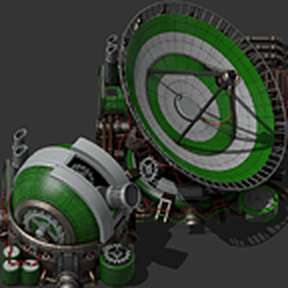
There are 3 antennas :
- Requester (red)
- Provider (blue)
- Request Threshold (yellow)
- You can only place antennas on a space platform.
- You cannot place more than ONE of each antenna type on a single space platform.
- You do NOT need to wire the antennas to the hub for them to function.
- Antennas will ONLY work if they are wired to a circuit network.
Classic vs Hard Mode
There is a startup setting named "Hard Mode". It was added due to some people finding that IPL was "breaking balance". If you disable hard mode in an existing save, all items linked to the hard mode will disappear, and the linked recipes will be locked and disabled. Here are the key differences between classic and Hard Mode:
Classic: (default)
- Launching pods is free, they are made out of thin air, like when a platform drop pods to the ground.
- Pods inventory is 10 stack (vanilla).
- Item's weight is not accounted for.
Hard Mode:
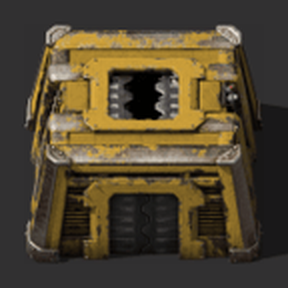
- You need IPL Cargo Bays to launch pods.
- Each bay can only launch pods of the approrpiate quality (a normal bay will only launch normal pods)
- You need to craft the pods.
- The pods inventory has been rebalanced, starting at 3 stacks for a normal pod, up to 13 stacks for a legendary pod.
- Item's weight is considered, the same way as in vanilla. This means there are some items you simply cannot send using IPL anymore.
Settings
The mod has the following settings, which you shouldn't change if you don't know what you are doing :
Map runtime:
- Platforms evaluated per tick : the amount of platforms IPL will process per tick.
- Requests evaluated per tick : the amount of individual item request IPL will process per tick.
Startup:
- Enable channel encoding : whether or not the "advanced" channels mode is enabled. Channel encoding chances radically how channels are handled. Refer to the dedicated section below. Disabled by default.
- Hard Mode: See above.
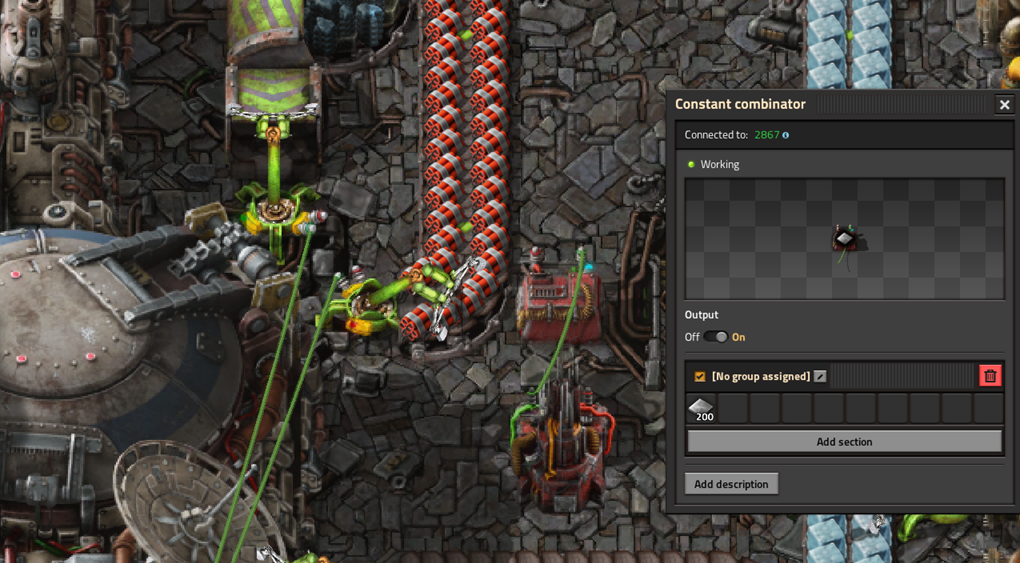
Provider Antenna (red):
The Provider Antenna identifies which items are available for transport from a specific platform.
- Place one Provider Antenna on the platform from which you intend to export items.
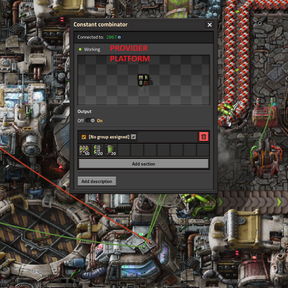
- Wire the antenna to a signal source (e.g., a Constant Combinator) via the Circuit Network.
- Set the desired item signals. The value represents the minimum stock required before the antenna activates and makes those items available to the network. (I.e. Iron plates 200 will trigger when you have over 200 iron plates and be able to send them to other platforms.)
- Optionally, to use a specific communication channel, set a letter Signal of C to the desired number to set the channel. If no channel is specified, the antenna defaults to Channel 0.
Requester Antenna (blue):
The Requester Antenna identifies which items a platform needs to receive.
- Place one Requester Antenna on the platform where you want to receive items.
- Wire the antenna to a signal source (e.g., a Constant Combinator) via the Circuit Network.
- Set the item signals to your target amount. The antenna will request items until the platform's inventory matches this value. I.e. Iron plates 200 will receive 200 iron plates
- Optionally, set a Signal C to define the channel. Defaults to Channel 0 if unset.
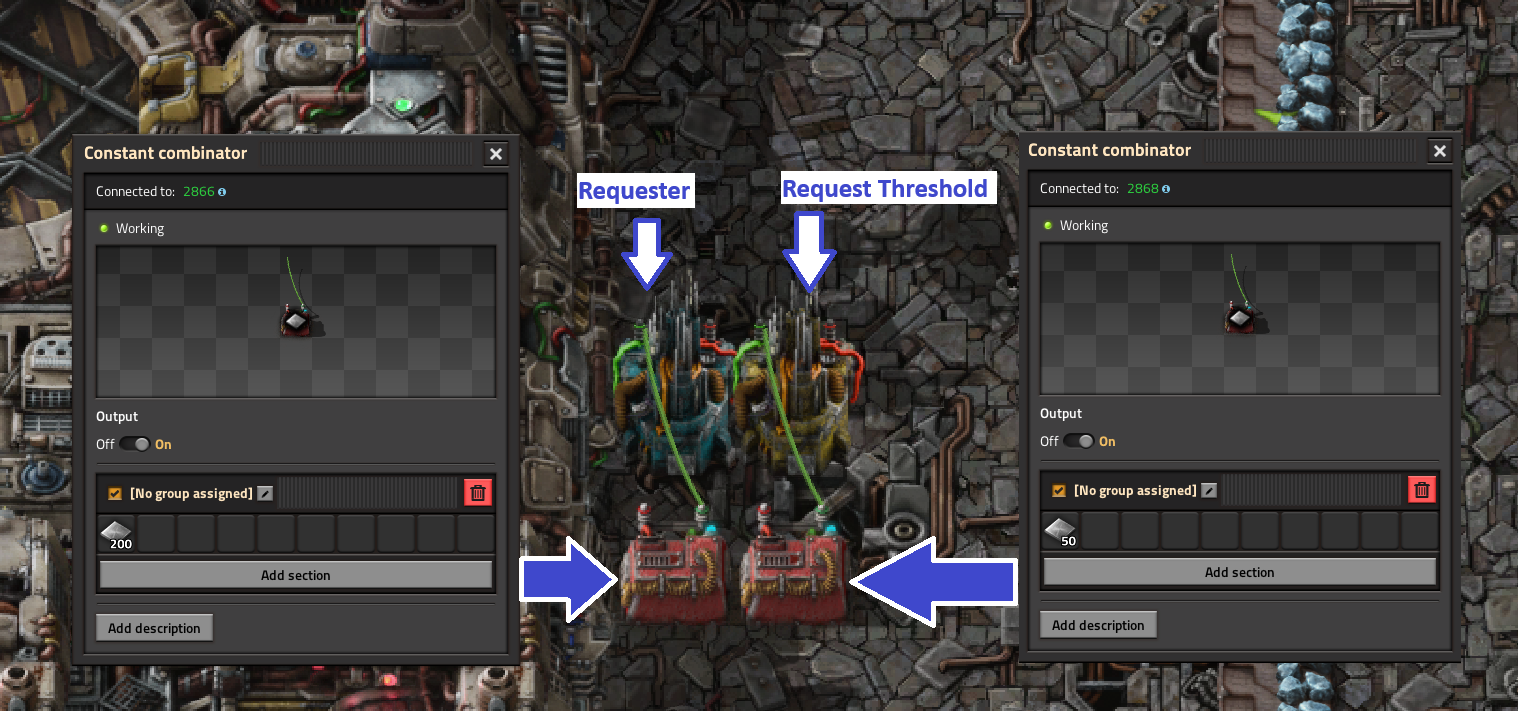
Request Threshold Antenna (yellow):
This antenna aids the requester antenna by telling it how many items should the platform have before it starts asking for a resupply. It prevents frequent, small deliveries by setting a "minimum order" size.
YOU DO NOT NEED TO WIRE THE REQUESTER THRESHOLD AND REQUESTER ANTENNAS TOGETHER.
- Place one request threshold Antenna on a platform where you have a requester Antenna.
- Wire the antenna to a signal source (e.g., a Constant Combinator) via the Circuit Network.
Ratings & reviews
Sign in to leave a rating or comment.