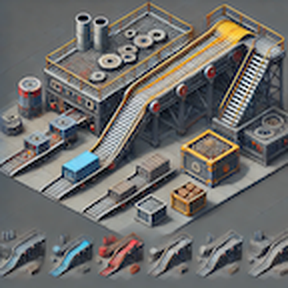
Description
A compact loader that can replace inserters in many situations when loading from/to a belt.
Miniloaders can have different modes:
Features
- 1x1 compact size
- Extended UI
- can be moved with Even Pickier Dollies
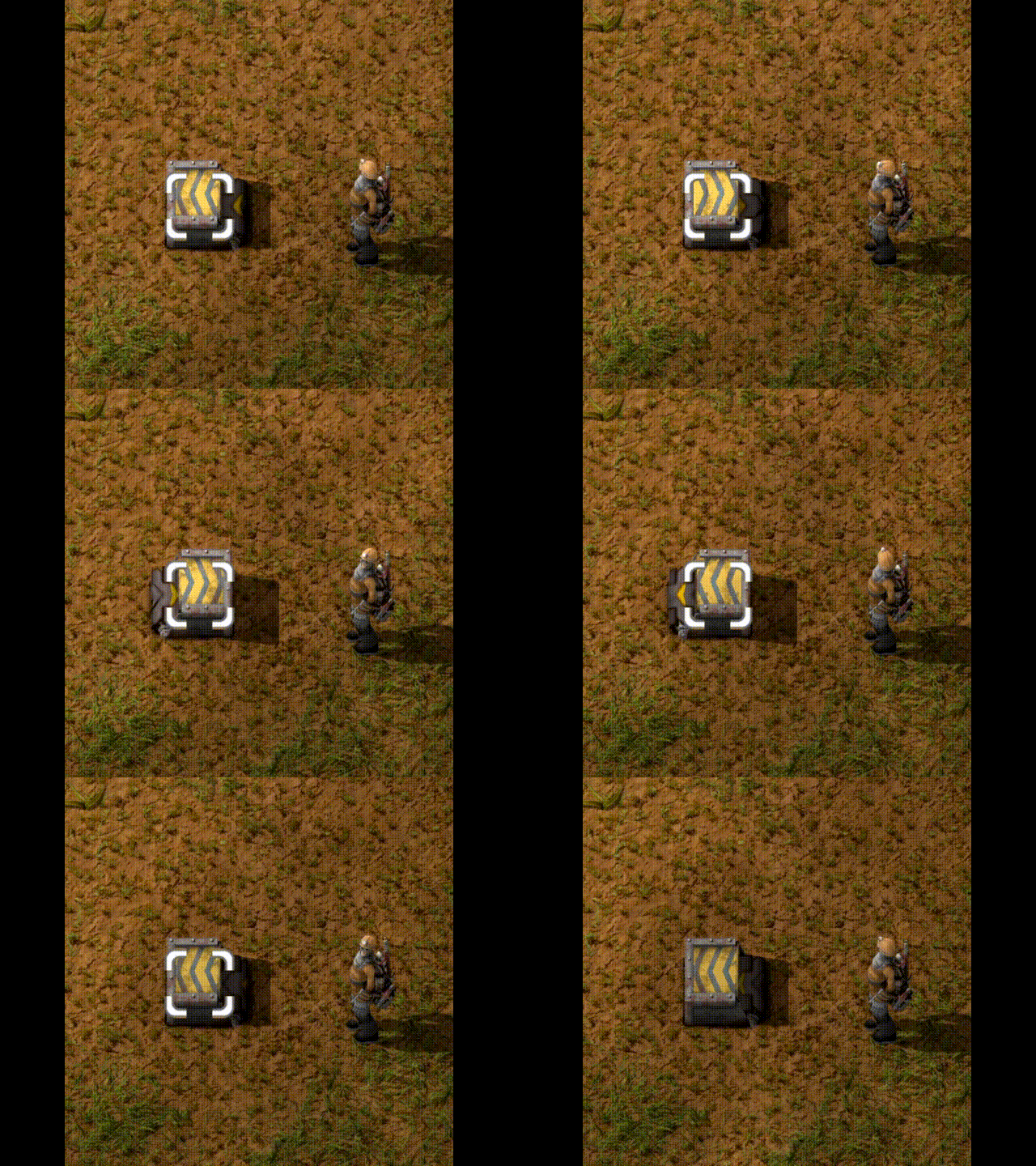
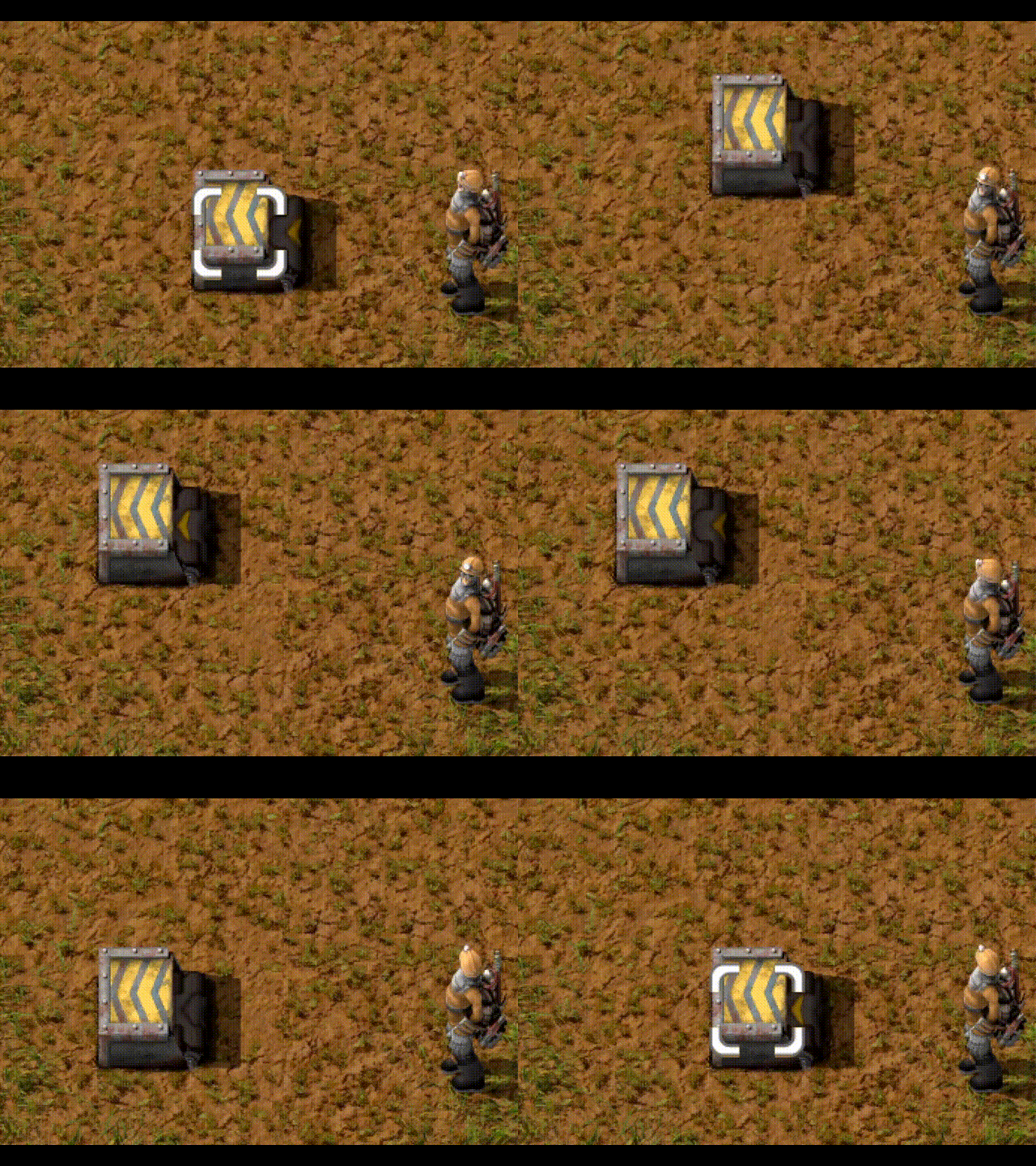
- flips through belt directions and orientation when rotating
- supports Fast replacement, Blueprinting, Copy&Paste, Cloning
- supports undo/redo for configuration changes
- supports parameterized blueprints
- supports migrating 1.1 games from the "old" Miniloaders to Miniloader (Redux) with a startup setting
- when stacking is available (Space Age), stacking is supported by "Vanilla", Fast and Turbo loaders
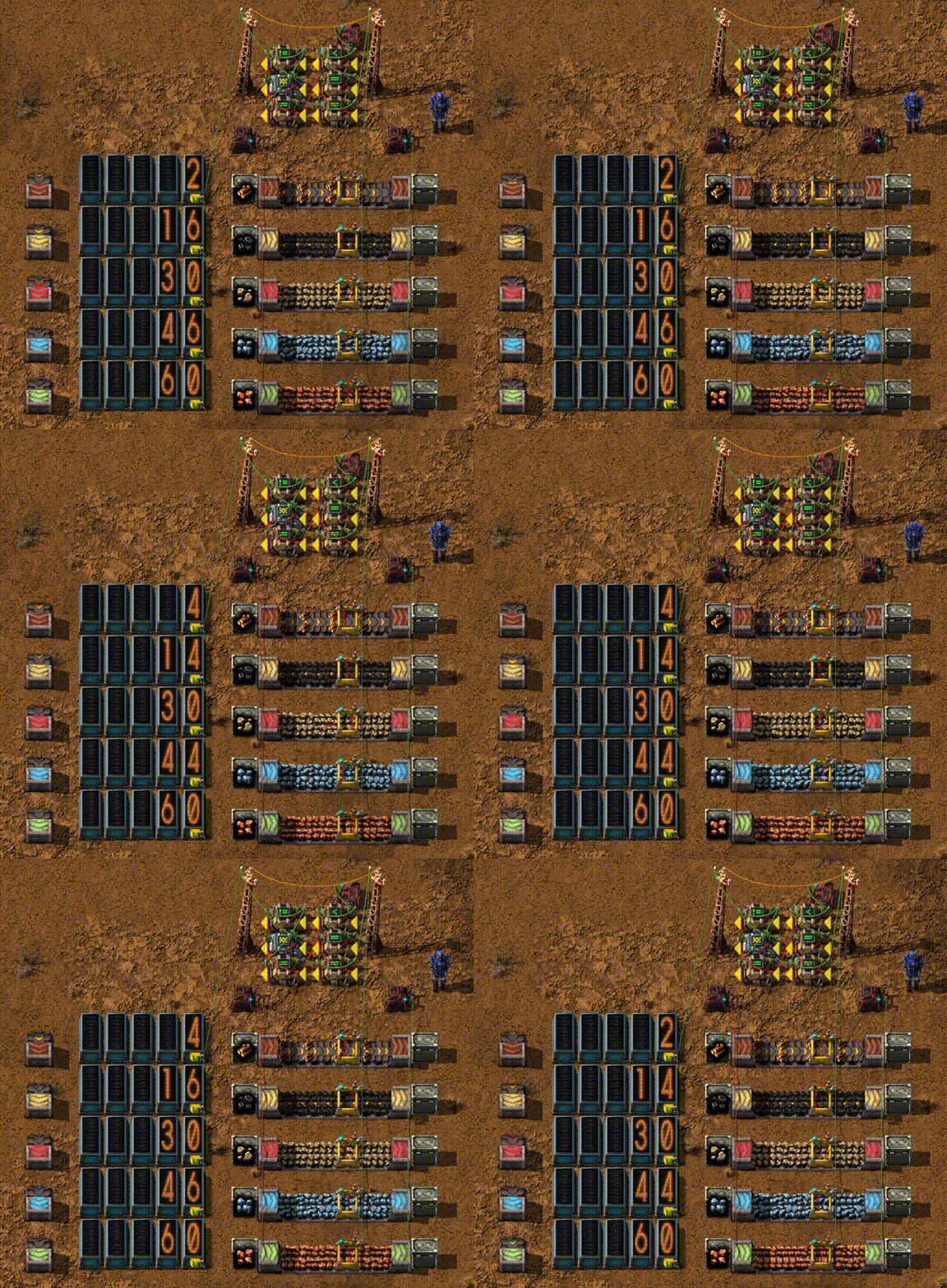
There are three tiers in the base game ("Vanilla", Fast and Express) and four when playing Space Age (adds Turbo mode) which match the belt speeds.
A simple "chute" loader is available early in the game (enable in Startup settings). The chute loader only supports normal mode and has no GUI.
Operation Modes
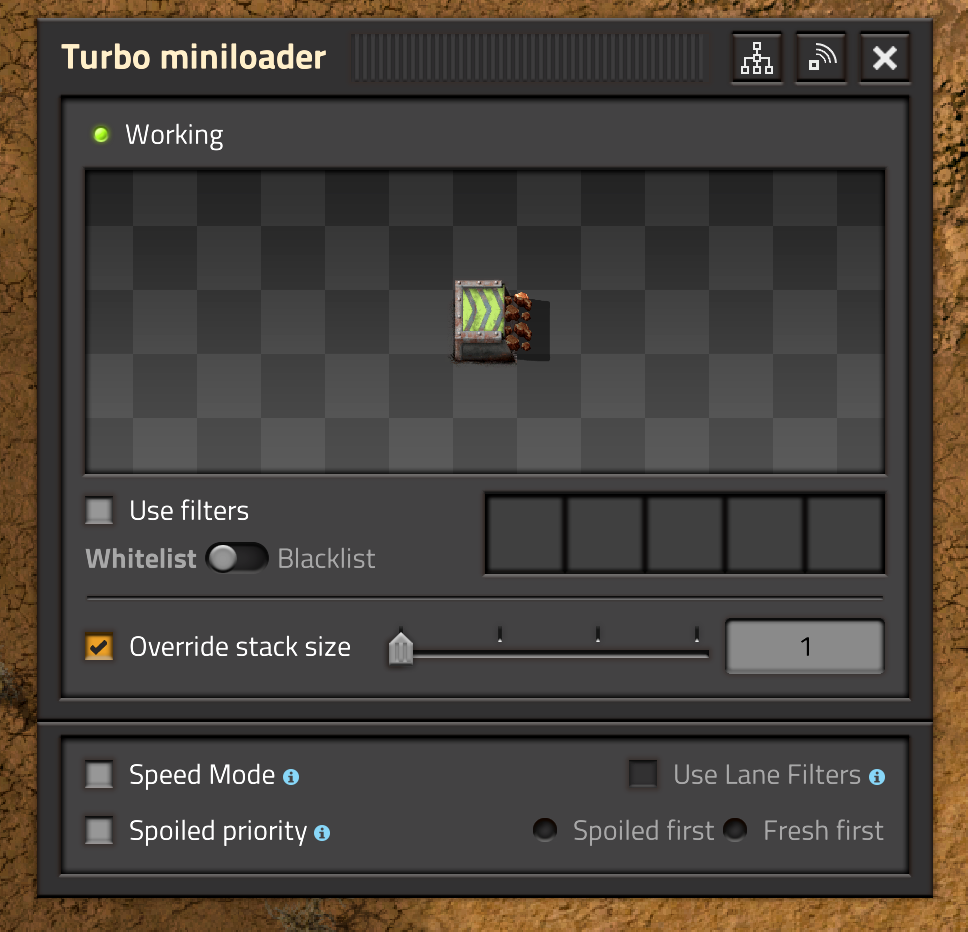
Normal mode (which is the default)
- supports sideloading from/to a belt
- In Space Age, supports spoilage priority
- degrades with belts above 240 items/sec (The fastest "official" in-game belts are Space Age Turbo Belts, which move at 60 items/sec)
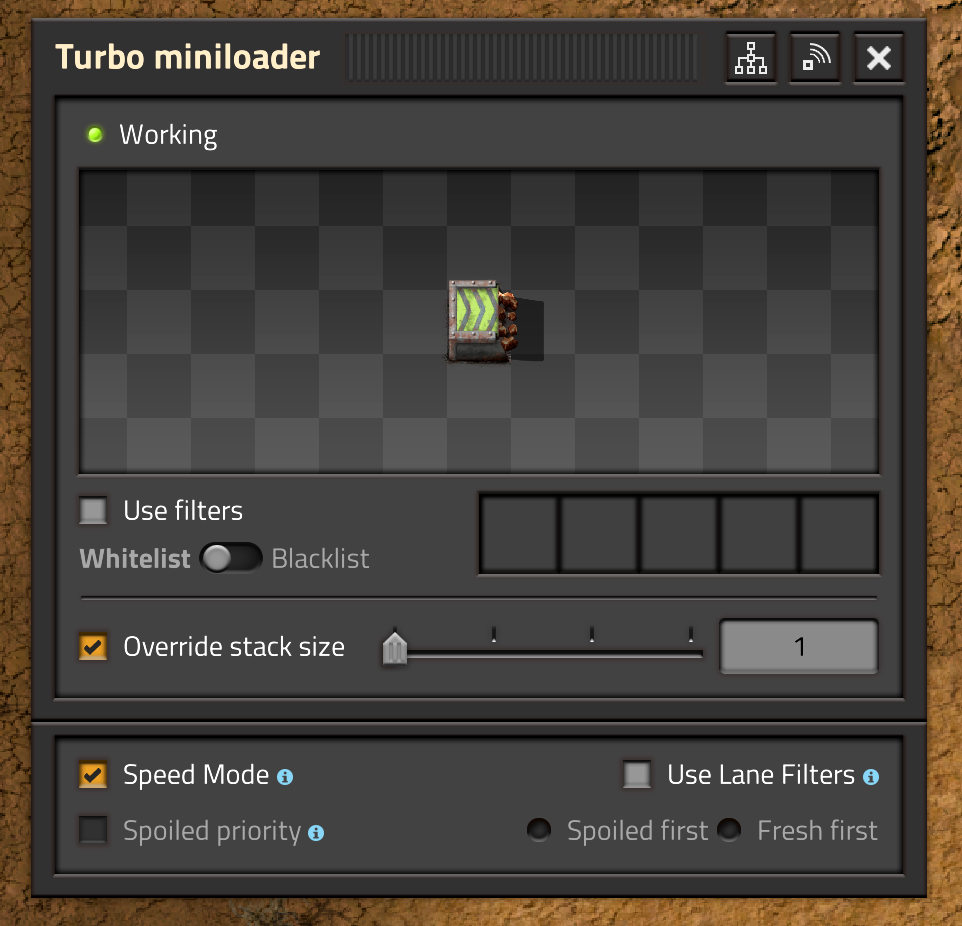
Speed mode
- can only interact with entities that are a container or container-like (e.g. cargo wagons or assembly machines)
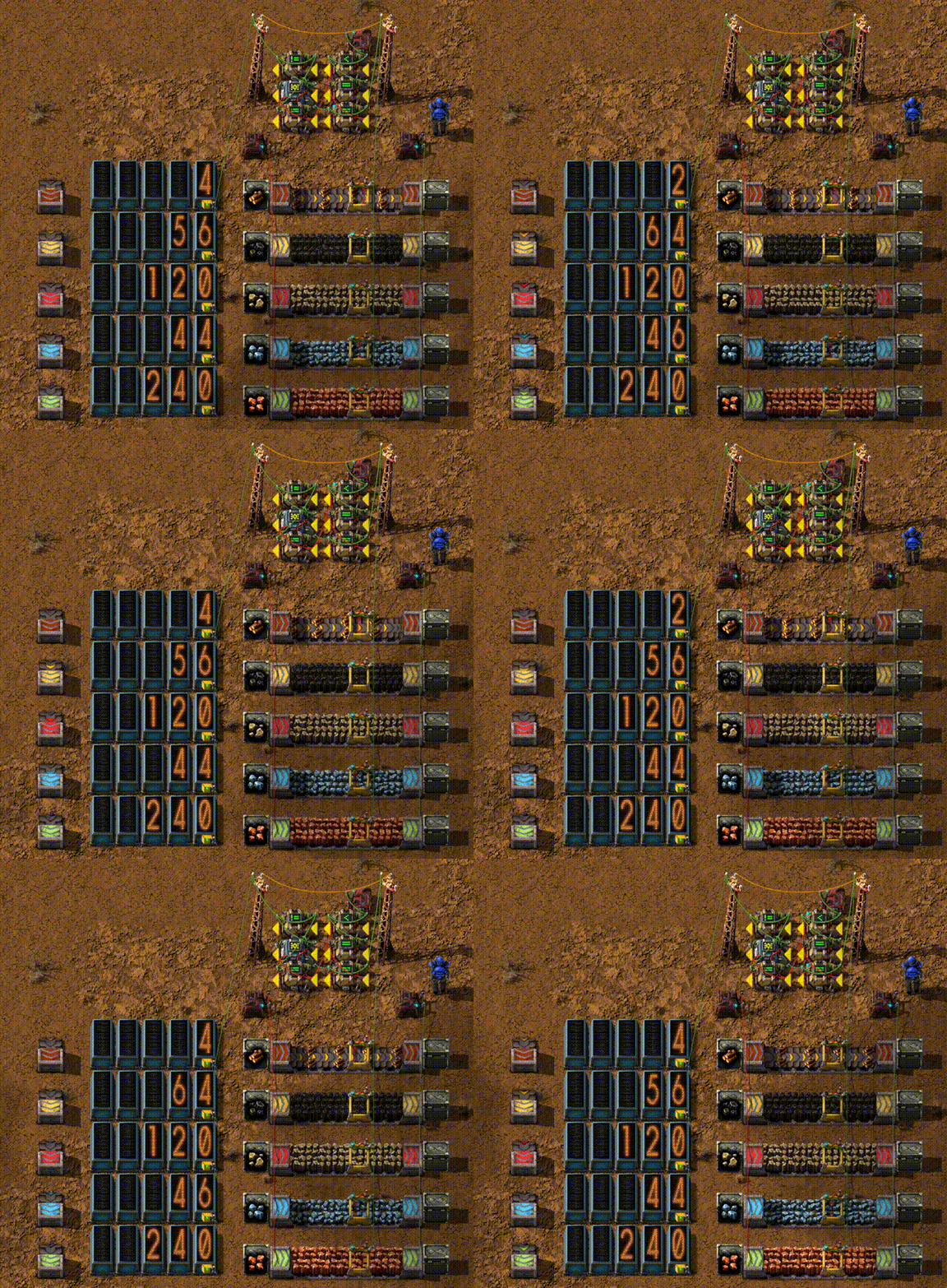
- supports speeds up to 480 items/sec
Lane filter mode
- only available in Speed Mode
- has a single filter for each lane, one for the left lane and one for the right lane

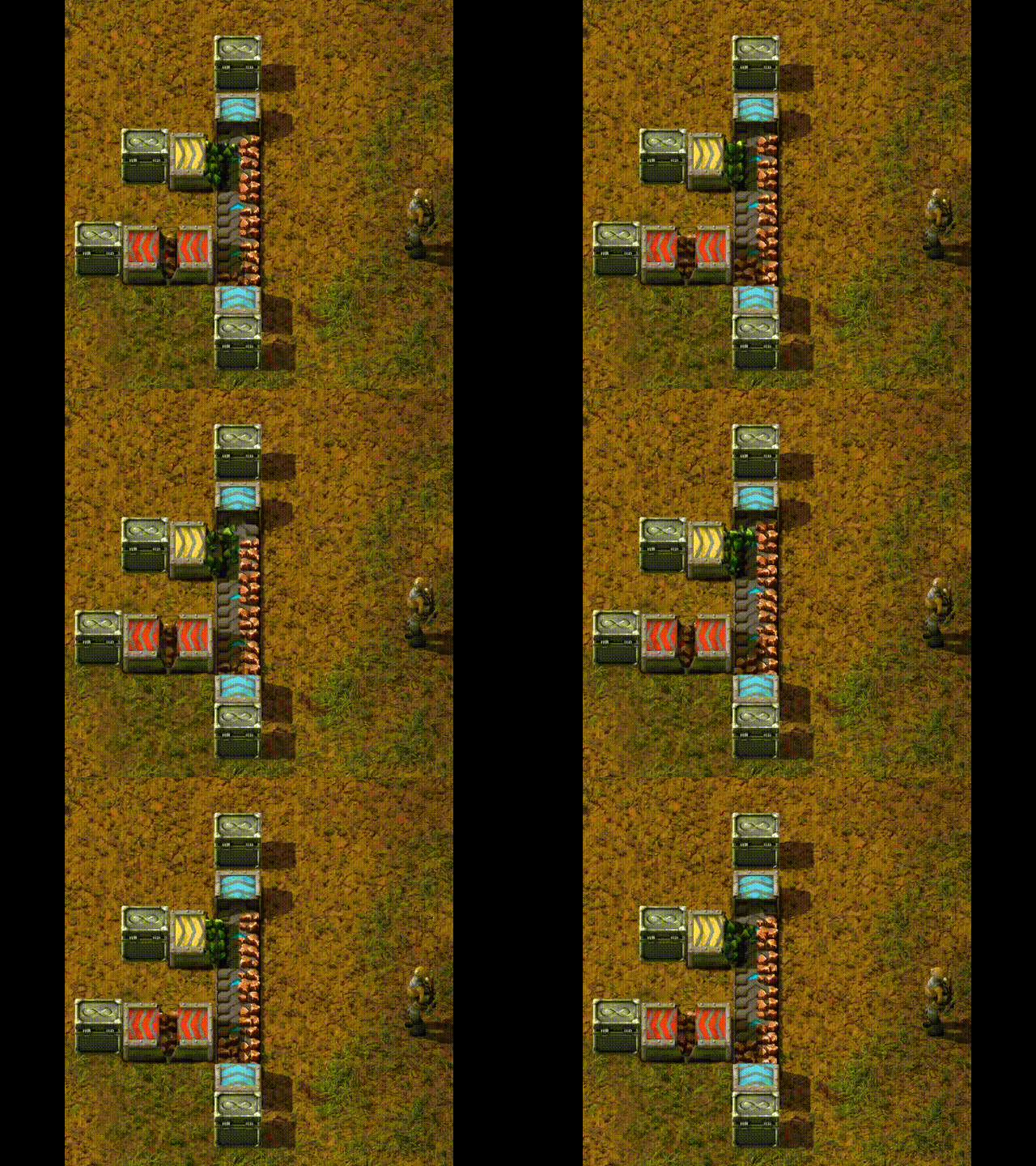
Miniloader supports some other mods:
These miniloaders are activated if the corresponding module is detected.
Getting the speeds for additional tiers beyond the basic levels (base games and Space Age DLC) is tricky and the game mechanics are stretched when going faster than ~ 120 items/sec. Supporting faster loaders is at best unreliable and might be outright wrong. YMMV.
I am open to support additional tiers from other mods from PRs but I do not plan to actively add any support for other mods. See adding more miniloaders for other mods for details on how to add loaders for other belt tiers.
Limitations
- High speed (> 120 items/sec) miniloaders will only achieve maximum throughput when using Speed Mode.
- When sideloading in Normal Mode onto a belt with High speed miniloaders, they may spray items across both lanes of the belt they are loading to.
- Stacking (in Space Age) is only available for some Miniloaders. Stacking for the "Turbo" miniloader is equivalent to the pre-1.0 Stacking miniloader. Existing Stacking Miniloaders are converted to "Turbo" Miniloaders.
Blueprint compatibility
All Miniloader versions can read blueprints that were created with older versions of the Miniloader. Especially, any version after 1.0.0 can read blueprints created with versions before 1.0.0.
When downgrading the Miniloader to a version before 1.0.0, it must be the latest version before 1.0.0 (currently that is 0.13.2) as this will be the only version that supports reading newer blueprints and converting them back to the pre-1.0.0 format. Any other version may crash the game, not read the blueprint or behave in an undefined way.
Item spilling
Starting with 1.0.0, Miniloader supports multiple modes which require rebuilding the actual loader itself. When doing this, items that are currently in the loader would be lost. Similar, when changing filters, it is possible that items get stuck inside the loader which would stop it from functioning.
If a Miniloader is pushing into or pulling from a chest, it will try to move such items back into the chest. However, if the chest is full, the Miniloader can either spill the items around its position (and mark the items for pickup by robots) or silently discard those. For high value items (such as science packs or processing units), spilling is better, for low value items (ores, plates etc.), discarding is more convenient because there are no items lying around.
There is a startup setting that defines the default for new miniloaders and each miniloader can be individually configured through the GUI. The setting is preserved in blueprints and through copy-paste.
FAQs
I get an error about some "collision\_mask" problems, how can I fix this?
Ratings & reviews
Sign in to leave a rating or comment.