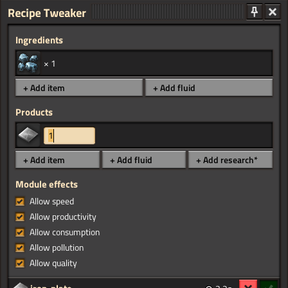

Recipe Tweaker
Make changes to any number of recipes, export/copy the exchange string, and paste it into the startup setting to see them take effect. (Ctrl + \)
Description



Instructions
To open Recipe Tweaker, use the shortcut or keybind (Ctrl + \\). To make a new tweak, you can select a recipe using the add button, or if you have existing changes, you can click on one to edit it. Hovering over a recipe in another GUI while pressing the keybind will open the tweak page for that recipe. Tweaks can be removed by right clicking on them.
Once in the tweak page, you can edit any property by left clicking on the label, and you can confirm the change by pressing enter.
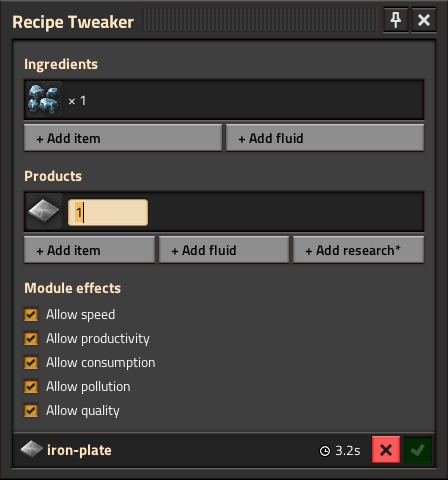
Properties can be added or removed by right clicking the entry to bring up a context menu.
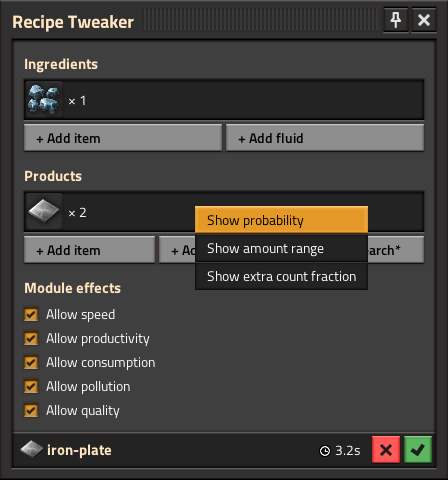
When you're done, you can cancel the tweak with the red X button, or confirm with the green check mark.
To apply the changes you've made, click the export button in the bottom left of the main window. This will generate an exchange string that you have to copy manually, since the modding API unfortunately doesn't support copying to your clipboard.
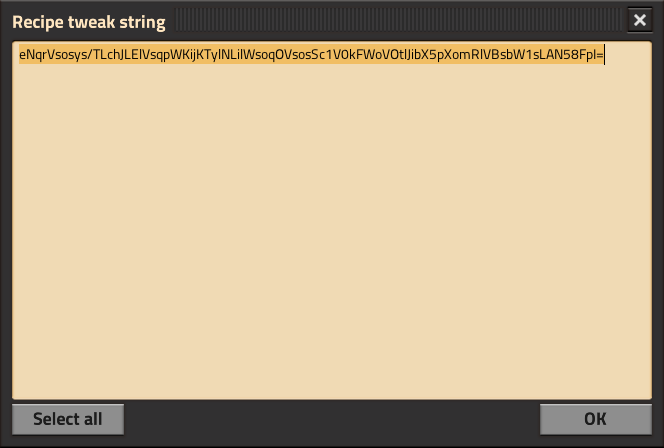
Now that you have the exchange string on your clipboard, save your game if you need to and exit to the main menu. From there, go to your mod settings and paste the string into the exchange string setting of Recipe Tweaker.
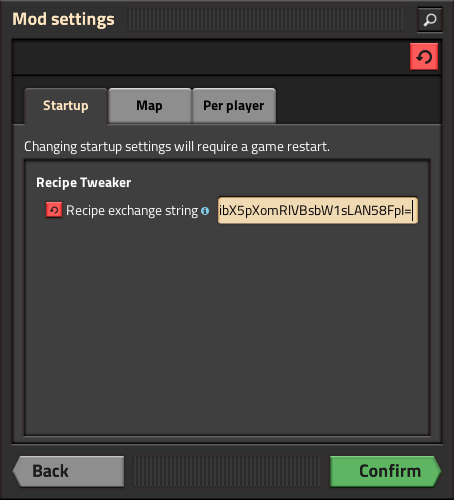
All that's left to do is confirm the setting and the tweaks should be applied to the recipes!
Ratings & reviews
Sign in to leave a rating or comment.