Simple Area Screenshots
Draw a rectangle with your mouse, and get a pixel-perfect daytime screenshot every time.
Description
Similar in functionality to Windows' Snipping Tool or MacOS's Control-Command-Shift-4.
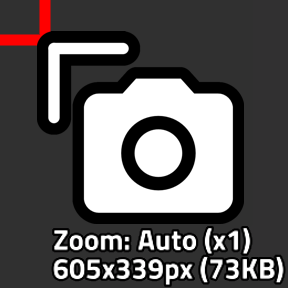
Press Alt+Shift+S (or the shortcut bar button) to get the selection tool. Drag to take a screenshot, Shift+Scroll while holding the tool to change the screenshot's zoom.
(Shift+scroll by default is also the alternate control for "zoom map", so you might want to unbind that)
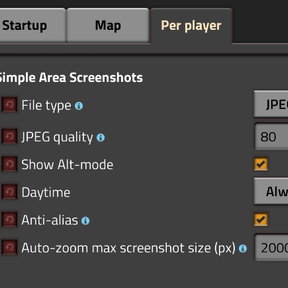
By default, zoom is set to "auto", which will adjust the zoom to make sure your screenshot stays smaller than 2000x2000px (auto dimensions can be change in settings).
Due to modding technical limits, if you take a screenshot from the map view, the tool won't be able to show you a preview of the dimensions and size of the screenshot, but auto-zoom will still work.
Ratings & reviews
Sign in to leave a rating or comment.