Back to NxLabs
Tapeline
RBy raiguard
Measure distances or create a flat surface to do work on. Make temporary measurements, or create persistent measurements that can be adjusted, moved, or deleted.
Description



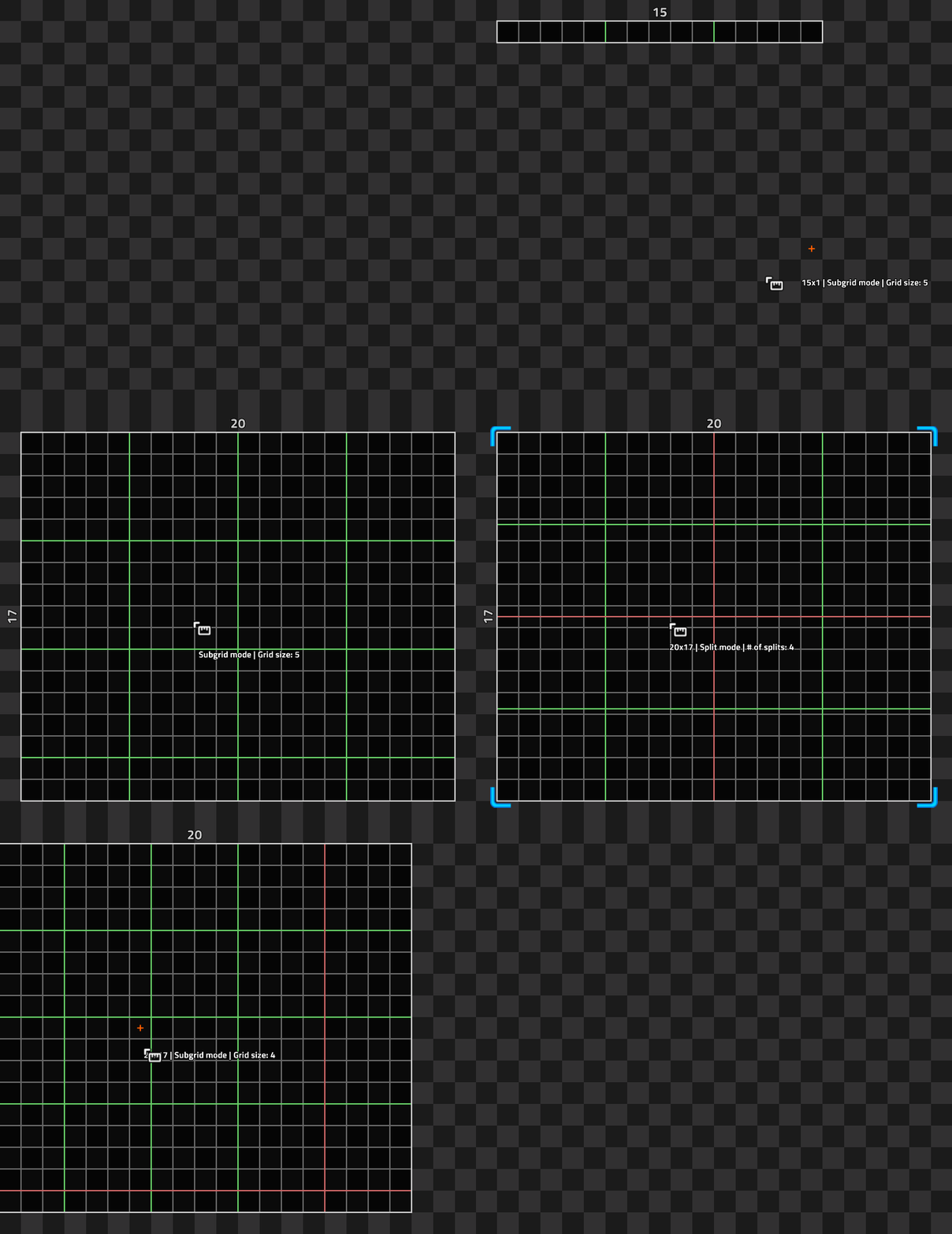
Draw temporary measurements or measurements that persist and can be edited, adjusted, or deleted.
Use Ctrl+Mousewheel to change between subgrid and split modes, and Alt+Mousewheel to change the subgrid size or number of splits.
Hold Shift while drawing a tape to draw in two dimensions and hold Shift while releasing the mouse to make a persistent tape.
Right-click a persistent tape to edit its position and line settings.
Ratings & reviews
No ratings yet
Sign in to leave a rating or comment.