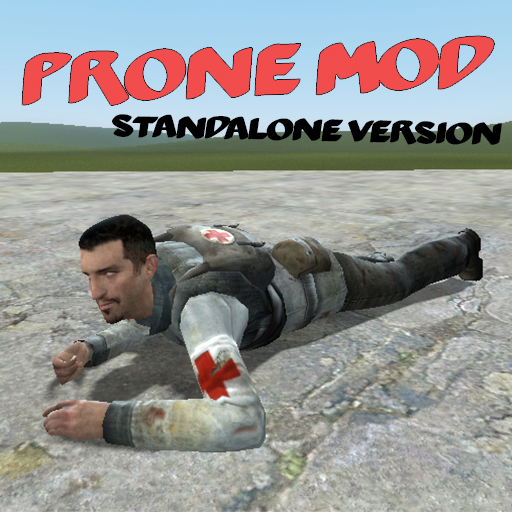
About The Prone Mod
From Steam WorkshopGive those tired legs a break and go prone! Note: This addon may cause some NPCs to glitch into prone animations at random times. Currently this issue is known but will not be addressed until a proper solution is found. How do I install this? Make sure you
The Prone Mod on Nxeon
From our catalogue- One-click install
- Supported on Nxeon Garry's Mod servers. We download it from Steam Workshop, place it, and restart the server.
- Server load
- light
- Smallest plan we suggest
- Garry's Mod — 2 GB (2 GB RAM). This follows our own load rating above, not a benchmark.
Run The Prone Mod on a Garry's Mod server
Pick a server or deploy a new one above; it is installed in one click.
What kind of mod it is
From the catalogListed on Steam Workshop as “Workshop”
Creatures & NPCs
Adds or changes creatures, NPCs and how they behave.
Compatibility
- Game
- Garry's Mod
Verified at the source
- ✓Steam WorkshopOfficial listing, checked 2026-09-24Open ↗
- ✓AuthorDetective Sour Pants, as published on Steam Workshop
- ✓LicenseNot published by the sourceFree