Back to NxLabs By shinya
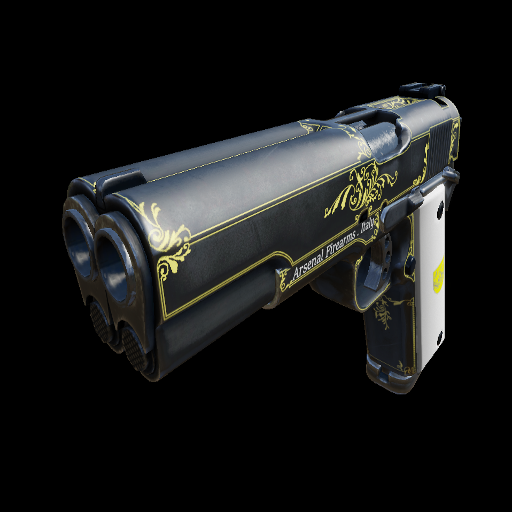
AF2011 Second Century Custom
By shinyaHow to Install: 1.Subscribe 2. Find Downloaded .upk file (u'll find "C:\Program Files (x86)\Steam\steamapps\workshop\content\1365638727 usually) 3.Copy .upk file and paste C:\Program Files (x86)\Steam\steamapps\common\killingfloor2\KFGame\BrewedPC\Packages
Ratings & reviews
No ratings yet
Sign in to leave a rating or comment.