About Cube
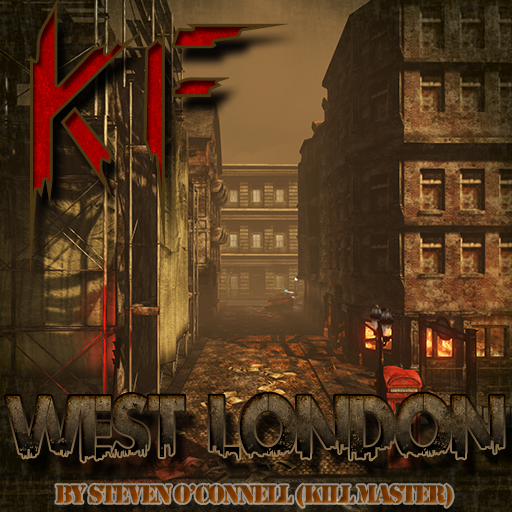
From Steam WorkshopThis map have geometry like Killing Floor 1 map (by Cocaine) Here is 3 traders, and map is too big, if u want to buy something, let move faster! I was used few my own models (3D text) and this is first playable version of map. Please report any bugs ;) UPD
Cube on Nxeon
From our catalogue- One-click install
- Supported on Nxeon Killing Floor 2 servers. We download it from Steam Workshop, place it, and restart the server.
- Server load
- light
- Smallest plan we suggest
- Killing Floor 2 — 1.5 GB (2 GB RAM). This follows our own load rating above, not a benchmark.
Run Cube on a Killing Floor 2 server
Pick a server or deploy a new one above; it is installed in one click.
What kind of mod it is
From the catalogListed on Steam Workshop as “Workshop”
Economy & shops
Currencies, shops, trading and rewards.
Compatibility
- Game
- Killing Floor 2
Verified at the source
- ✓Steam WorkshopOfficial listing, checked 2026-09-24Open ↗
- ✓AuthorUltraKill, as published on Steam Workshop
- ✓LicenseNot published by the sourceFree