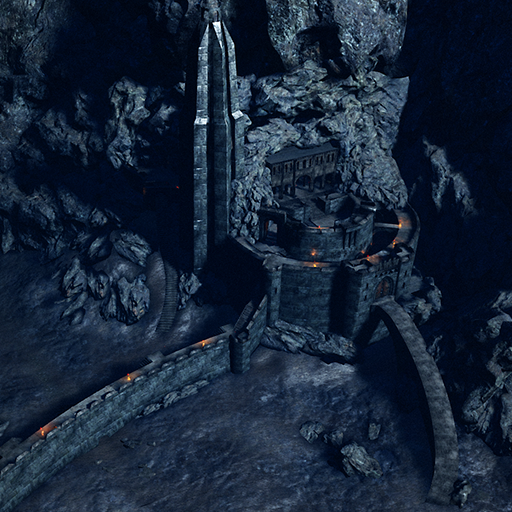
About KF-DYNASTY
From Steam WorkshopUpdate:16/10/2024 fixed a dynamic volume through matinee which was preventing multiple players online from teleporting next section after the gong was activated, which did not effect solo players, fixed flex on stand your ground volumes, reduced teleport v
KF-DYNASTY on Nxeon
From our catalogue- One-click install
- Supported on Nxeon Killing Floor 2 servers. We download it from Steam Workshop, place it, and restart the server.
- Server load
- light
- Smallest plan we suggest
- Killing Floor 2 — 1.5 GB (2 GB RAM). This follows our own load rating above, not a benchmark.
Run KF-DYNASTY on a Killing Floor 2 server
Pick a server or deploy a new one above; it is installed in one click.
What kind of mod it is
From the catalogListed on Steam Workshop as “Workshop”
Maps & scenarios
Custom maps, arenas and scenarios to play on.
Compatibility
- Game
- Killing Floor 2
Verified at the source
- ✓Steam WorkshopOfficial listing, checked 2026-09-24Open ↗
- ✓AuthorFrostbite*, as published on Steam Workshop
- ✓LicenseNot published by the sourceFree