








About Armor Quick Swap
From ModrinthInstant armor swapping from your inventory or armor stands. Works anywhere, client or server.

<img src="https://img.shields.io/static/v1?label=&message=Discord&color=ECEBE6&labelColor=2F4858&style=for-the-badge&logo=discord&logoColor=white" width="117" height="28" /> <img src="https://img.shields.io/static/v1?label=&message=Twitter&color=ECEBE6&labelColor=2F4858&style=for-the-badge&logo=x&logoColor=white" width="116" height="28" /> <img src="https://img.shields.io/static/v1?label=&message=YouTube&color=ECEBE6&labelColor=2F4858&style=for-the-badge&logo=youtube&logoColor=white" width="118" height="28" /> <img src="https://img.shields.io/static/v1?label=&message=GitHub&color=ECEBE6&labelColor=2F4858&style=for-the-badge&logo=github&logoColor=white" width="108" height="28" /> <img src="https://img.shields.io/static/v1?label=&message=CurseForge&color=ECEBE6&labelColor=2F4858&style=for-the-badge&logo=curseforge&logoColor=white" width="143" height="28" /> <img src="https://img.shields.io/static/v1?label=&message=Modrinth&color=ECEBE6&labelColor=2F4858&style=for-the-badge&logo=modrinth&logoColor=white" width="129" height="28" />

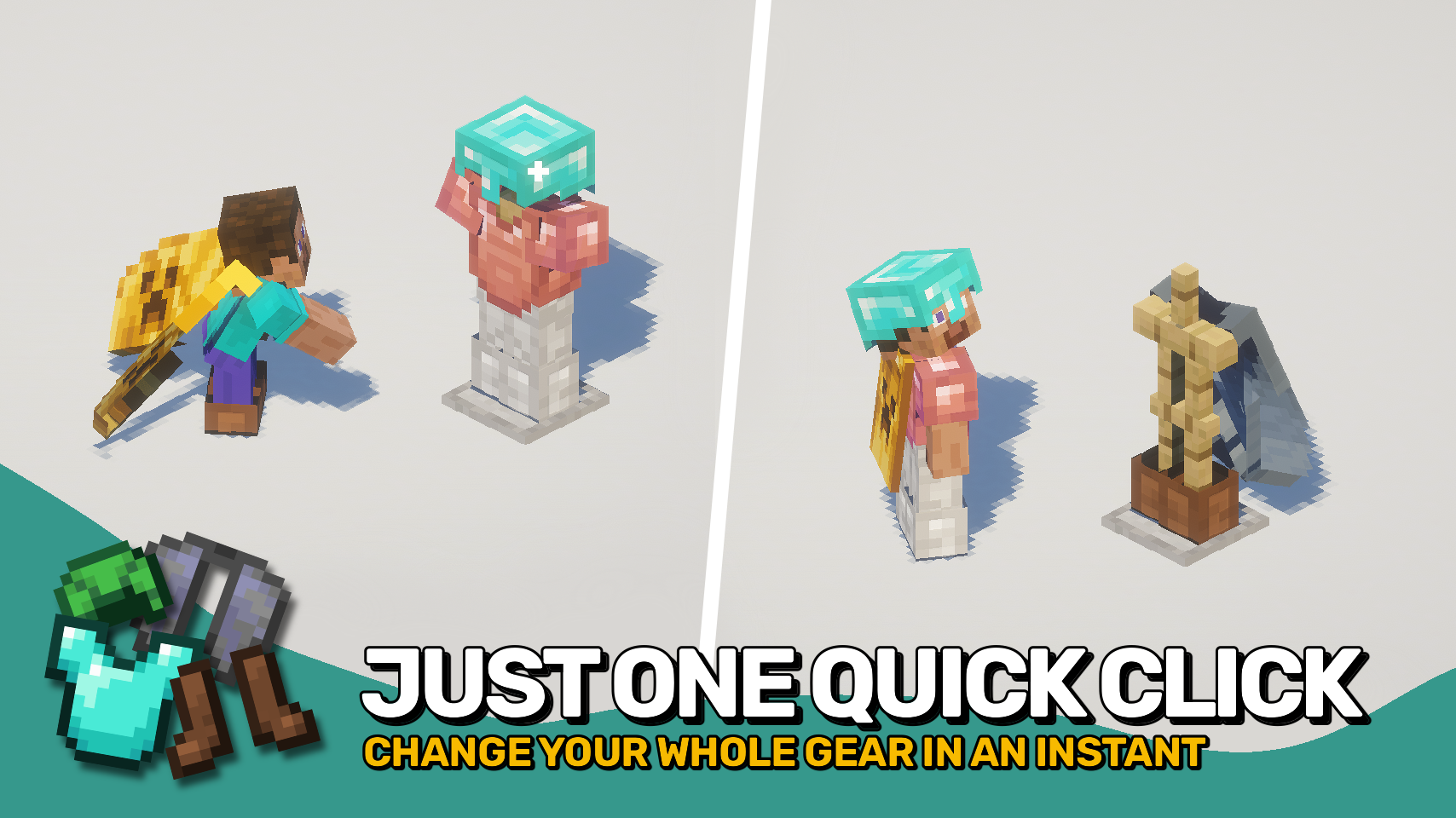
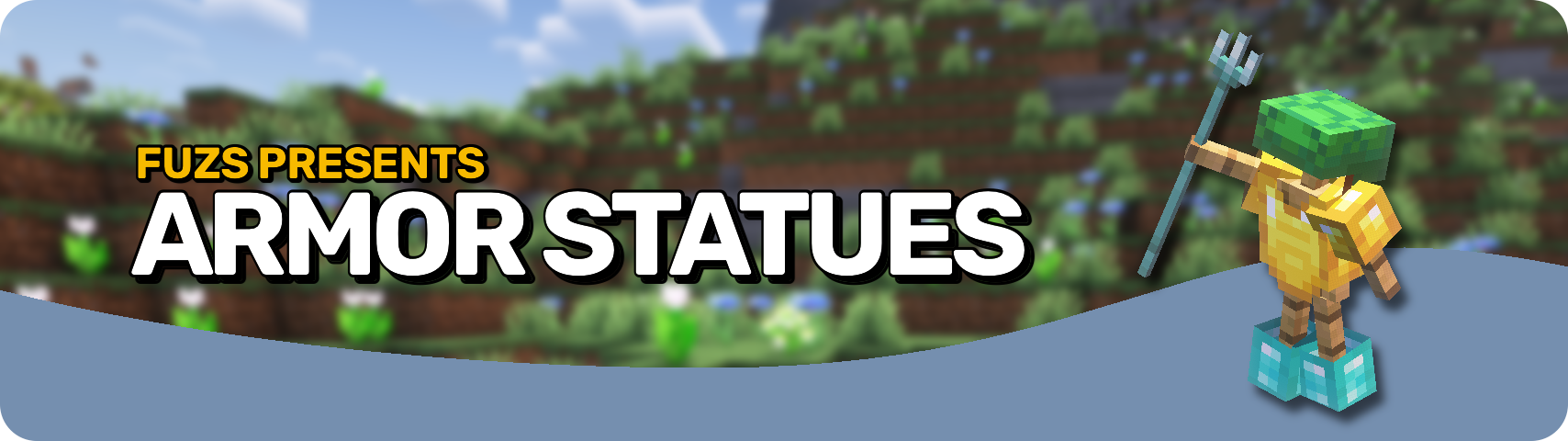
Armor Quick Swap makes changing gear effortless. In your inventory, simply right-click an armor piece to instantly equip or exchange it with what you’re wearing. You can also sneak and right-click an armor stand to swap your entire outfit in one go. It couldn’t be simpler — just quick gear changes whenever you need them.
The best part? It works on any setup — client-only, server-only, or both together — for full compatibility everywhere.


⏩ INSTALLATION OPTIONAL ON CLIENT & OPTIONAL ON SERVER
⏩ REQUIRES PUZZLES LIB TO BE INSTALLED (FABRIC & NEOFORGE)
⏩ REQUIRES FABRIC API TO BE INSTALLED (FABRIC)
⏩ REQUIRES FORGE CONFIG API PORT TO BE INSTALLED (FABRIC)

If available for a mod, configuration is possible directly from in-game using the mod menu (requires Mod Menu by Prospector to be installed on Fabric).
For manual configuration using an external text editor all files are found at .minecraft/config, named as MOD_ID-client.toml, MOD_ID-common.toml, or MOD_ID-server.toml, depending on the type of config. Not all types might exist for a mod, if any at all.
 </td> <td>  </td> <td>
 </td> </tr> <tr> <td> </td> <td> </td> <td> </td> </tr> <tr> <td>
 </td> <td>  </td> <td>
 </td> </tr> <tr> <td> </td> <td> </td> <td> </td> </tr> <tr>
Highlights
From source dataGame versions
Supports 13 Minecraft versions, the newest being 26.3.
Loaders
Runs on Fabric, Forge and NeoForge.
Footprint
Rated a light load on a server.
What kind of mod it is
From the catalogWeapons, items & crafting
New weapons, gear, items and the recipes to make them.
Works on a server
From source side supportModrinth lists server-side support for Armor Quick Swap as optional: it can run on a server, but isn’t required there.
Compatibility
- Game
- Minecraft
- Loaders
- FabricForgeNeoForge
- Runs on
- Serveroptional on the server
- Game versions
- 26.3 and 12 earlier
Verified at the source
- ✓ModrinthOfficial listing, checked 2026-10-01Open ↗
- ✓AuthorFuzs, as published on Modrinth
- ✓LicenseMPL-2.0Free








