







About CreatureChat™
From ModrinthThe Minecraft mod that allows entities to respond naturally using AI!
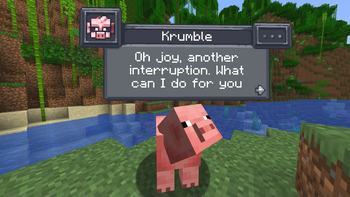
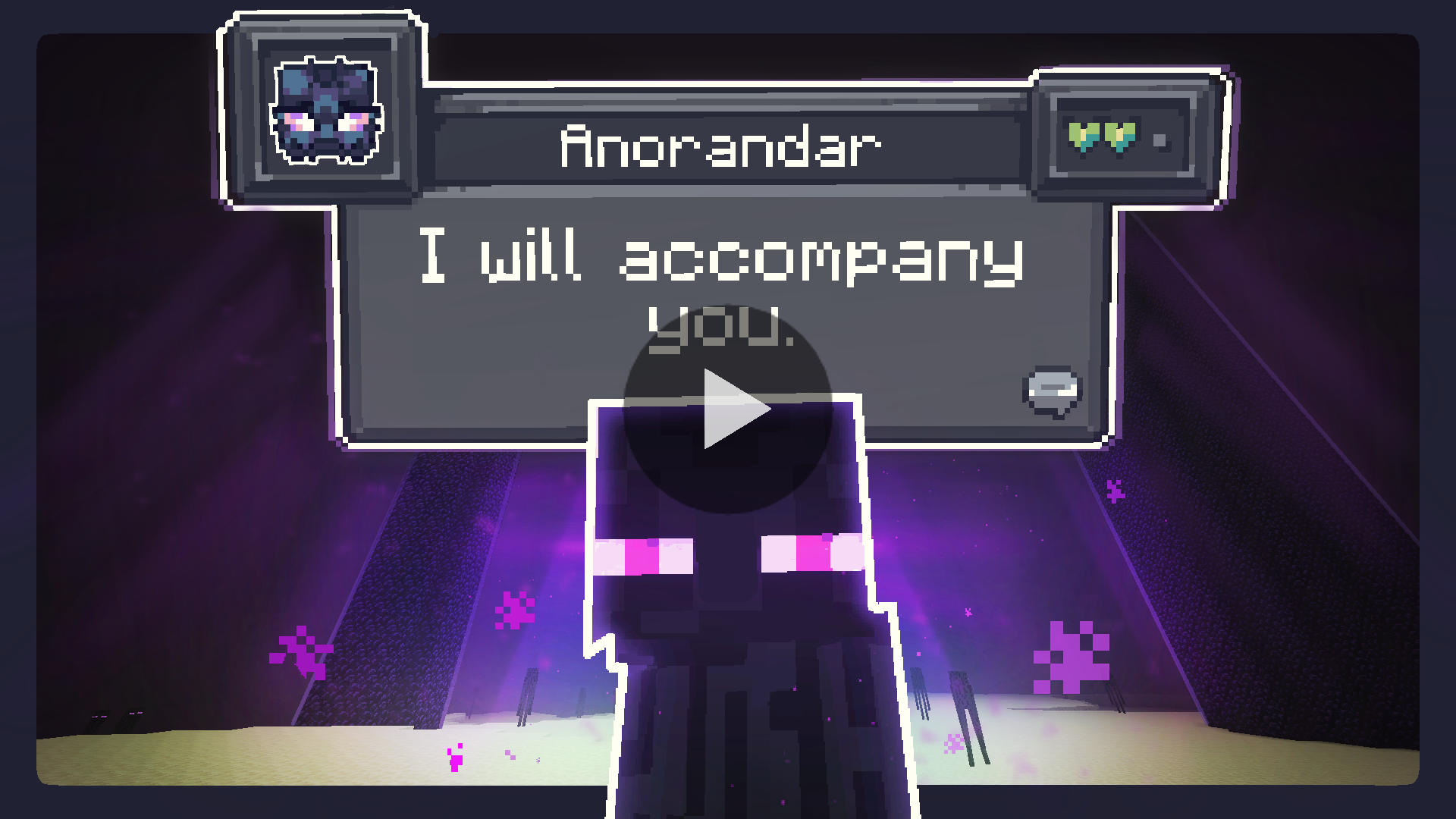
Chat with any mob in Minecraft! All creatures can talk & react using AI!

Features
- AI-Driven Chats: Using ChatGPT or open-source AI models, each conversation is unique and engaging!
- Behaviors: Creatures can make decisions on their own and Follow, Flee, Attack, Protect, and more!
- Reactions: Creatures automatically react to being damaged or receiving items from players.
- Friendship: Track your relationships from friends to foes.
- Multi-Player: Share the experience; conversations sync across server & players.
- Memory: Creatures remember your past interactions, making each chat more personal.
Create meaningful conversations and enduring friendships? A betrayal perhaps?
Installation Instructions
Fabric (Recommended)
Fabric Instructions
- Install Fabric Loader & API: Follow the instructions here.
- Install CreatureChat™ Mod: Download and copy
creaturechat-.jarandfabric-api-.jarinto your.minecraft/modsfolder. - Launch Minecraft with the Fabric profile.
- Configure AI: A LLM (large language model) is required for generating text (AI options below)
Forge (with Sinytra Connector)
Forge Instructions
NOTE: Sintra Connector only supports Minecraft 1.20.1
- Install Forge: Download Forge Installer, run it, select "Install client".
- Install Forgified Fabric API: Download Forgified Fabric API and copy the
.jarinto your.minecraft/modsfolder. - Install Sinytra Connector: Download Sinytra Connector and copy the
.jarinto your.minecraft/modsfolder. - Install CreatureChat™ Mod: Download and copy
creaturechat-*.jarinto your.minecraft/modsfolder. - Launch Minecraft with the Forge profile.
- Configure AI: A LLM (large language model) is required for generating text (AI options below)
Highlights
From source dataGame versions
Supports 15 Minecraft versions, the newest being 1.21.7.
Loaders
Runs on Fabric, Forge and NeoForge.
Footprint
Rated a light load on a server.
What kind of mod it is
From the catalogListed on Modrinth as “Mods”
Gameplay & overhauls
New mechanics, content and overhauls that change how the game plays.
Runs on your server
From source side supportModrinth lists CreatureChat™ as required on the server. Check its Modrinth page to see whether players need it too.
Compatibility
- Game
- Minecraft
- Loaders
- FabricForgeNeoForge
- Runs on
- Serverrequired on the server
- Game versions
- 1.21.7 and 14 earlier
Verified at the source
- ✓ModrinthOfficial listing, checked 2026-10-01Open ↗
- ✓AuthorCreatureChat, as published on Modrinth
- ✓LicenseCC-BY-NC-SA-4.0Free








