







About Dynamic Lights
From ModrinthAn OPTIMIZED cross-platform fully server-side datapack/mod that brings dynamic lights to your world!

Dynamic Lights By CreepermeYT
An OPTIMIZED cross-platform fully server-side datapack/mod that brings dynamic lights to your world!
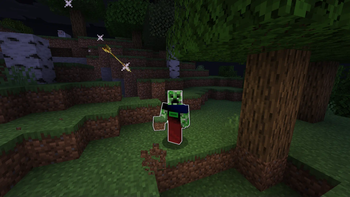
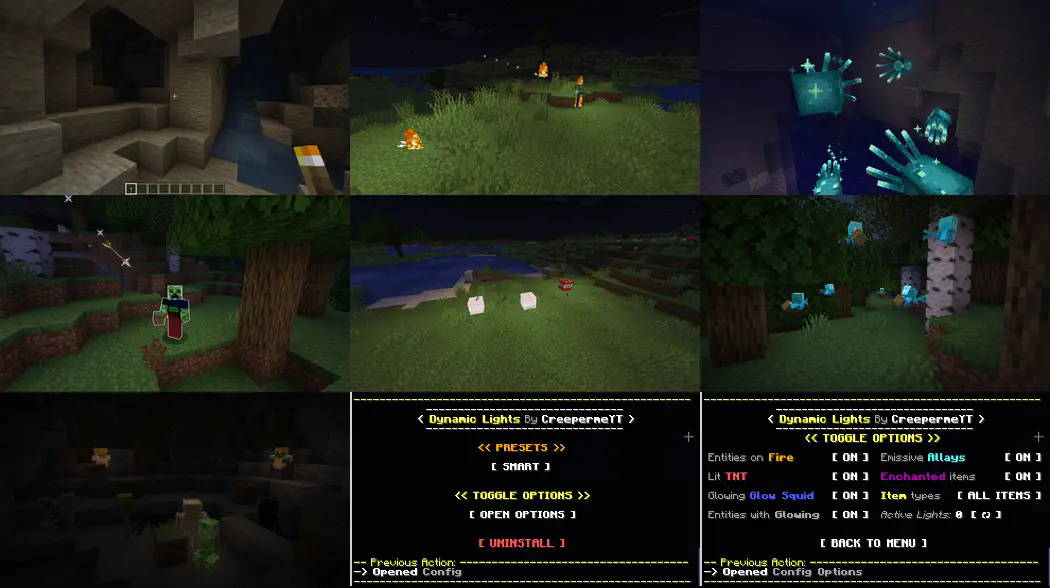
Glowing Features
- All Items
- Entities on Fire
- Lit TNT
- Glow Squids
- Entities with Glowing effect
- All Allays
- Enchanted Items & Armor
Server-side Advantages
This native datapack (packaged as a mod by modrinth) is _fully_ server-side which brings the following advantages:
- Install it once, works for everyone on the server!
- Cross-platform, Java & Bedrock are supported as long as it is installed on a java server!
- Specifically optimized for servers, with minimal impact on performance!
(Up to 50% faster than similar datapacks)
Warning: This datapack/mod will not work in multiplayer unless it is installed server-side.
Config Menu
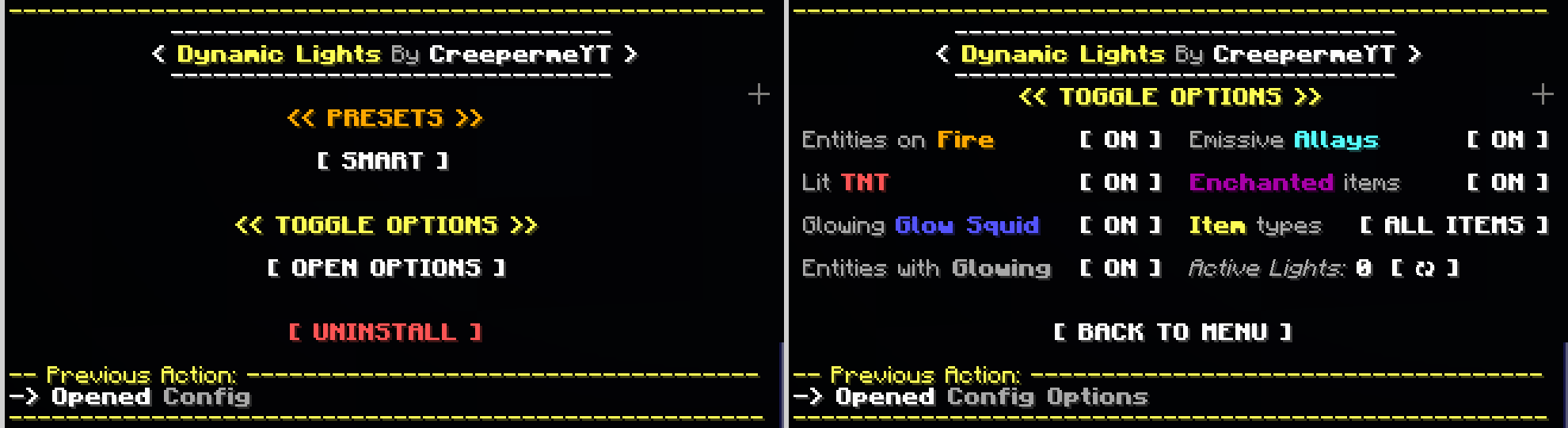
There is a built-in chat config menu. You can open it by running the following command: (you need to be OP)
/function #dynamic_lights_by_creepermeyt:configIn the menu, you can:
- Set any of the following PRESETS:
- 'FASTEST' Only torches have dynamic lights
- 'OPTIMIZED' All features enabled, optimized
- 'SMART' (Default & Recommended) All features enabled, fixes lighting bugs
- Open the Toggle Options Menu where you can:
- Toggle [ ON / OFF ] the glowing features individually
- See _how many_ Active Lights there are
- 'Uninstall' to disable all dynamic lights before you remove the datapack from the datapacks folder
Keep in mind
Five clarifications about this datapack:
- Enchanted Items & Armor will only glow if they are less than 24 blocks away from a player to prevent negative effects on mob farms.
- Lit TNT, Entities with Glowing Effect or on Fire, Glow Squids, and Allays will only glow if they are less than 48 blocks away from a player, for optimization purposes.
- Lit TNT will generate a maximum of 48 dynamic lights (even if there is more TNT), for optimization purposes.
- All items will glow as long as they are within 96 blocks away from a player
- All items should glow with the exception of non-important ones like those with light levels of 1 or 3.
All dynamic lights datapacks using 'light blocks' face these same limitations:
- The datapack/mod will not work in multiplayer unless it is installed server-side
- Light blocks / Dynamic lights cannot be placed inside no-collision blocks or flowing water.
- Light blocks / Dynamic lights might interfere with the normal flow of water or lava.
- Light blocks / Dynamic lights will clog piston movements and might break TNT dupers.
- Light blocks from map makers will get erased if a player with dynamic lights passes by.
- Dynamic lights will look blocky and not fluid in motion because of the nature of light blocks.
Customizability
(This part is intended for other datapack creators/developers)
The following feature was made to allow the open customizability of this datapack. Feel free to utilize it for your own projects under the MIT Licensing conditions.
This datapack has a _#dynamic_lights_by_creepermeyt:custom.compatibility_ function tag, which runs just in time before the dynamic lights algorithm processes lights for a given tick. Under the '/function/compatibility' folder, a _compatibility.mcfunction_ example file can be found with example commands to access the dynamic light algorithm in your own functions, which you can later add to the function tag. These example commands and function tag can be used at will to generate your own custom dynamic lights or add-ons using this datapack. You are able to set your own conditions, locations, light levels, and even add other datapack compatibility. Some examples showing how to do this are provided inside the _compatibility.mcfunction_ itself.
Highlights
From source dataGame versions
Supports 106 Minecraft versions, the newest being 26.3.
Loaders
Runs on Data pack, Fabric, Forge, NeoForge and Quilt.
Footprint
Rated a light load on a server.
What kind of mod it is
From the catalogPerformance
Makes the game or server run faster or lighter without changing how it plays.
Runs on your server
From source side supportModrinth lists Dynamic Lights as required on the server. Check its Modrinth page to see whether players need it too.
Compatibility
- Game
- Minecraft
- Loaders
- Data packFabricForgeNeoForgeQuilt
- Runs on
- Serverrequired on the server
- Game versions
- 26.3 and 105 earlier
Verified at the source
- ✓ModrinthOfficial listing, checked 2026-10-01Open ↗
- ✓AuthorCreepermeYT, as published on Modrinth
- ✓LicenseMITFree








