






About OK Health Indicators
From ModrinthHighly customizable Health Bars & Damage Numbers! Over 100 settings in total!
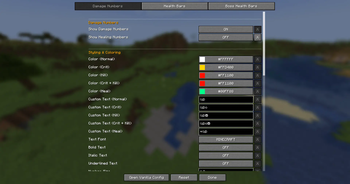
OK Health Indicators adds highly customizable Damage Numbers and Health Bars to the game, with over 100 different configurations.
This mod is needed on the CLIENT and the SERVER.
Damage Numbers
- Text Style: Bold, Italic, Underlined, Font, and Size.
- Text Color per Damage type (Normal, Critical, Death, Healing).
- Custom Text per Damage type.
- Shadow: Mode (Shadow, Outline, None), Color, Opacity.
- Decimal Digits: Toggle, Threshold, Show 0's.
- Other: Lifetime, Spawn Distance, Brightness.
- Spawn Distance: Spawn close to the player, or above the entity.
- Spawn Position: Offset, Random Offset.
- Spawn Animation: Toggle, Drift Offset, Random Drift Offset, Animation Scale.
- Combine Numbers: Damage done in a single tick (Multishot, Shotguns, etc) are shown as a single number.
<table> <tr> <td> 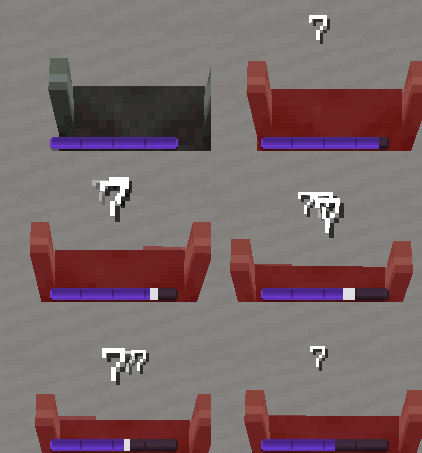
Default
</td> <td>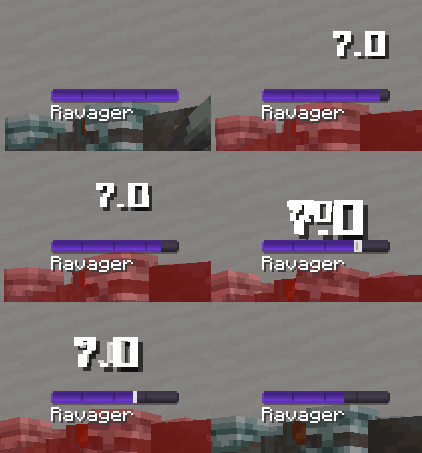
Square Font + Decimals
</td> <td>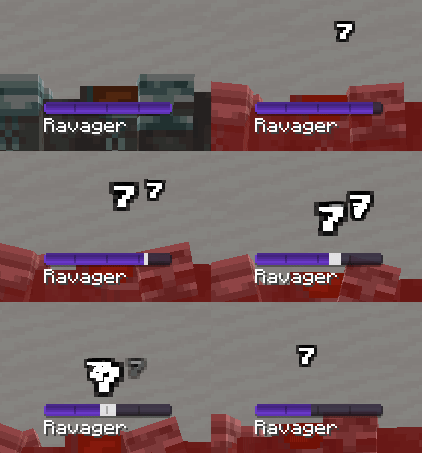
Small Font + Outline
</td> </tr> <tr> <td>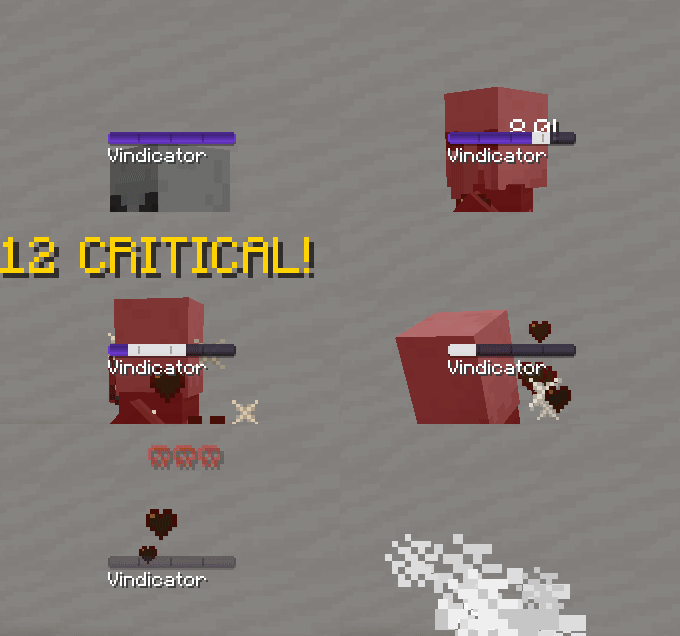
Custom Text
per Damage Type
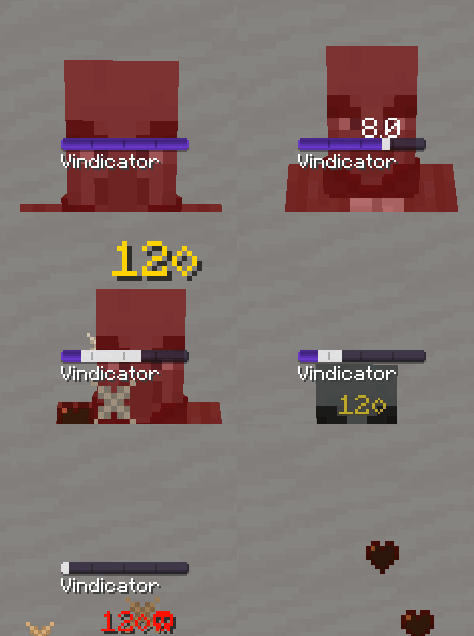
Custom Color
per Damage type
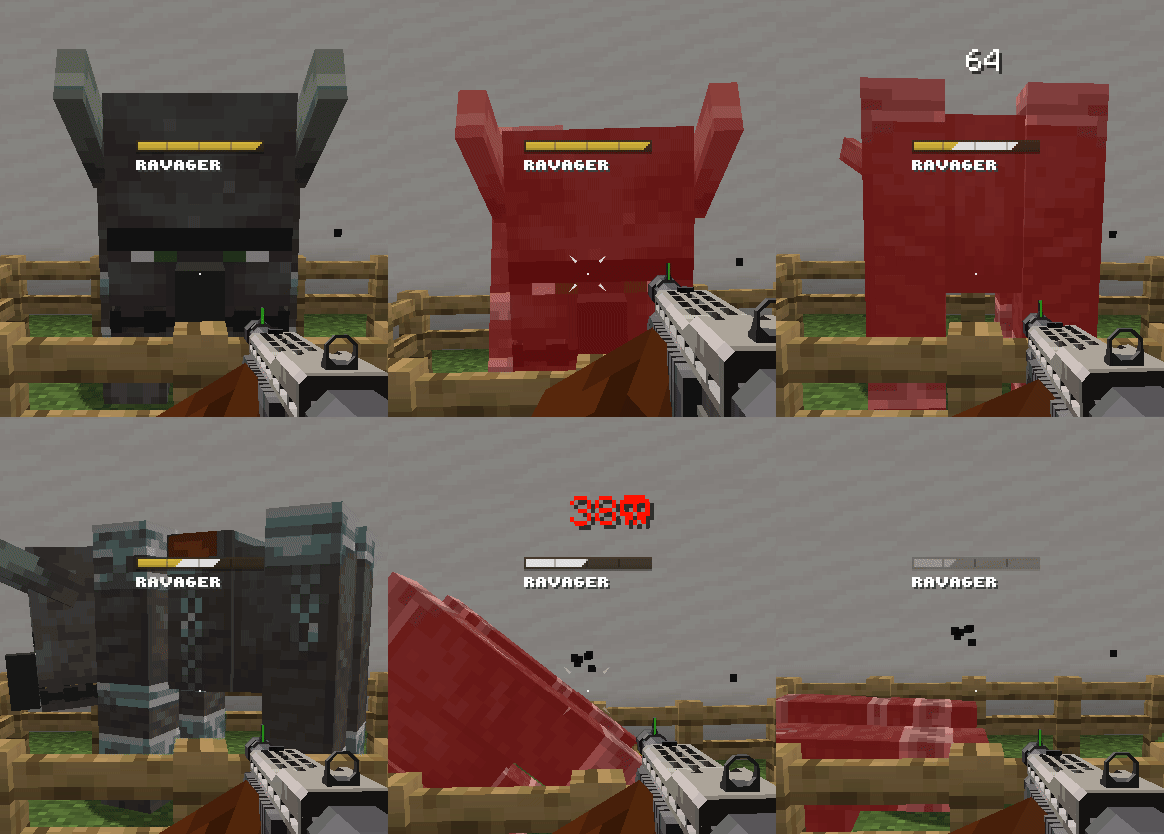
Combine Numbers
(Shotgun from TaCZ)
Health Bars & Boss Bars
- Animation Mode: Trail, Smooth, None.
- Bar Position: Vertical and Horizontal Offset.
- Bar Customization: Color, Opacity, and 15+ different styles.
- Bar Segments: Toggle, Count, Thickness, Height, Color, Opacity.
- Name and Health Text Style: Bold, Italic, Underlined, Font, Casing, and Position.
- Health Text Style: Min/Max, Percentage, Off.
- Other: Targeting Range, Show Armor Amount in Health.
- Boss Bars: Overrides vanilla's boss bars, can be disabled.
- Boss Bars Stacking: Vertical (Vanilla's), Side-by-Side, Off.
- Boss Detection: By Tag, By Custom Name, By Max Health, Whitelist, Blacklist.
<table> <tr> <td> 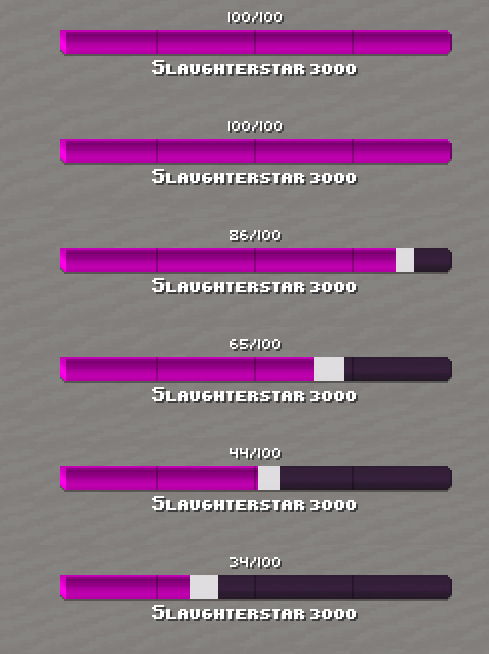
Trail
</td> <td>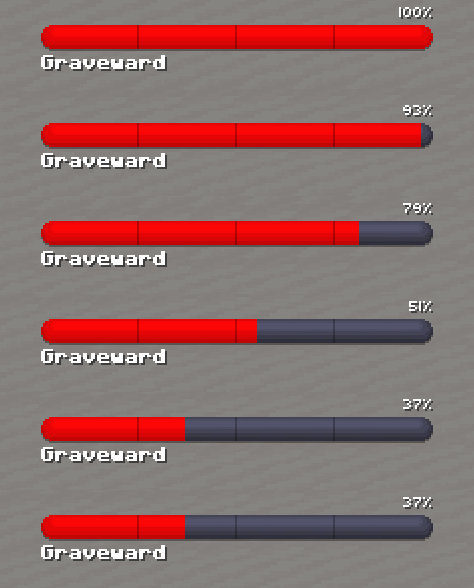
Smooth
</td> <td>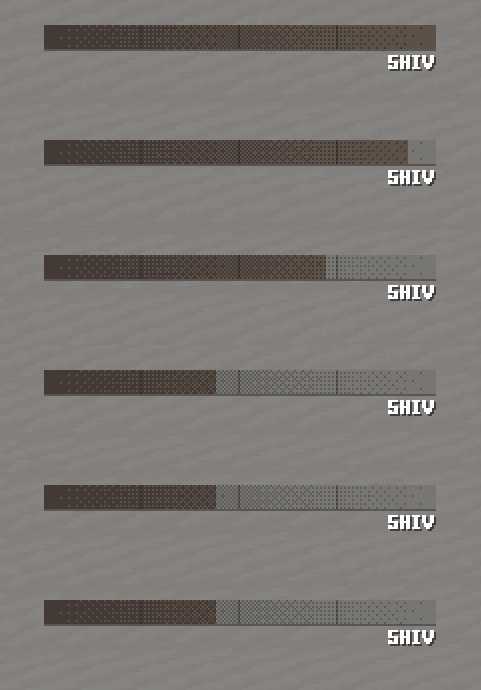
None
</td> </tr> <tr> <td>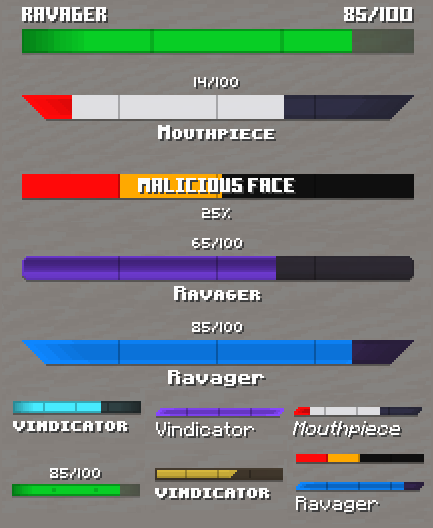
Customization Example
</td> <td colspan="2">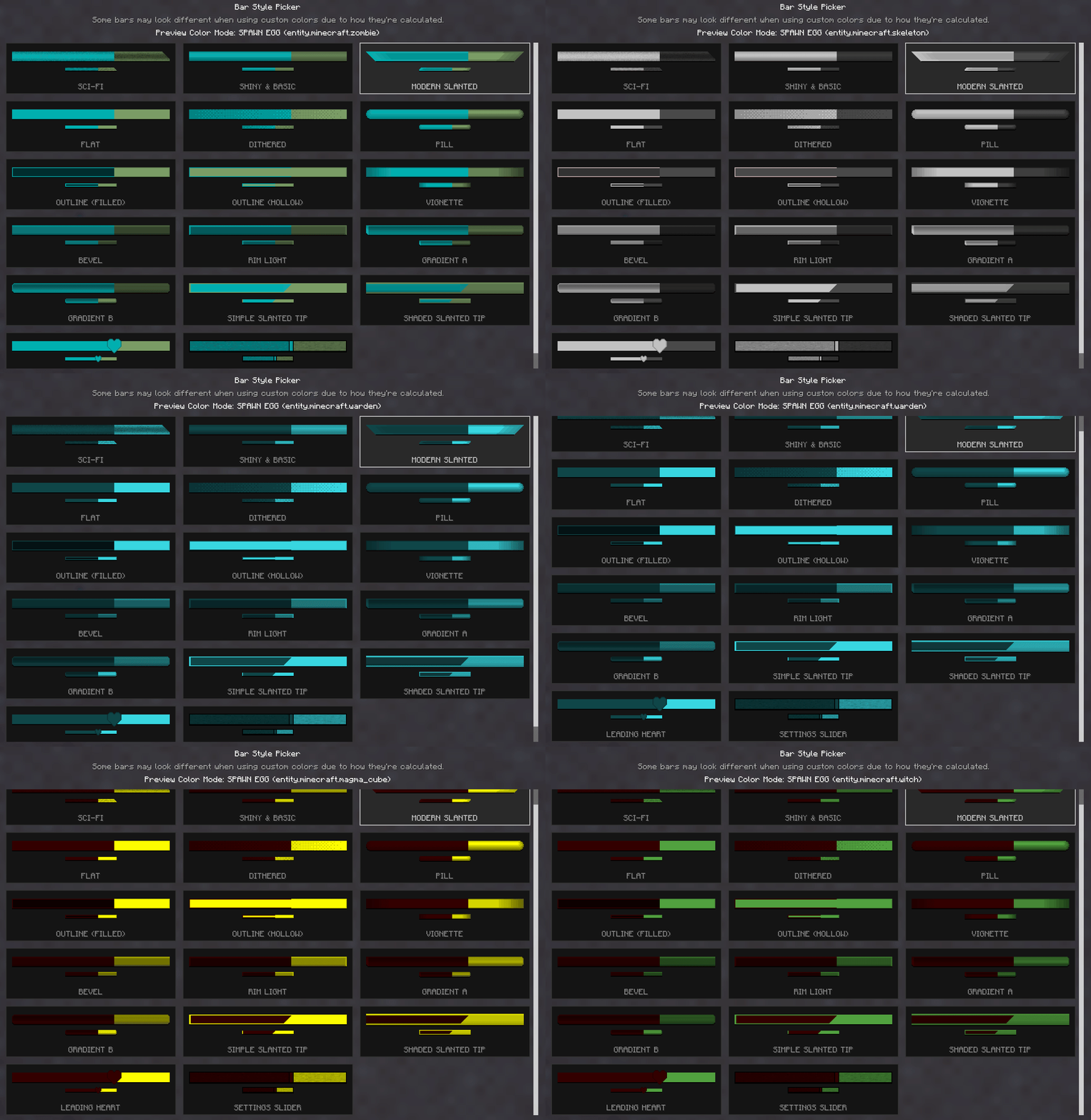
All Available Bar Styles
</td> </tr> </table>Highlights
From source dataGame versions
Supports 2 Minecraft versions, the newest being 1.21.1.
Loaders
Runs on NeoForge.
Footprint
Rated a light load on a server.
OK Health Indicators on Nxeon
From our catalogue- One-click install
- Supported on Nxeon Minecraft servers. We download it from Modrinth, place it, and restart the server.
- Server side
- Required on the server
- Server type needed
- NeoForge
- Server load
- light
- Smallest plan we suggest
- Minecraft — 1.5 GB (2 GB RAM). This follows our own load rating above, not a benchmark.
- Latest build
- 1.0.3, released 2026-08-07
Game versions by loader
| Loader | Game versions | Newest |
|---|---|---|
| NeoForge | 1.21 to 1.21.1 (2 versions) | 1.21.1 |
From 4 recorded builds of OK Health Indicators.
Recent builds
| Build | Released | Game versions | Loaders |
|---|---|---|---|
| 1.0.3 | 2026-08-07 | 1.21 to 1.21.1 (2 versions) | NeoForge |
| 1.0.2 | 2026-08-06 | 1.21 to 1.21.1 (2 versions) | NeoForge |
| 1.0.1 | 2026-08-05 | 1.21 to 1.21.1 (2 versions) | NeoForge |
| 1.0.0 | 2026-08-04 | 1.21 to 1.21.1 (2 versions) | NeoForge |
Run OK Health Indicators on a Minecraft server
Pick a server or deploy a new one above; it is installed in one click.
What kind of mod it is
From the catalogQuality of life & UI
Small conveniences, tweaks and interface improvements players notice straight away.
Runs on your server
From source side supportModrinth lists OK Health Indicators as required on the server. Check its Modrinth page to see whether players need it too.
Compatibility
- Game
- Minecraft
- Loaders
- NeoForge
- Runs on
- Serverrequired on the server
- Game versions
- 1.21.1 and 1 earlier
Verified at the source
- ✓ModrinthOfficial listing, checked 2026-10-17Open ↗
- ✓Authordarako, as published on Modrinth
- ✓LicenseLicenseRef-All-Rights-ReservedFree









