About AutoTorch
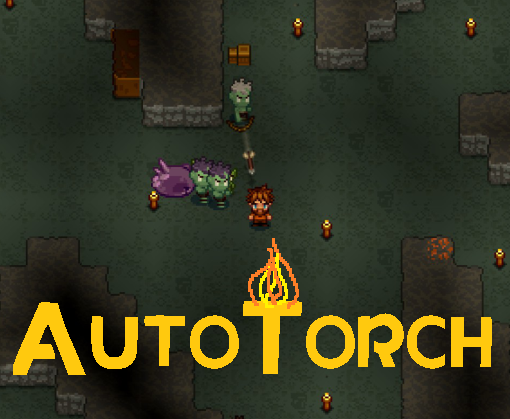
From Steam WorkshopAutoTorch allows your character to automatically place torches in the direction they are moving. Toggle On/Off with a customizable hotkey (default V). Your character will also automatically detect other nearby torches and only place them in empty areas to
AutoTorch on Nxeon
From our catalogue- One-click install
- Supported on Nxeon Necesse servers. We download it from Steam Workshop, place it, and restart the server.
- Server load
- light
- Smallest plan we suggest
- Necesse — 1 GB (1 GB RAM). This follows our own load rating above, not a benchmark.
Run AutoTorch on a Necesse server
Pick a server or deploy a new one above; it is installed in one click.
What kind of mod it is
From the catalogListed on Steam Workshop as “Workshop”
Quality of life & UI
Small conveniences, tweaks and interface improvements players notice straight away.
Compatibility
- Game
- Necesse
Verified at the source
- ✓Steam WorkshopOfficial listing, checked 2026-09-24Open ↗
- ✓AuthorAdam, as published on Steam Workshop
- ✓LicenseNot published by the sourceFree