About Scale Limits
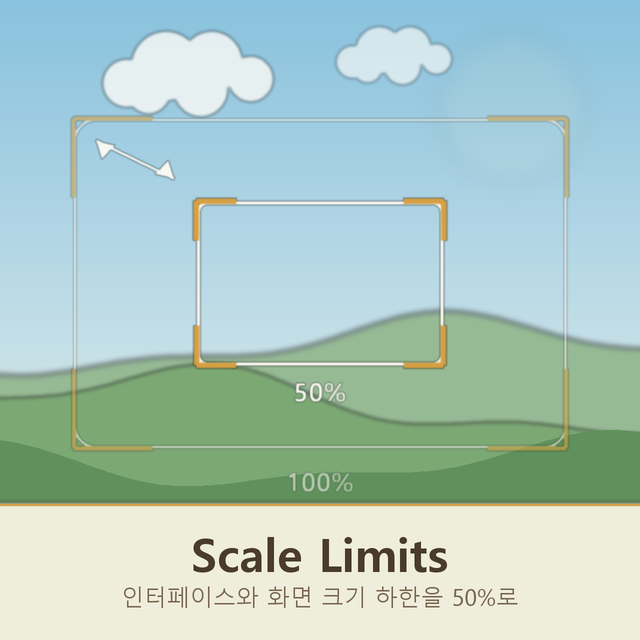
From Steam WorkshopLets the interface size and the zoom go down to 50 percent instead of stopping at 100. Nothing new to learn: both are the settings the game already has, in Settings > Interface. They simply offer smaller steps than before, and the choice now survives a res
Scale Limits on Nxeon
From our catalogue- One-click install
- Supported on Nxeon Necesse servers. We download it from Steam Workshop, place it, and restart the server.
- Server load
- light
- Smallest plan we suggest
- Necesse — 1 GB (1 GB RAM). This follows our own load rating above, not a benchmark.
Run Scale Limits on a Necesse server
Pick a server or deploy a new one above; it is installed in one click.
What kind of mod it is
From the catalogListed on Steam Workshop as “Workshop”
Quality of life & UI
Small conveniences, tweaks and interface improvements players notice straight away.
Compatibility
- Game
- Necesse
Verified at the source
- ✓Steam WorkshopOfficial listing, checked 2026-09-24Open ↗
- ✓AuthorUniRamen, as published on Steam Workshop
- ✓LicenseNot published by the sourceFree