About Zoom Out
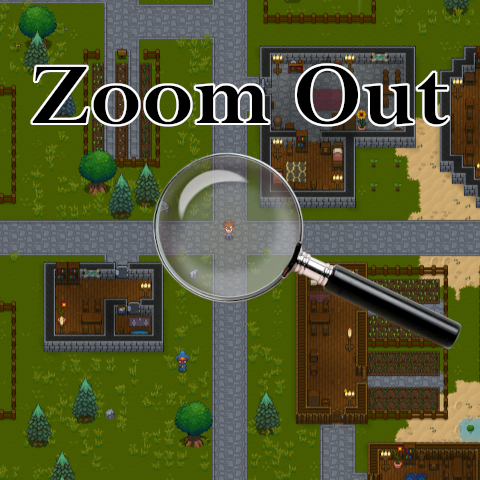
From Steam WorkshopUnlocks the game camera and allows you to 'zoom out' beyond the 100% limit (up to 25%). The default keys are HOME (zoom custom to 50%) and END (zoom reset to 100%). You can set custom values for these settings in the '.cfg' file. You can also change the de
Zoom Out on Nxeon
From our catalogue- One-click install
- Supported on Nxeon Necesse servers. We download it from Steam Workshop, place it, and restart the server.
- Server load
- light
- Smallest plan we suggest
- Necesse — 1 GB (1 GB RAM). This follows our own load rating above, not a benchmark.
Run Zoom Out on a Necesse server
Pick a server or deploy a new one above; it is installed in one click.
What kind of mod it is
From the catalogListed on Steam Workshop as “Workshop”
Workshop
Its source category doesn’t say more about what it does, so NxLabs lists it under Other.
Compatibility
- Game
- Necesse
Verified at the source
- ✓Steam WorkshopOfficial listing, checked 2026-09-24Open ↗
- ✓Author.dot., as published on Steam Workshop
- ✓LicenseNot published by the sourceFree