About Persistent Photo Mode
From ficsit.appKeep Photo Mode settings on after closing it
This mod lets you keep Photo Mode settings on after closing Photo Mode.
To keep the setting just close Photo Mode with SHIFT+P. Not pressing Shift will exit Photo Mode like normal.
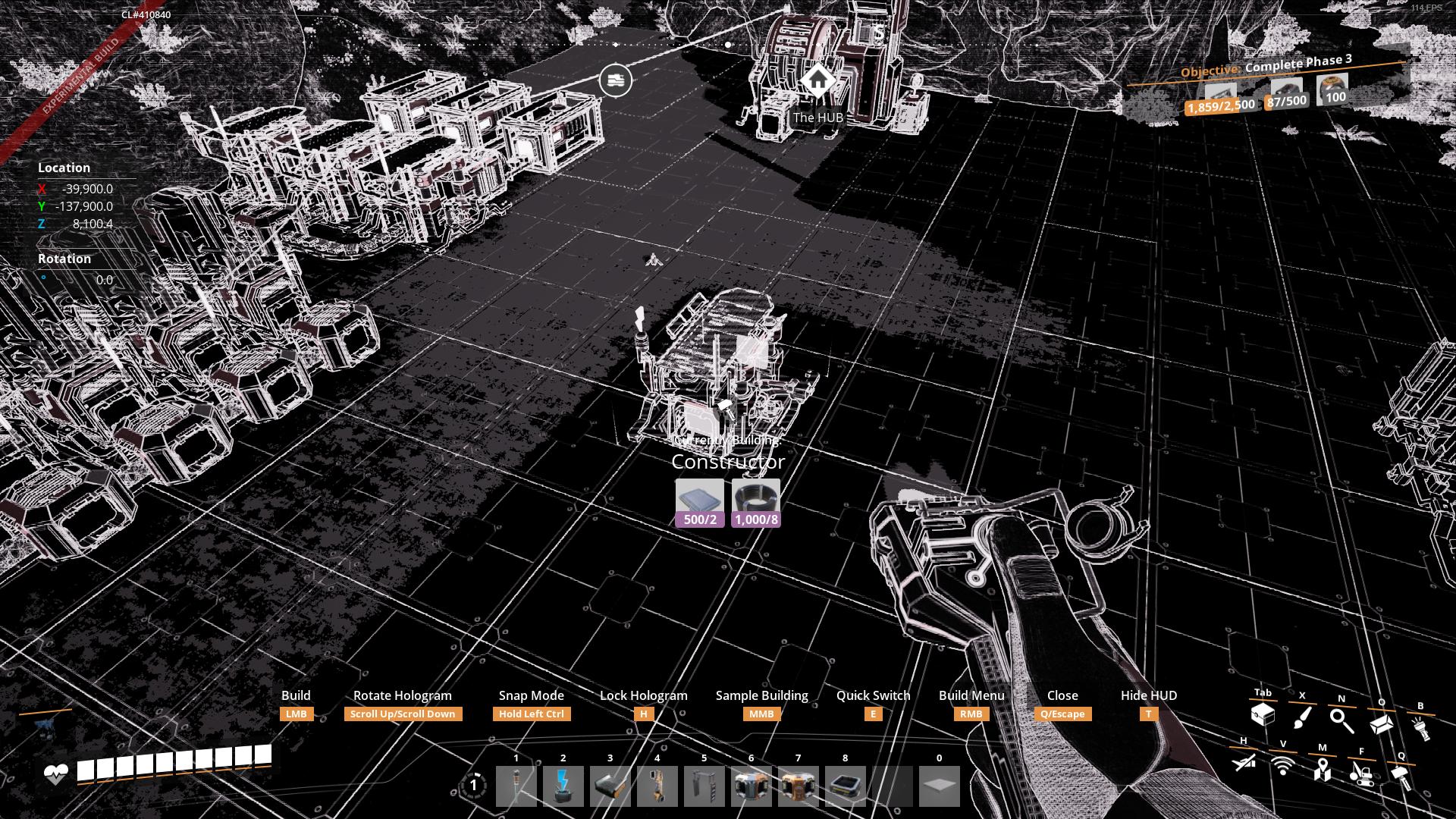
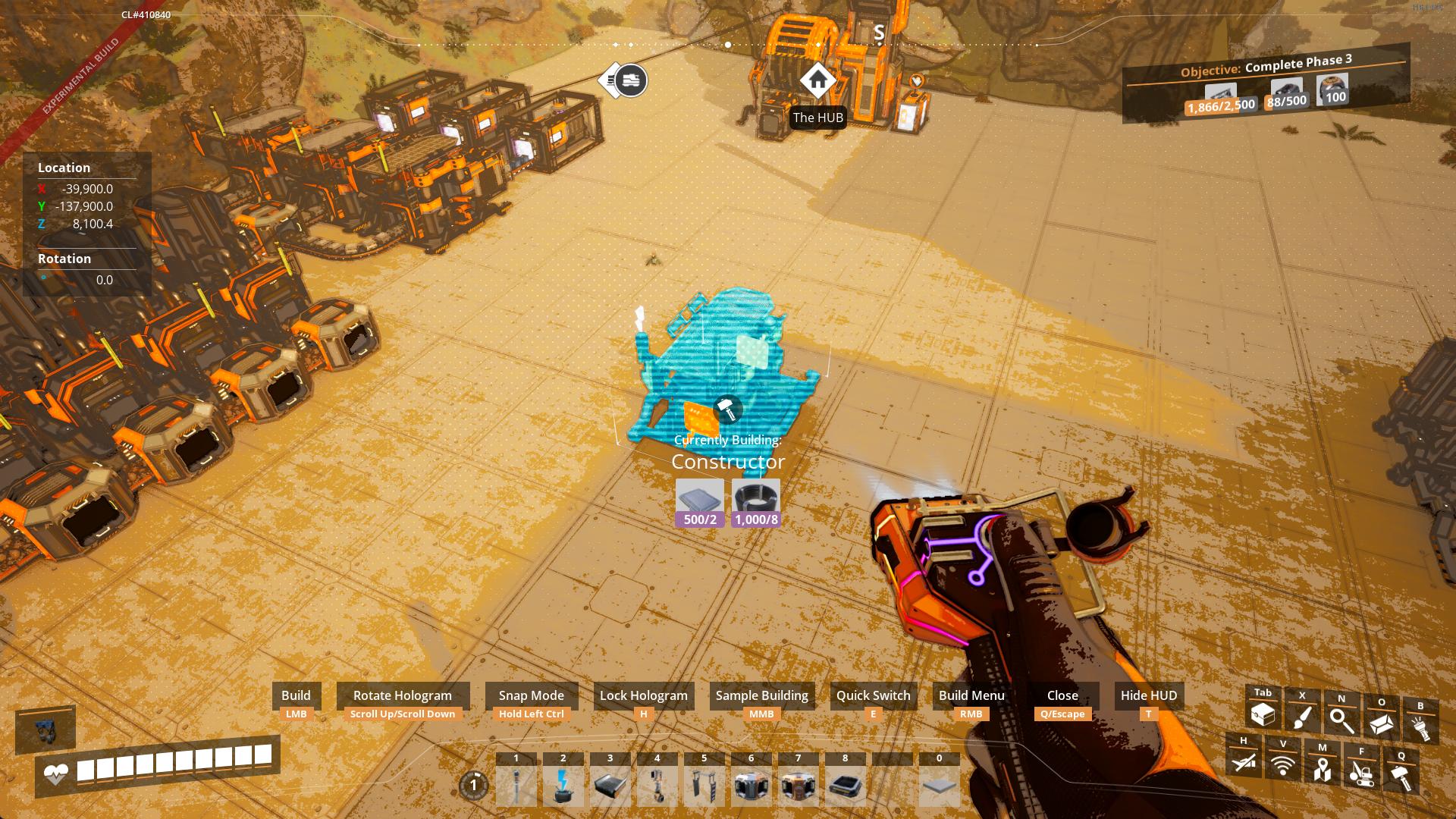
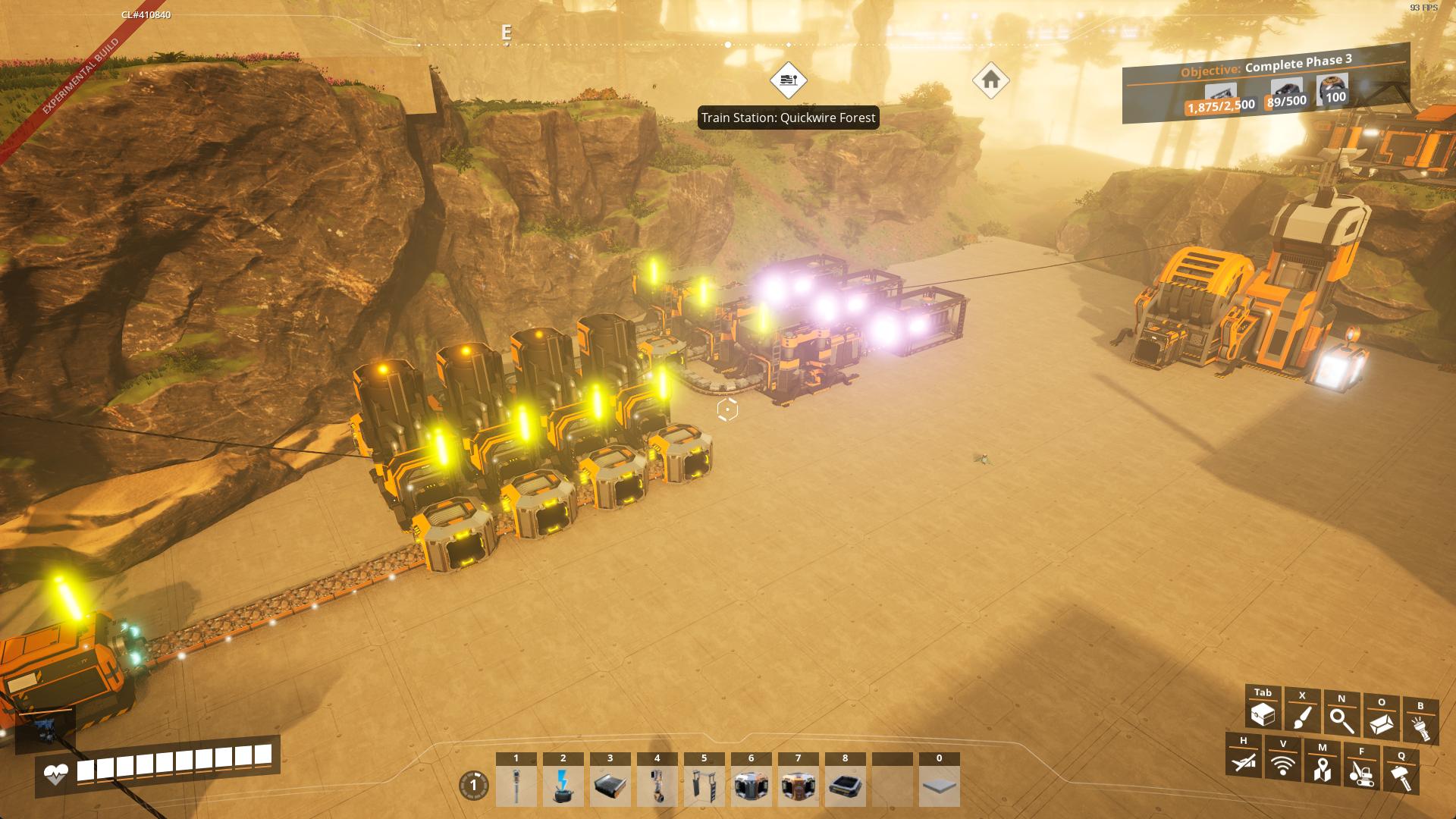
Turn on a cool filter and keep playing with it! Set Bloom to max and burn out your eyes looking at the sun!
You can't keep 3rd person mode on, though. Sorry.
Please report any issues on my Discord server
SirDigby's completely optional tip jar
 Indifferent Broccoli provides the server I use to test Dedicated Server mod support, and I highly recommend them. If you're looking to host your own Satisfactory server , try indifferent broccoli's 2-day free trial.
Highlights
From source dataGame versions
Built for Satisfactory >=491125.
Footprint
Rated a light load on a server.
Last update
Its author last shipped an update 6 mo ago.
Persistent Photo Mode on Nxeon
From our catalogue- One-click install
- Supported on Nxeon Satisfactory servers. We download it from ficsit.app, place it, and restart the server.
- Server side
- Required on the server
- Server load
- light
- Smallest plan we suggest
- Satisfactory — 8 GB (8 GB RAM). This follows our own load rating above, not a benchmark.
- Latest build
- 1.1.0, released 2026-06-06
Run Persistent Photo Mode on a Satisfactory server
Pick a server or deploy a new one above; it is installed in one click.
What kind of mod it is
From the catalogGameplay & overhauls
New mechanics, content and overhauls that change how the game plays.
Runs on your server
From source side supportficsit.app lists Persistent Photo Mode as required on the server. Check its ficsit.app page to see whether players need it too.
Compatibility
- Game
- Satisfactory
- Runs on
- Serverrequired on the server
- Game versions
- >=491125
Verified at the source
- ✓ficsit.appOfficial listing, checked 2026-10-22Open ↗
- ✓AuthorSirDigby, as published on ficsit.app
- ✓LicenseNot published by the sourceFree