






The Nxeon Blog
Guides for people who run their own servers.
Straight-talking tutorials and comparisons on VPS hosting, game servers, Linux and security. No fluff, just what actually works. 33 guides from the team that runs the servers.
Older guides
Newest firstHow to Set Up a Plutonium T4 (World at War) Private Server
A setup and FAQ guide to running a Plutonium T4 private dedicated server for World at War — ports, directory layout, your Server Key, and what Nxeon does (and doesn't) provide.

How to Set Up a RuneScape: Dragonwilds Dedicated Server
Dragonwilds got PC dedicated servers in its March 2026 update, with crossplay support arriving at 1.0 launch on September 15. Here's how to stand one up.
Block storage volumes explained: when and how to use them
Running low on disk? Instead of resizing your whole server, attach a block-storage volume. Here's what block storage is, when to use it, and how to mount one.
Free SSL certificates on your VPS with Let's Encrypt
HTTPS is free and automatic. Here's how to issue a Let's Encrypt certificate on your VPS, set up auto-renewal, and never see an expiry warning again.
Customizing your game server: configs, mods, and performance
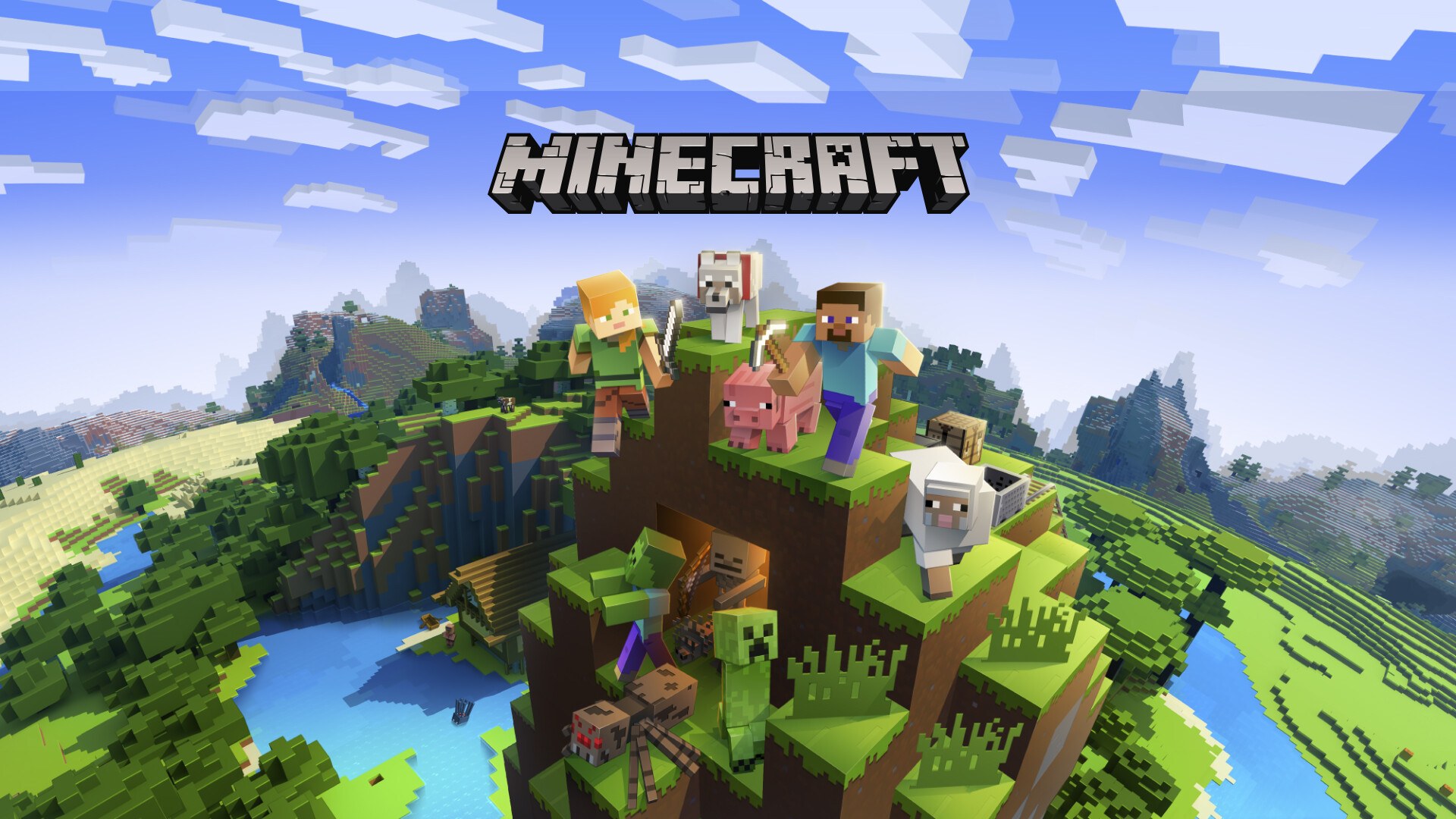
A deployed game server is just the start. Here's how to customize configs, add mods and plugins, tune performance and manage files on your Nxeon game server.
How to migrate to Nxeon for free
Switching hosts sounds painful — it isn't. A guided wizard copies your files, code and databases from your old VPS with live progress, for free. Here's the whole process.
Business email for a domain registered anywhere: a DNS setup guide
Your domain doesn't have to live with Nxeon to get professional email on it. Here's exactly which DNS records to add — MX, SPF, DKIM, DMARC — wherever it's registered.
The in-browser terminal: build straight from your server
No SSH client, no local setup — open a full terminal to your VPS right in the browser and build from any device, even a tablet. Here's what it unlocks.
Claude Code is pre-installed on every Nxeon VPS
Every Nxeon server ships with Claude Code ready in the terminal — an AI coding agent that builds, debugs and runs your project right on the box. Here's how to use it.
Vibe coding: build websites and apps with no code on a VPS
Describe what you want in plain English and let AI build it, run it, and put it online — all on a server you own. Here's how vibe coding on a VPS works.
MX records and email deliverability: SPF, DKIM and DMARC
Getting email to the inbox is about DNS, not luck. Here's how MX records route your mail and how SPF, DKIM and DMARC keep it out of the spam folder.
Diagnosing 'connection refused' errors
'Connection refused' is one of the most misread errors in networking. Here's what it actually means, how it differs from a timeout, and a step-by-step fix.
Deploy your first server in under a minute.
Creating an account is free and takes no card details. Every guide here runs on a Nxeon VPS or game server.