About Personify
From ThunderstoreIn-game NPC editor: design body, face, hair, clothing and tattoos live on the menu character, then export a ready-to-publish Personnel NPC pack.
Personify - In-Game NPC Editor for Schedule I
> 🛟 Need help or found a bug? Get support at support.doodesch.de/personify.
> Design custom NPCs live in-game - body, face, hair, clothing, tattoos - previewed on the menu > character, and export a ready-to-publish Personnel NPC pack. Runs as a Side Hustle gamemode, > right from the main menu.


What it does
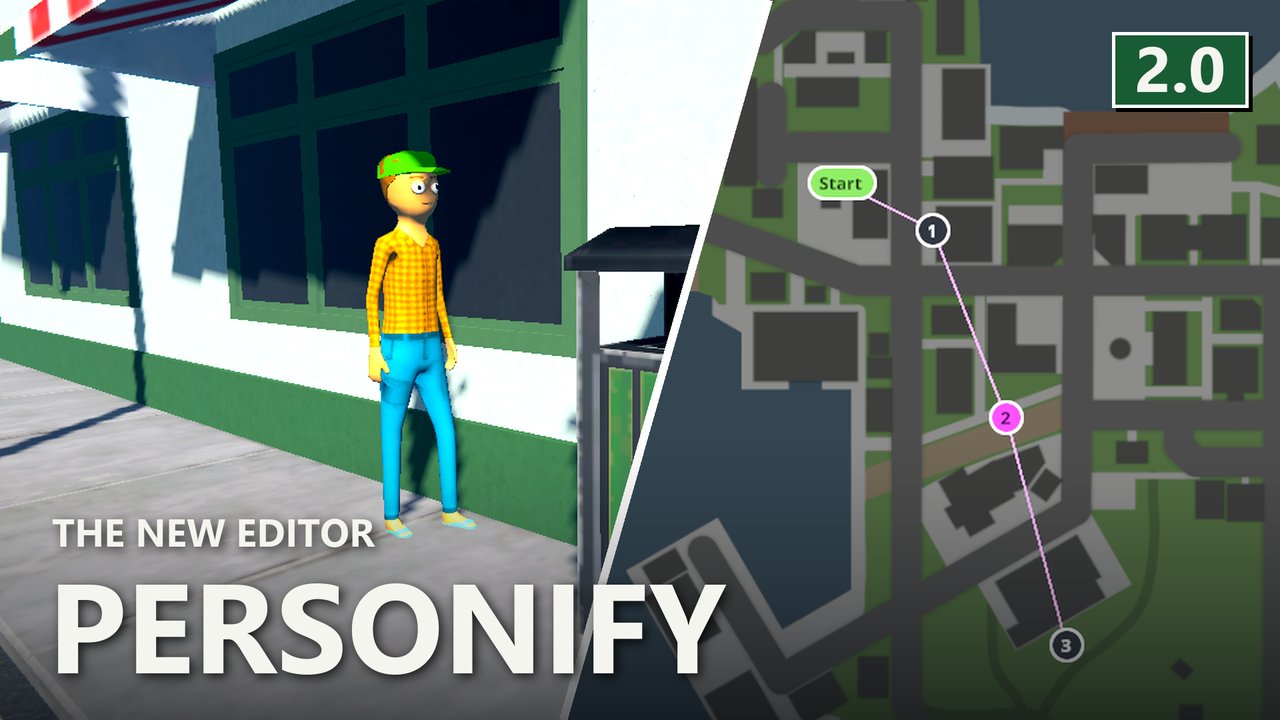
- Live preview on the menu character - rotate, zoom, compare against the base human.
- Character mode mirrors the vanilla character creator; Advanced mode opens the full avatar
surface: stacked layers, custom PNG imports, per-layer visibility and tint.
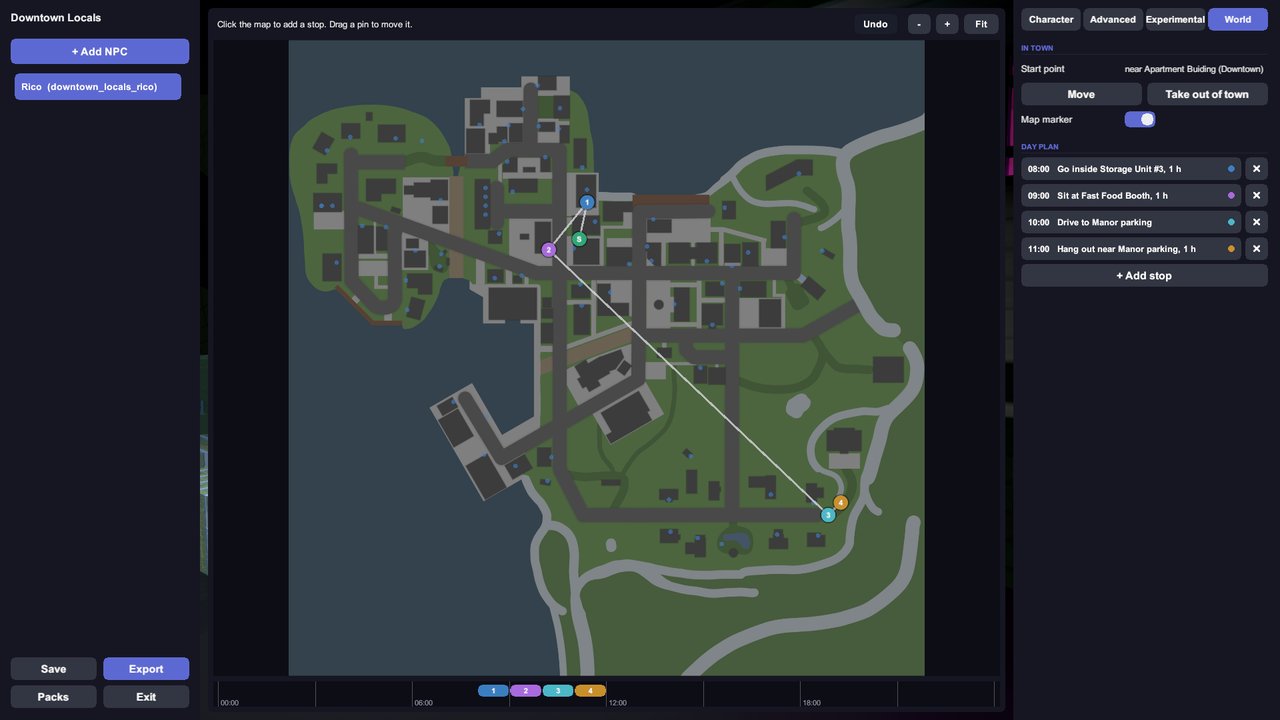
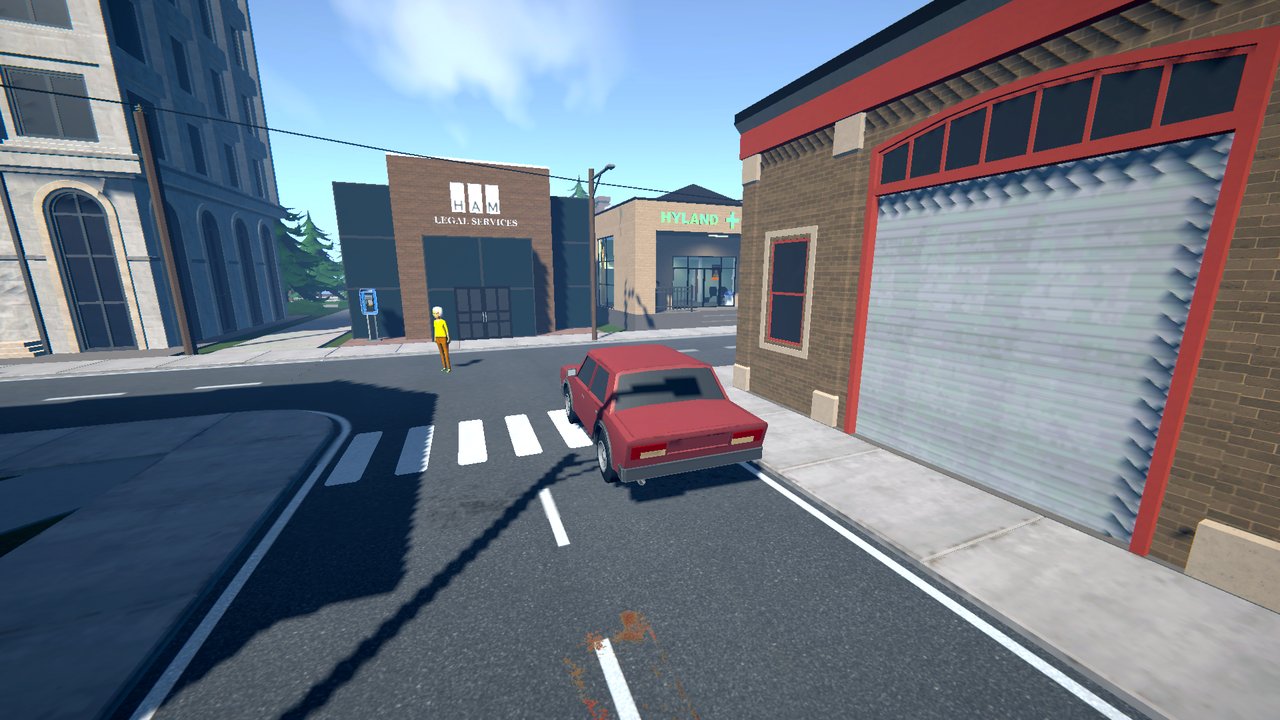
- World tab: click the town map to set the start point and plan the day. Drive stops bring
their own car, so exported NPCs drive with Personnel alone.
- Inkorporated tattoos: if Inkorporated is installed, its tattoo packs appear in the tattoo picker;
chosen art is copied into your pack so exports stay self-contained.
- One-click export to a complete Personnel pack, wrapped Thunderstore-ready (manifest, README,
LICENSE). Drop the pack into UserData/Personnel/Packs/ to test; upload the wrapper to publish.
Still a young mod: the main flows are verified in-game, but the breadth of combinations has not yet seen extended real-world testing - it will mature over the coming releases. Reports at support.doodesch.de/personify directly shape the next version.
Screenshots
Requirements
- Schedule I (IL2CPP) with MelonLoader 0.7.3+.
- S1API and Side Hustle (pulled in as dependencies).
- Optional: Personnel (to see your NPCs in the world) and Inkorporated (tattoo packs in the editor).
Usage
Main menu -> Side Hustle -> Personify. Create a project, add NPCs, design them, hit Export. The export lands in UserData/Personify/Exports/<name>/ and the folder opens automatically. Custom PNG layers go into UserData/Personify/Import/ first, then "+ Add custom layer" in Advanced mode.
Full guide on GitHub.
License
MIT. See the included LICENSE.md.
Highlights
From source dataLoaders
Runs on BepInEx.
Footprint
Rated a light load on a server.
Last update
Its author last shipped an update 37d ago.
Personify on Nxeon
From our catalogue- One-click install
- Not available. One-click install isn't available for this game's mods yet. Download it and upload it to your server in Files.
- Server type needed
- BepInEx
- Server load
- light
- Latest build
- 1.4.0, released 2026-10-15
Game versions by loader
| Loader | Game versions | Newest |
|---|---|---|
| BepInEx |
From 9 recorded builds of Personify.
Recent builds
| Build | Released | Game versions | Loaders |
|---|---|---|---|
| 1.4.0 | 2026-10-15 | n/a | BepInEx |
| 1.3.0 | 2026-08-13 | n/a | BepInEx |
| 1.2.2 | 2026-08-01 | n/a | BepInEx |
| 1.2.1 | 2026-07-27 | n/a | BepInEx |
| 1.2.0 | 2026-07-23 | n/a | BepInEx |
| 1.1.2 | 2026-07-11 | n/a | BepInEx |
Dependencies
- Required: MelonLoader
- Required: S1API Forked
- Required: SideHustle
Declared by the newest build that lists any. Required ones are installed with it on one-click installs.
What kind of mod it is
From the catalogCreatures & NPCs
Adds or changes creatures, NPCs and how they behave.
Compatibility
- Game
- Schedule I
- Loaders
- BepInEx
- Requires
- One-click install needs a BepInEx server.
Verified at the source
- ✓ThunderstoreOfficial listing, checked 2026-10-16Open ↗
- ✓AuthorDooDesch, as published on Thunderstore
- ✓LicenseNot published by the sourceFree