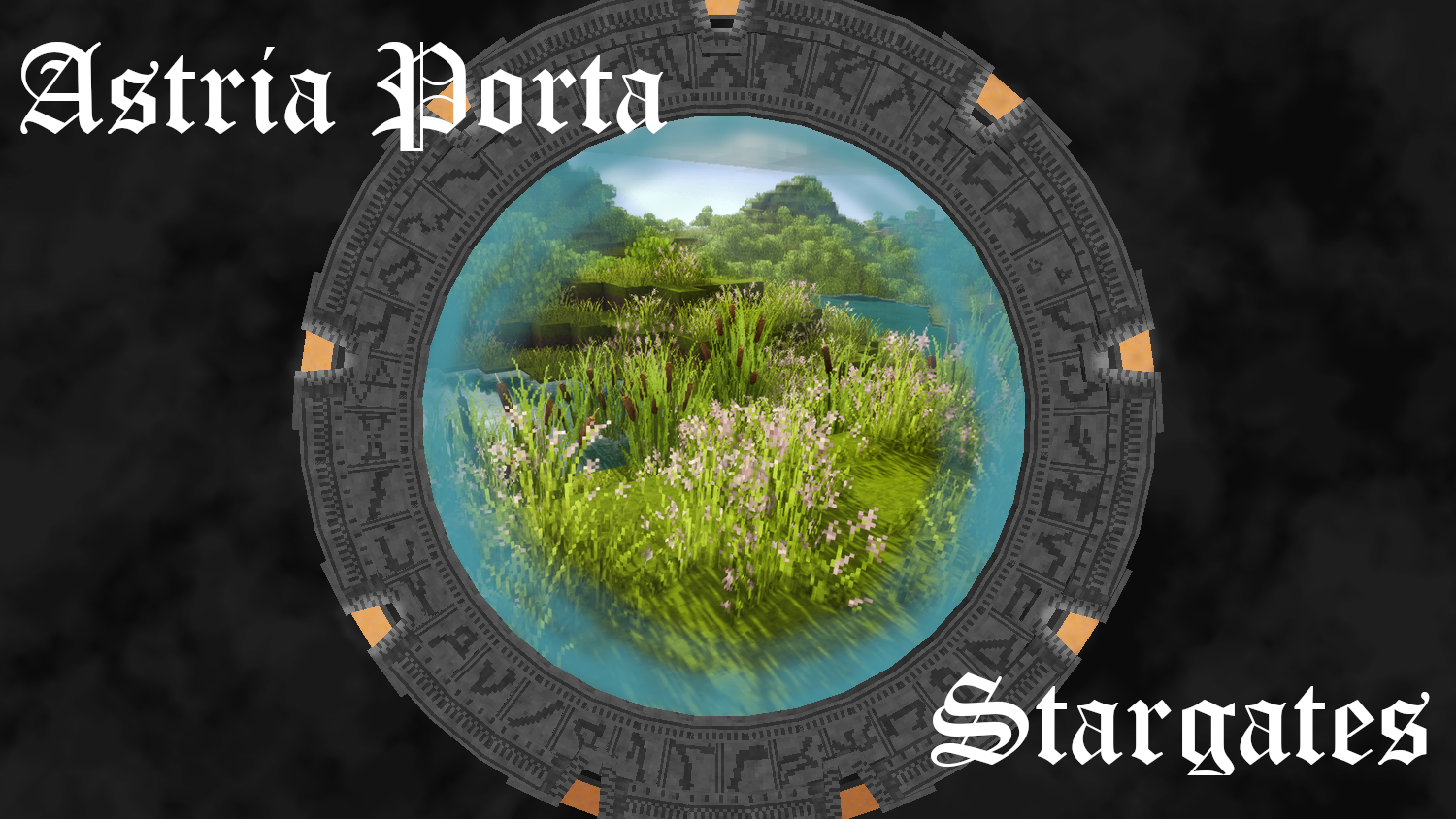
Astria Porta
Astria Porta brings SG-1's stargates to Vintage Story for you to explore the world
Description
Astria Porta ~ Stargates
Introduction
Hailing from the sci-fi TV-series Stargate SG-1, this mod introduces the stargates (or Astria Porta as their original creators called them) to VS.
Stargates are capable of creating portals between one another, allowing travelers to explore their world with ease.
<span style="font-size: 10pt;">Stargate, Stargate SG-1, Stargate Atlantis and Stargate Universe are registered trademarks and property of Amazon MGM Studios.
<span style="font-size: 10pt;">This mod is a noncommercial fanmade project and is in no way associated with, or endorsed by Amazon MGM Studios.
All content is made based on themes of the Stargate franchise. No images, sounds or other assets belonging to Amazon MGM Studios were directly used in the making of this mod.</span></span>
Most recent update:
- Added Destiny-type gates and Kino remote
Next update will focus on either a power system, or more decorative blocks and items + structures for worldgen.
Features
- Milkyway, Pegasus and Destiny stargates
- The stargates connect to each other, forming portals between them
- Watch out for the unstable vortex when the wormhole forms! It is capable of destroying any and all matter.
- Stargate connections close automatically after a certain time, or when manually disconnected
- The base of the stargate supports camouflaging of the blocks
- Dial Home Devices
- The Dial Home Device (or DHD) is the main interface of the stargates
- Enter an address through the GUI, or with an address note, and start the connection process
- Close the gate connection via the GUI, or by right-clicking
- Address Cartouches
- Mysterious stone tablets that hold unknown gate addresses
- You can find these in ruins, or can buy them from certain traders
- Hold the item in your hand and right-click to find a new stargate somewhere around you
- <span style="color: #e74c3c;">The generation process may take a while, keep the item in your inventory until done generating</span>
- <span style="color: #e74c3c;"><span style="color: #000000;">Address notes</span></span>
- <span style="color: #e74c3c;"><span style="color: #000000;">Copy the address of a gate you discovered with a piece of parchment</span></span>
- <span style="color: #e74c3c;"><span style="color: #000000;">Sneak-right-click on a DHD to connect to the address on the note</span></span>
<span style="color: #e74c3c;"><span style="color: #000000;">Refer to the handbook entries on stargates and addresses for more usage information</span></span>
<span style="color: #3c7941;">Astria Porta has some animated textures (1 block) for use with the <span style="color: #000000;">LibATex</span> mod (OPTIONAL)</span>
<span style="color: #3c7941;"><span style="color: #000000;">Future updates (WIP)</span></span>
- <span style="color: #3c7941;"><span style="color: #000000;">Stargate model rework</span></span>
- <span style="color: #3c7941;"><span style="color: #000000;">Transport Rings</span></span>
- <span style="color: #3c7941;"><span style="color: #000000;">More ruins</span></span>
- <span style="color: #3c7941;"><span style="color: #000000;">Add more variety to ruins with stargates</span></span>
- <span style="color: #3c7941;"><span style="color: #000000;">Add more decorative ruins</span></span>
- <span style="color: #3c7941;"><span style="color: #000000;">Add cosmetics and armor</span></span>
- <span style="color: #3c7941;"><span style="color: #000000;">Goa'uld guard armor</span></span>
- <span style="color: #3c7941;"><span style="color: #000000;">SG-1 armor (started on basic cosmetics)</span></span>
- <span style="color: #3c7941;"><span style="color: #000000;">Add NPCs</span></span>
- <span style="color: #3c7941;"><span style="color: #000000;">Goa'uld and Jaffa guards</span></span>
- <span style="color: #3c7941;"><span style="color: #000000;">Tok'ra</span></span>
- <span style="color: #3c7941;"><span style="color: #000000;">Add various decorative blocks</span></span>
Ratings & reviews
Sign in to leave a rating or comment.