About Building Gadgets
From Vintage Story ModDBAn attempt at a port of Direwolf's MC mod to Vintage Story
This mod aims to help builders get bulk building done quickly without having to resort to creative-mode WorldEdit tools.
Inspired by Direwolf20's Building Gadgets mod for MC I got permission to try to port that mod to VS. And while I got much of the functionality in I didn't use a single line of Dire's code.
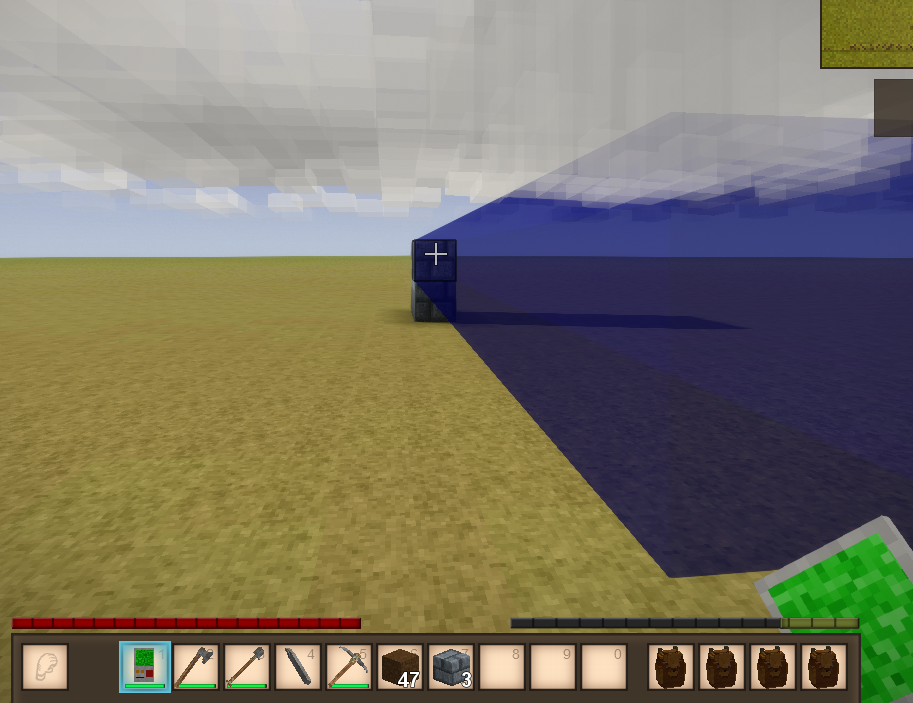
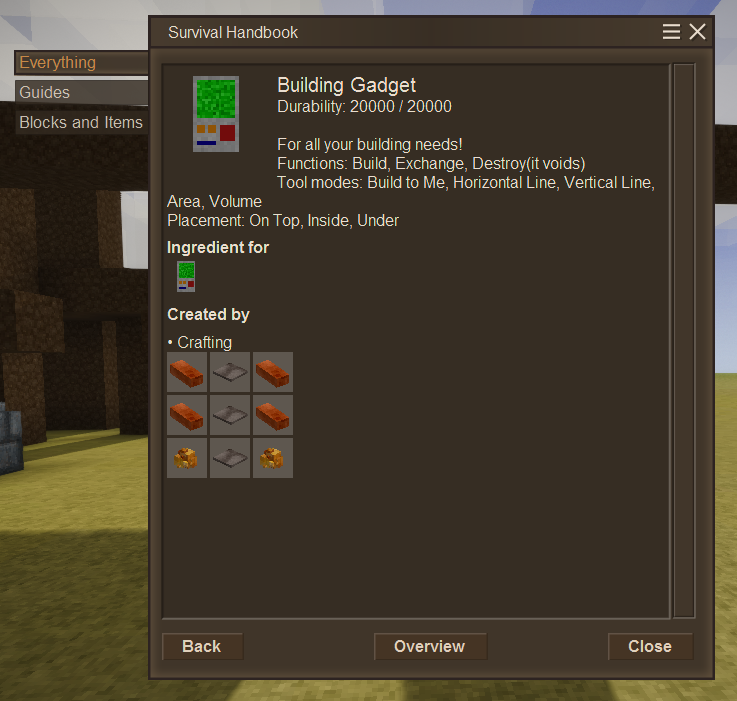
Featuring 3 build modes (Build, Destroy, Exchange), 5 functions (To Me, H Line, V Line, Area, and Volume), and 3 placement modes (On Top, Inside, and Under) the mod is full of features.
For a full rundown of the features in a video, check out the spotlight I did on it.
Sneak+Right Click a block to set the block to build with. (Has limitations)
Sneak+Right Click a chest or storage to set the storage to pull resources out to build with.
Sneak+Left Click to set an Anchor that allows you to move and look around while keeping the highlighted area static.
Sneak+Left Click the open air to clear the anchor.
Use the [ and ] keys to increase and decrease the range (or radius) of the build area. (Does not affect To Me mode).
"To Me" mode allows you to build from up to 64 blocks from the block you are facing.
Mod Config file (bg_config.json) allows you to customize many aspects of the mod to your liking, even the colors of the highlights.
By default the Building Gadget uses Construction Paste to build with, allowing you to build many different block types without needing to keep them around. By default blocks must be full solid blocks to be valid. You can disable the use of construction paste in the config, the tool will then demand you have the blocks crafted before building. Either the paste or blocks must be in your inventory or in a linked storage block for the tool to build.
Unless you add the block code to the whitelist in the config along with the cost to build. I have berry bushes in the whitelist as an example.
Destroy mode voids blocks so be careful.
This mod is still under development, I do want to do a copy/paste gadget but that will be another mountain of code. I hope everyone enjoys my mods, if you do please consider a little support. This mod alone has been about 40 hours of work thus far.
Highlights
From source dataGame versions
Built for Vintage Story 1.16.5.
Footprint
Rated a light load on a server.
Building Gadgets on Nxeon
From our catalogue- One-click install
- Supported on Nxeon Vintage Story servers. We download it from Vintage Story ModDB, place it, and restart the server.
- Server side
- Required on the server
- Server load
- light
- Smallest plan we suggest
- Vintage Story — 1 GB (1 GB RAM). This follows our own load rating above, not a benchmark.
Run Building Gadgets on a Vintage Story server
Pick a server or deploy a new one above; it is installed in one click.
What kind of mod it is
From the catalogTechnology & automation
Machines, power, logistics and automation.
Runs on your server
From source side supportVintage Story ModDB lists Building Gadgets as required on the server. Check its Vintage Story ModDB page to see whether players need it too.
Compatibility
- Game
- Vintage Story
- Runs on
- Serverrequired on the server
- Game versions
- 1.16.5
Verified at the source
- ✓Vintage Story ModDBOfficial listing, checked 2026-09-24Open ↗
- ✓AuthorBuggi, as published on Vintage Story ModDB
- ✓LicenseNot published by the sourceFree