
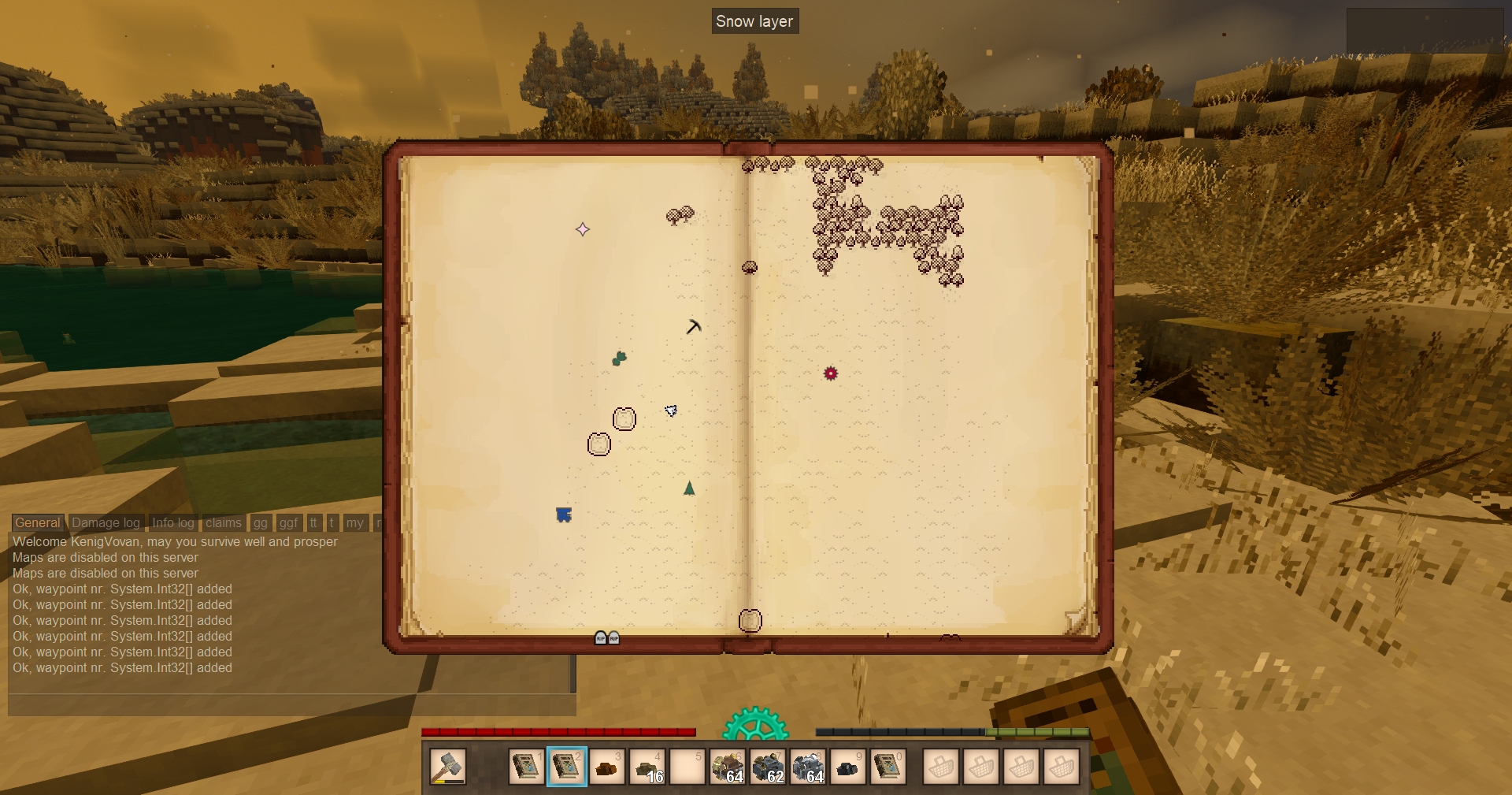
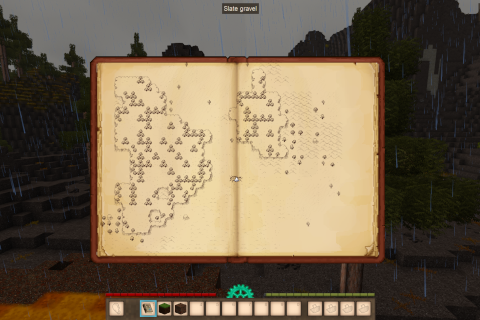
Description
<div style="font-family: Georgia, serif; line-height: 1.6;"> <p style="font-size: 1.05em;">Port of <a href="https://github.com/AntiqueAtlasTeam/AntiqueAtlas/tree/1.7.10"><strong>AntiqueAtlas</strong></a> for Minecraft 1.7.10.</p> <p>Replaces the vanilla map with a craftable <em>atlas item</em>. Every copy of an atlas with the same number shares the same explored area, so you can hand a friend a fully-mapped world or carry a backup.</p> <h3 style="color: #8a5a2b; border-bottom: 1px solid #c9a877; padding-bottom: 4px;">Controls</h3> <ul> <li><strong>Open atlas</strong> - right-click with atlas in hand</li> <li><strong>Place waypoint</strong> - open the marker palette (button on the map), pick an icon, then left-click on the map</li> <li><strong>Escape</strong> - cancel pending waypoint placement</li> <li><strong>Space</strong> - center map on the player</li> <li><strong>Mouse wheel</strong> - zoom in / out (scale bar shown bottom-left)</li> </ul> <h3 style="color: #8a5a2b; border-bottom: 1px solid #c9a877; padding-bottom: 4px;">Crafting</h3> <ul> <li><em>Empty atlas + Filled atlas</em> → copy of the filled atlas</li> <li><em>Filled atlas + Filled atlas</em> → new atlas merging the explored areas of both</li> </ul> <h3 style="color: #8a5a2b; border-bottom: 1px solid #c9a877; padding-bottom: 4px;">What's new</h3> <p><strong>Vanilla-textured map mode.</strong> Optional alternative to biome tiles - the atlas shows the standard Vintage Story map colors, drawn semi-transparently.</p> <ul> <li>Background scan: tiles keep filling as you walk around, even with the atlas closed (like the vanilla minimap HUD).</li> <li>In-map toggle button for a chunk-border grid overlay.</li> <li>Optional Harmony patch that suppresses the default M-key world map.</li> </ul> <p><strong>Config</strong> (<code>ModConfig/canantiqueatlas.json</code>):</p> <ul> <li><code>useVanillaMapTextures</code> - switch to vanilla-textured mode.</li> <li><code>vanillaMapChunkOpacity</code> - 0..1, how transparent the tiles are (default <code>0.7</code>).</li> <li><code>showChunkGridButton</code> - show/hide the grid-toggle button.</li> <li><code>scanVanillaMapWhileClosed</code> - keep filling the map cache when the atlas is closed (default <code>true</code>).</li> <li><code>disableVanillaWorldMap</code> - prevent the default world map from loading.</li> <li><code>vanillaMapDbSuffix</code> - use a separate cache file from vanilla (set e.g. <code>"_can_vanilla"</code>) instead of sharing it.</li> </ul> <h3 style="color: #8a5a2b; border-bottom: 1px solid #c9a877; padding-bottom: 4px;">Map admin commands</h3> <ul> <li><code>/canatlas setbiome <biome|id> [radius]</code> - force biome around the player (requires <em>controlserver</em>).</li> <li><code>/canatlas resettile [radius]</code> - clear tile data so it re-detects on next visit.</li> <li><code>/canatlas biomes</code> - list registered biome names and IDs.</li> <li><code>/canatlas landform</code> - show landform & mapped biome at the player's position.</li> <li><code>/map canvanillaredraw</code> - force redraw of the vanilla-textured layer.</li> </ul> <h3 style="color: #8a5a2b; border-bottom: 1px solid #c9a877; padding-bottom: 4px;">Videos</h3> <p><a href="https://youtu.be/MkcuZWeWQl4">Basics</a></p> <h3 style="color: #8a5a2b; border-bottom: 1px solid #c9a877; padding-bottom: 4px;">Credits</h3> <p>Atlas model/texture from <a href="https://mods.vintagestory.at/physicalmap">Physical Map</a>.<br />Russian translation: <strong>dimeymer</strong>.</p> <p style="font-size: 0.9em; color: #888;">Multiplayer-ready with full client-server sync.</p> </div>
Download
No download link is available for this entry right now.
Ratings & reviews
Sign in to leave a rating or comment.



