
Back to NxLabs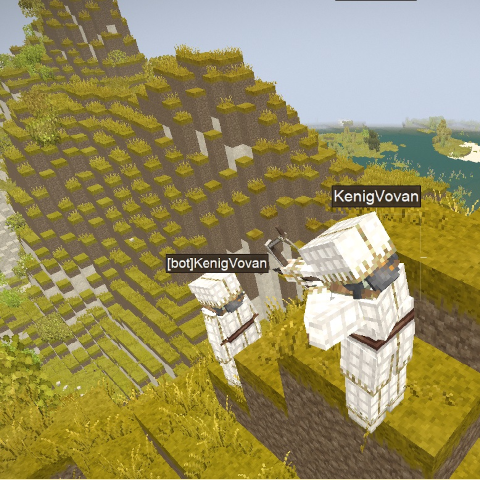
Dummy Player - Combat Logout Protection
KBy KenigVovan
Leave during combat and a clone of you stays behind to face the consequences
Description
Dummy Player
PvP anti-leave mod for Vintage Story.
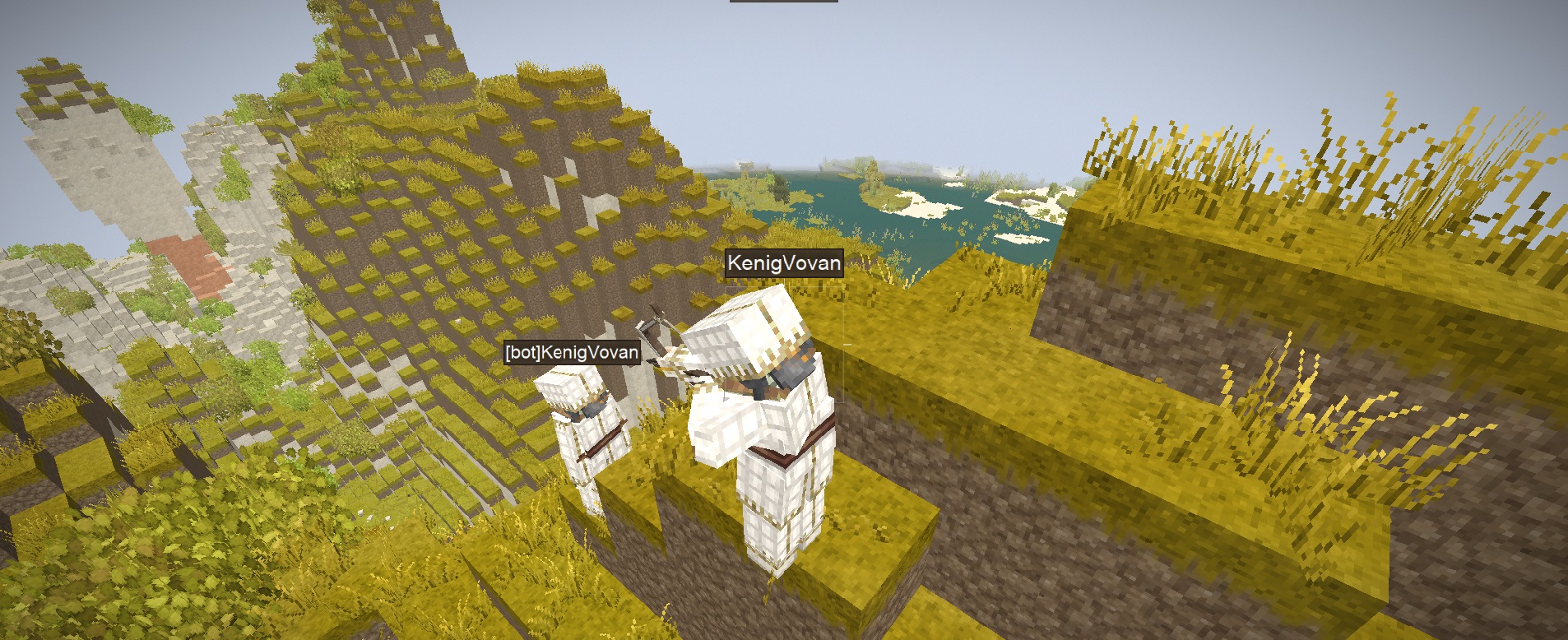
Prevents players from escaping PvP by disconnecting. When a PvP-tagged player logs out, a clone is spawned at their exact position — anyone who kills it wins the fight, even across a disconnect.
How It Works
- Two players fight — both receive a PvP tag that lasts a configurable number of seconds.
- If either tagged player disconnects, a clone is spawned at their exact position with their current health, skin, clothing and items.
- Other players can kill the clone as if fighting the real player. The clone uses armor, takes realistic damage, and drops the player's loot on death.
- When the disconnected player logs back in:
- If the clone was killed — the player dies on login (credited to the killer) and their items are gone.
- If the clone survived — the player's health is synced from the clone and their items are returned.
Features
<table style="width: 100%; border-collapse: collapse; margin: 12px 0;"> <tbody> <tr> <td style="width: 50%; vertical-align: top; padding: 14px 16px; background: #fff8e7; border-radius: 6px; border: 1px solid #e0cfa6;">PvP Tag Timer
<span style="color: #2d2519;">Both attacker and defender are tagged on the first PvP hit. Tag duration is configurable. A HUD indicator shows your current PvP state.</span></td> <td style="width: 10px;"> </td> <td style="width: 50%; vertical-align: top; padding: 14px 16px; background: #fff8e7; border-radius: 6px; border: 1px solid #e0cfa6;"> Lookalike Clone
<span style="color: #2d2519;">The clone inherits the player's exact skin, worn clothing and held items. It takes damage through proper armor calculations, just like a real player.</span></td> </tr> <tr> <td style="height: 10px;" colspan="3"> </td> </tr> <tr> <td style="vertical-align: top; padding: 14px 16px; background: #fff8e7; border-radius: 6px; border: 1px solid #e0cfa6;"> Configurable Loot
<span style="color: #2d2519;">Choose exactly what the clone carries: hotbar, bags, armor, clothing — each toggled independently in the config.</span></td> <td> </td> <td style="vertical-align: top; padding: 14px 16px; background: #fff8e7; border-radius: 6px; border: 1px solid #e0cfa6;"> Auto-Despawn
<span style="color: #2d2519;">Clones disappear after a configurable timeout. Health at despawn is saved and restored when the player logs back in.</span></td> </tr> <tr> <td style="height: 10px;" colspan="3"> </td> </tr> <tr> <td style="vertical-align: top; padding: 14px 16px; background: #fff8e7; border-radius: 6px; border: 1px solid #e0cfa6;"> Mob Tag <span style="font-weight: 400; font-style: italic; font-size: 0.9em;">(optional)</span>
<span style="color: #2d2519;">Enable mob combat tagging so players can't log out to dodge mob damage. Uses a separate configurable timer.</span></td> <td> </td> <td style="vertical-align: top; padding: 14px 16px; background: #fff8e7; border-radius: 6px; border: 1px solid #e0cfa6;"> Always-Clone Mode <span style="font-weight: 400; font-style: italic; font-size: 0.9em;">(optional)</span>
<span style="color: #2d2519;">Spawn a clone whenever any player disconnects, regardless of PvP state — useful for hardcore PvP servers.</span></td> </tr> </tbody> </table> Configuration
Edit ModConfig/dummyplayer.json. Supports ConfigLib for in-game editing.
SECONDS_PVP_TAG_TIMER</td> <td style="padding: 7px 12px;">30</td> <td style="padding: 7px 12px;">Duration of the PvP tag in seconds (10–3600).</td> </tr> <tr style="background: #f5e9c9; color: #2d2519;">Download
No download link is available for this entry right now.
Ratings & reviews
No ratings yet
Sign in to leave a rating or comment.



