
Description
Overview:
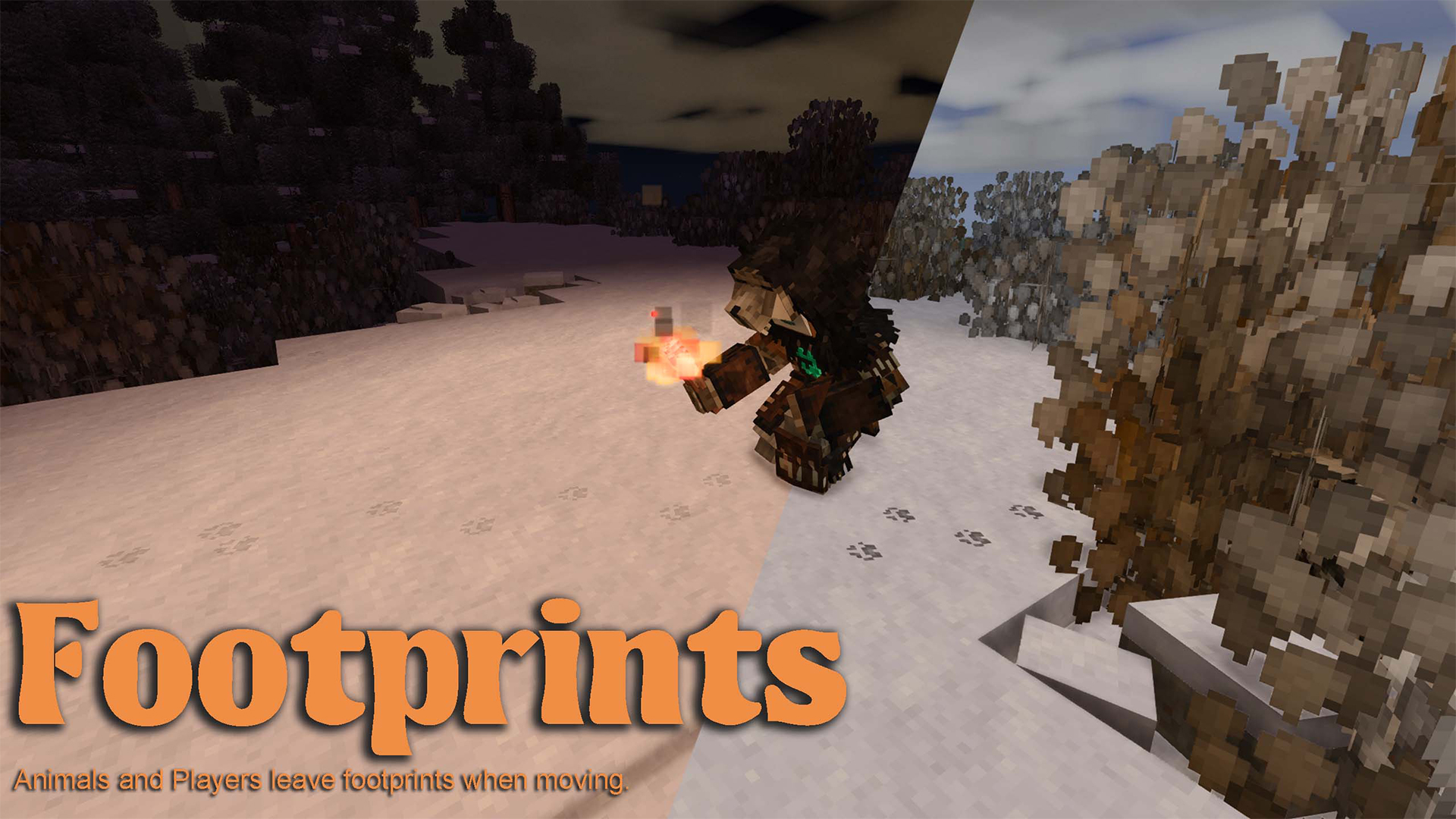
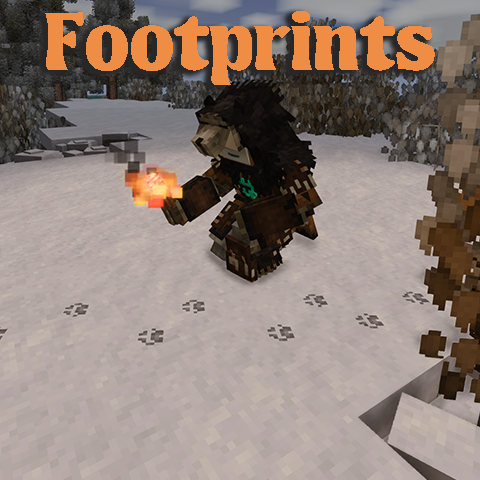
Footprints adds visible footprints for animals and players when they move.
Behavior:
- Only appears on soft materials (soil, gravel, sand, clay, peat, snow, etc.)
- Rust/lore-related creature footprints are toggleable (disabled by default).
- Tamed animals (generation > 0) are excluded by default.
- Custom footprint size and texture per entity type.
- Opacity decreases as it decays, takes 6 in-game hours.
Configuration:
- Fully configurable!
- High / Low resolution textures.
- Materials and Animals whitelist.
- Local toggle: Players can disable the footprint effect locally, even if enabled on the server.
- Toggleable rust/lore-related creature footprints.
- Crouching toggle mode (disabled by default) footprints are visible only while sneaking (fade-in/fade-out duration is configurable in the Rendering Tab).
- Server authority: Players and/or Animals footprints are controlled by the server and can be toggle for everyone.
- Customizable player footprint texture.
- Partial server-controlled settings, with the ability for the client to opt-out.
The mod can be uninstalled mid-playthrough without issues.
Advanced Configuration Explanation:
- Custom player footprints (Local only)
To enable custom footprints, check the <span style="color: #27ae60; --darkreader-inline-color: var(--darkreader-text-27ae60, #5cda91);" data-darkreader-inline-color="">Custom footprint texture</span> checkbox and configure the <span style="color: #27ae60; --darkreader-inline-color: var(--darkreader-text-27ae60, #5cda91);" data-darkreader-inline-color="">Texture width</span> and <span style="color: #27ae60; --darkreader-inline-color: var(--darkreader-text-27ae60, #5cda91);" data-darkreader-inline-color="">Texture height</span> in the settings to match the dimensions of your texture file. Save the settings and restart your game.
Next, navigate to the mod folder and replace the texture in the following path with your custom file:<span style="color: #27ae60;" data-darkreader-inline-color="">assets/footprints/textures/decals/custom-png</span>
- Partial Server-Controlled
If the server config <span style="color: #27ae60; --darkreader-inline-color: var(--darkreader-text-27ae60, #5cda91);" data-darkreader-inline-color="">Broadcast configs to client</span> is enabled, the server will broadcast the configuration settings to the client, which will override the client’s local settings.
By default, the client automatically accepts the configuration shared by the server. However, the client can opt out by unchecking the <span style="color: #27ae60;" data-darkreader-inline-color="">Accept server configuration</span> setting.
- Custom Materials Whitelist:
Technically, the whitelist uses .startsWith on the block code . For example, a simple value like soil will include all soil types, while something like (soil-low-none,soil-medium-none,...) would result in a more natural result (only on dirt without grass). It's a bit tedious but allows full customization, even with modded blocks, while keeping performance higher than with RegEx.
This is commonly used for quick compatibility with other mods such as Terrain Slabs, which require adding "terrainslabs:" to the list.
- Custom Animals Whitelist:
The Custom Animals Whitelist operates similarly to the Materials Whitelist but applies to entity codes.
(Optional) Requirements for the config menu (Optional):
Use either Integrated Mod Manager OR Config Lib & ImGUI
Compatible with the following mods:
Animal mods:
Ratings & reviews
Sign in to leave a rating or comment.



