







About Land Claiming and Group GUI
From Vintage Story ModDBThis adds a GUI for the Land Claiming and Group System for VS
Land Claim and Group GUI
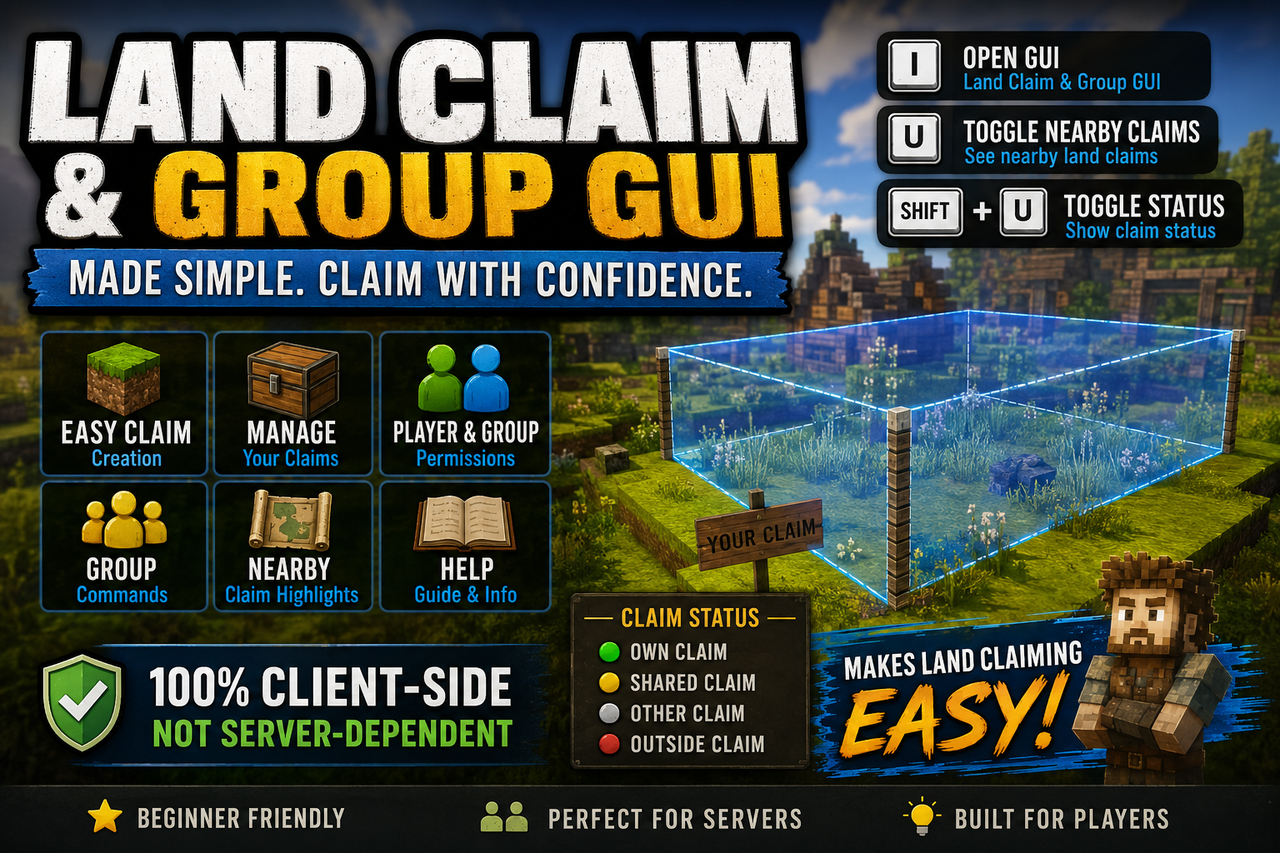
The Land Claim and Group GUI is a client-side quality-of-life mod that makes Vintage Story’s land claiming system easier to use, especially for new players who may not know or remember all of the land claim commands.
Instead of typing every command manually, players can use a simple GUI to create claims, manage claims, add cuboids, adjust claim size, manage group/player permissions, and better understand where nearby claims are located.
How to Use
Press I to open the Land Claim and Group GUI.
Press U to toggle Nearby Land Claims. This is useful when claiming near other players or checking nearby claim boundaries.
Press Shift + U to toggle the new Claim Status Indicator, which shows whether you are standing inside your own claim, a shared claim, another player’s claim, or outside a claim.
Features
-
GUI-based land claim creation
-
Claim grow/shrink controls
-
Increment selection for claim resizing
-
Add reminder if you try to continue before pressing Add
-
Claim management screen
-
Claim removal confirmation screen
-
Player and group permission controls
-
Group command helper screen
-
Help screen
-
Nearby claim highlight toggle
-
Claim status HUD indicator
-
Daylight mode claim overlay
When using Daylight Mode, the active claim area is shown with an easier-to-see highlight color instead of the harder-to-see default yellow.
Claim Status Indicator
The new claim status indicator shows your current claim state while walking around.
It can show:
-
Own Claim
-
Shared Claim
-
Other Claim
-
Outside Claim
The indicator also uses a colored status dot for quick visibility:
-
Green = Own Claim
-
Yellow = Shared Claim
-
Red = Outside Claim
-
Gray = Other Claim / Unknown
Server Owner Notes
This mod is still 100% client-side and does not require server-side logic to function.
However, the mod has been updated so server owners may optionally place it in their server files. This allows the server to automatically push the mod to players who join, making it easier for server owners to provide the land claim GUI without needing to explain the land claiming process to every new player.
✅ Can be pre-installed on the server for automatic client use
✅ 100% client-side functionality
✅ Not server-dependent to function
Reminder
Always claim down at least 1 block to help prevent dig-outs.
Known Vintage Story Highlight Bug
There is currently a Vintage Story bug with the highlight system. If your game shows a claim highlight that no longer exists, this is a Vintage Story issue, not a mod issue.
I have reported the issue to the Vintage Story team, and they are looking into it.
To fully clear the ghost highlight, you may need to restart your game.
More information here:
https://github.com/anegostudios/VintageStory-Issues/issues/6408
Video Guide
I also made a YouTube video to showcase the mod and act as a guide for land claiming.
Watch it here:
https://youtu.be/9iFZUWRSA8Q
Community
If you are looking for a multiplayer Vintage Story community, you are welcome to join TopGs.
Discord:
https://discord.gg/GBNtgQmaXz
Optional Tip Jar
This mod was created as a personal hobby project. I am a disabled player sharing tools I built for my own use.
If you would like to leave an optional tip as a thank-you, you can do so here:
https://www.paypal.com/donate/?hosted_button_id=QF9A3EAGT9CDL
https://ko-fi.com/darkxgaming35254150
Tips are optional, never required, and go toward helping me stay creative when my health allows.
Highlights
From source dataGame versions
Built for Vintage Story 1.20.12.
Footprint
Rated a light load on a server.
Land Claiming and Group GUI on Nxeon
From our catalogue- One-click install
- Supported on Nxeon Vintage Story servers. We download it from Vintage Story ModDB, place it, and restart the server.
- Server side
- Required on the server
- Server load
- light
- Smallest plan we suggest
- Vintage Story — 1 GB (1 GB RAM). This follows our own load rating above, not a benchmark.
Run Land Claiming and Group GUI on a Vintage Story server
Pick a server or deploy a new one above; it is installed in one click.
What kind of mod it is
From the catalogQuality of life & UI
Small conveniences, tweaks and interface improvements players notice straight away.
Runs on your server
From source side supportVintage Story ModDB lists Land Claiming and Group GUI as required on the server. Check its Vintage Story ModDB page to see whether players need it too.
Compatibility
- Game
- Vintage Story
- Runs on
- Serverrequired on the server
- Game versions
- 1.20.12
Verified at the source
- ✓Vintage Story ModDBOfficial listing, checked 2026-09-24Open ↗
- ✓AuthorDarkx, as published on Vintage Story ModDB
- ✓LicenseNot published by the sourceFree















