
Material Needs
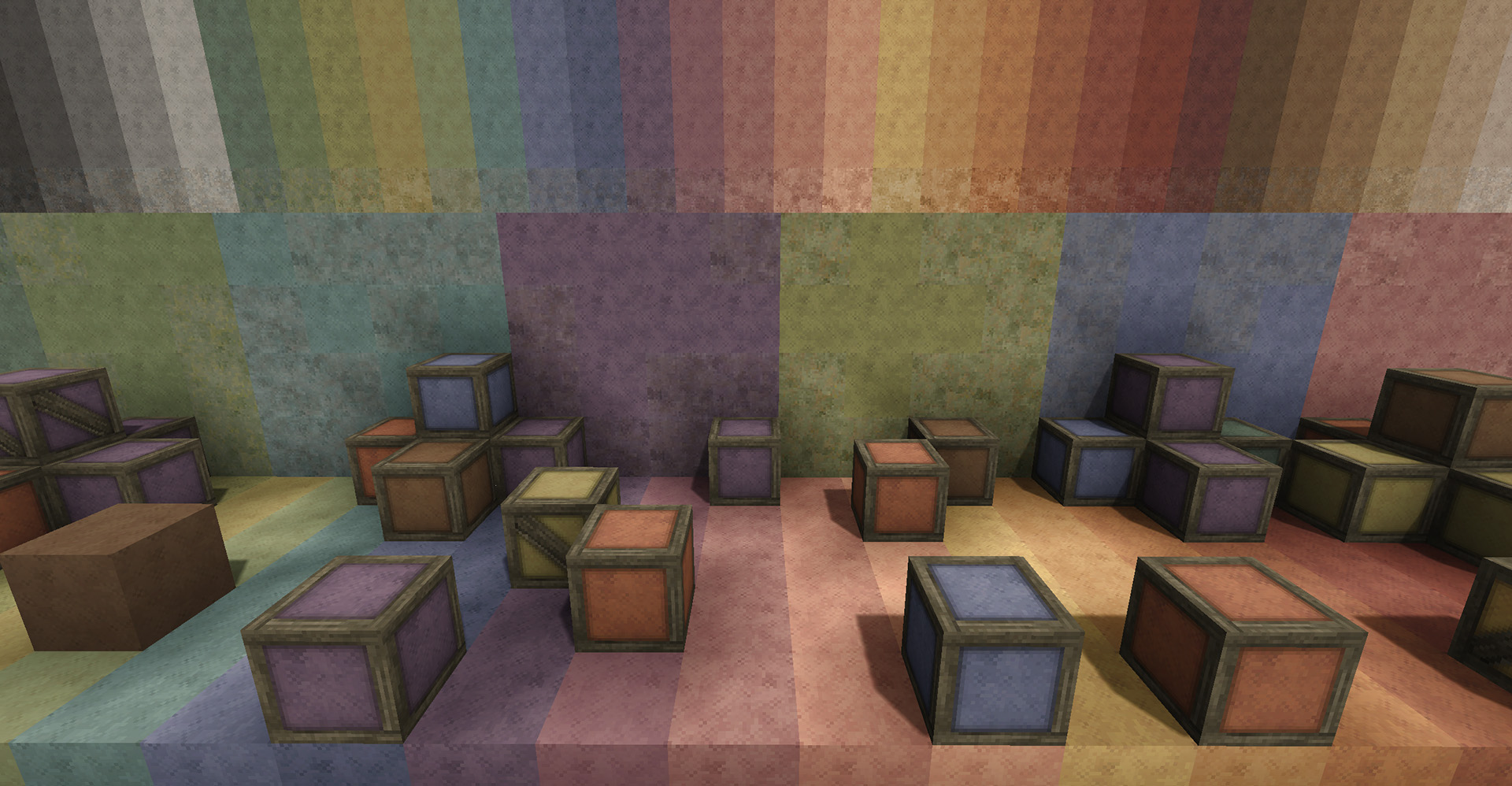
Expands building materials available in Survival with hundreds of new recipes blocks flowers & more!
Description
<span style="font-size: 18pt;"><span style="color: #e74c3c; font-size: 18pt;"><span style="color: #000000;"><span style="color: #e74c3c;"><span style="color: #000000;">OBLIGATORY PLUGS:</span>
<span style="color: #000000;">Material Needs</span>
Material Needs: Geology
Material Needs: Flowers
More Fog Please
Terra Prety
</span></span></span><span style="color: #e74c3c; font-size: 18pt;"><span style="color: #000000;"><span style="color: #e74c3c;"><span style="color: #e74c3c; font-size: 18pt;"><span style="color: #000000;"><span style="color: #e74c3c; font-size: 18pt;"><span style="color: #000000;"><span style="color: #e74c3c;"><span style="color: #000000;">Neph's </span></span></span></span>Let's Play Series</span></span>
<span style="color: #e74c3c; font-size: 18pt;"><span style="color: #000000;"><span style="color: #e74c3c;"><span style="color: #e74c3c; font-size: 18pt;"><span style="color: #000000;"><span style="color: #e74c3c; font-size: 18pt;"><span style="color: #000000;"><span style="color: #e74c3c;"><span style="color: #000000;">Neph's </span></span></span></span></span></span></span>Donation Page</span></span></span></span></span>
</span>
<span style="color: #e03e2d;">
<span style="font-size: 18pt;">2.0.0 UPDATE</span></span><span style="font-size: 18pt;">: Make sure to <span style="text-decoration: underline;"><span style="color: #e03e2d; text-decoration: underline;">BACKUP YOUR WORLDS</span></span> first before attempting this update, as it includes some small worldgen changes and a block / item Remapping. If you have crafted any of Material Needs' <span style="color: #e03e2d;">Aged</span> or <span style="color: #e03e2d;">Very Aged</span> wood variants of <span style="color: #e03e2d;">Bookshelves</span>, <span style="color: #e03e2d;">Scroll Racks</span>, or <span style="color: #e03e2d;">Crates</span>, I would recommend <span style="text-decoration: underline;"><span style="color: #e03e2d; text-decoration: underline;">emptying the contents of those out first</span></span> before attempting to update your world, as these blocks do not seem to play nicely with Remapping. You can craft new ones after updating. All you need to do to update is:
1. Backup your world, just in case!
2. Empty out any modded Aged or Very Aged <span style="color: #e03e2d;">Bookshelves</span>, <span style="color: #e03e2d;">Scroll Racks</span>, or <span style="color: #e03e2d;">Crates</span> on your world.
3. Download and install <span style="color: #e03e2d;"><span style="text-decoration: underline;">Material Needs</span></span> 2.0.0.
4. Download and install <span style="color: #e03e2d;"><span style="text-decoration: underline;">Material Needs: Flowers</span></span> 2.0.0.
5. Run your world and double check that Aged Wood and Flowers look good!
</span>
<span style="font-size: 18pt;">This update moves Material Needs' Aged Wood varieties to operate under the Mod Domain ("<span style="color: #000000;">materialneeds</span>") rather than the Game Domain. This should now greatly improve compatibility with other mods and play nicely with any mods that utilize the base game's wood varieties. This update also moves Material Needs' Flower varieties to its sister mod Material Needs: Flowers ("<span style="color: #000000;">mnflowers</span>"), however these flowers are still patched into the <span style="text-decoration: underline; color: #000000;">Game Domain</span> so they should continue to operate exactly the same.</span>
Ratings & reviews
Sign in to leave a rating or comment.



