
Back to NxLabs
PlayerCorpse-Forked
SBy sknnr
This is a fork of DArkHekRoMaNT's Player Corpse mod to maintain compatibility with latest VS version
Description
PlayerCorpse-Forked
Now with a functioning, useful <span style="color: #843fa1;">Corpse Compass!</span>
CommonLib no longer required!
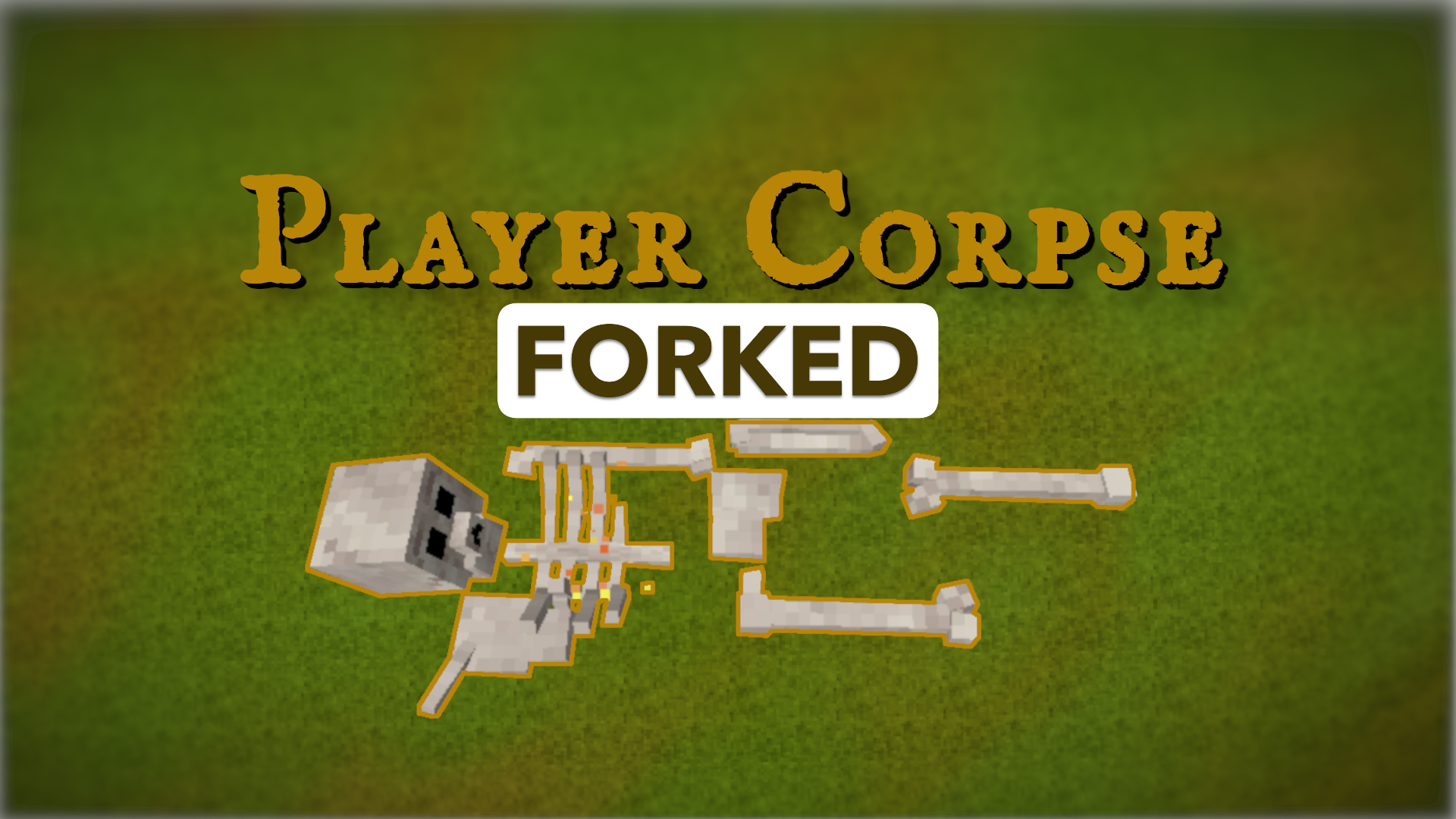
When you die, everything you were carrying goes into a corpse at the spot where you fell instead of scattering across the ground. Walk back, hold right-click on the body for a second, and it is all yours again.
This is a maintained fork of PlayerCorpse by DArkHekRoMaNT, kept working on Vintage Story 1.22.x and updated with fixes from player reports. The design, the models, and the original code are theirs, released under the MIT license. If you like this mod, they deserve the thanks.
- Original mod: https://mods.vintagestory.at/playercorpse
- Original source: https://github.com/DArkHekRoMaNT/PlayerCorpse
- This fork's source and issue tracker: https://github.com/jsknnr/PlayerCorpse
AI Disclosure
This fork was co-developed with the help of Claude, Anthropic's AI model (Claude Fable 5.1). However, this was not vibe-coded. Code included in my fork is a combination of my own artisanally, non-GMO, hand-crafted, free range, bespoke code, as well as code from Claude. All changes were verified and tested by me.
Why use AI at all?
When using AI properly and with supervision from a human it is incredibly useful. For example, while I worked on this fork I had the decompiled 1.22.7 game DLL's in Claude's context. It can cross reference calls to the game APIs a hell of a lot faster than I can providing super helpful insights to how things are functioning and potentially finding edge cases I may have missed on my own. I do not consider myself a C# developer, though I can understand and write C# code. I am a Python developer by trade.
How it works
- When you die, it creates a corpse holding your hotbar, backpack, crafting grid, and whatever was on your cursor. Worn armor and clothes follow the game's own rules unless you change
DropArmorOnDeathin the config. - To collect your corpse, all you have to do is hold right-click on the body. A ring fills up around your crosshair; after one second the items go back into your inventory. Anything that does not fit drops at your feet.
- Only you (and admins) can collect your corpse for the first 240 in-game hours (ten in-game days). After that it is free for anyone. Creative mode players can always collect any corpse.
- If you are revived, your corpse is collected back into your inventory automatically. If you respawn instead, the corpse stays where you died.
- Corpses are saved with the world, float if they land in water, and survive server restarts. The game's own "You died here" map marker still appears as usual.
Corpse compass
Craft it in a 3x3 grid: rusty gears in the four corners, bones on the four edges, and a temporal gear in the middle.
- Right-click to point at your nearest corpse. It works at any distance, even if the corpse is in a chunk nobody has loaded.
- Shift + right-click to cycle to your next corpse when you have several.
- While the compass is in either hand, a line at the top of the screen shows whose corpse it is, how far away, in which direction, and how far above or below you.
- The needle turns toward the target. In the off-hand it also streams guiding particles.
- Server admins in creative mode can find every player's corpse with it.
For server admins
/returnthings list <player> shows the saved inventories from a player's recent deaths, and /returnthings get <player> <give to player> [id] hands one of them over. Index 0 is the most recent death. The saved file is deleted once returned, so it cannot be used to duplicate items. The player does not need to be online, only the recipient. By default this requires the gamemode privilege.The config file is
ModConfig/playercorpseforked.json and is created on first start. Options include whether corpses can burn or be broken, how long until a corpse becomes free for all, how long collecting takes, whether armor and clothes go into the corpse, how many death inventories to keep on disk, and whether the compass exists at all. Every option is documented in the README on GitHub.Installation and upgrading
- Needed on the server and on every client.
- Upgrading from 1.14.x: CommonLib is no longer required. You can remove it if no other mod uses it. Your existing config is converted automatically and a
.bakcopy is kept. - Always close the game completely before swapping the mod zip. The game cannot reload a mod's code while it is running.
Reporting problems
Open an issue on GitHub and include your
server-main.log, the mod version, and the list of other mods you run. Reports without a log are very hard to act on.Ratings & reviews
No ratings yet
Sign in to leave a rating or comment.



