About TranslocatorEngineering — break, make, link 'em
From Vintage Story ModDBThis mod enables the deconstruction, construction, and linking of Static Translocators. To get st...
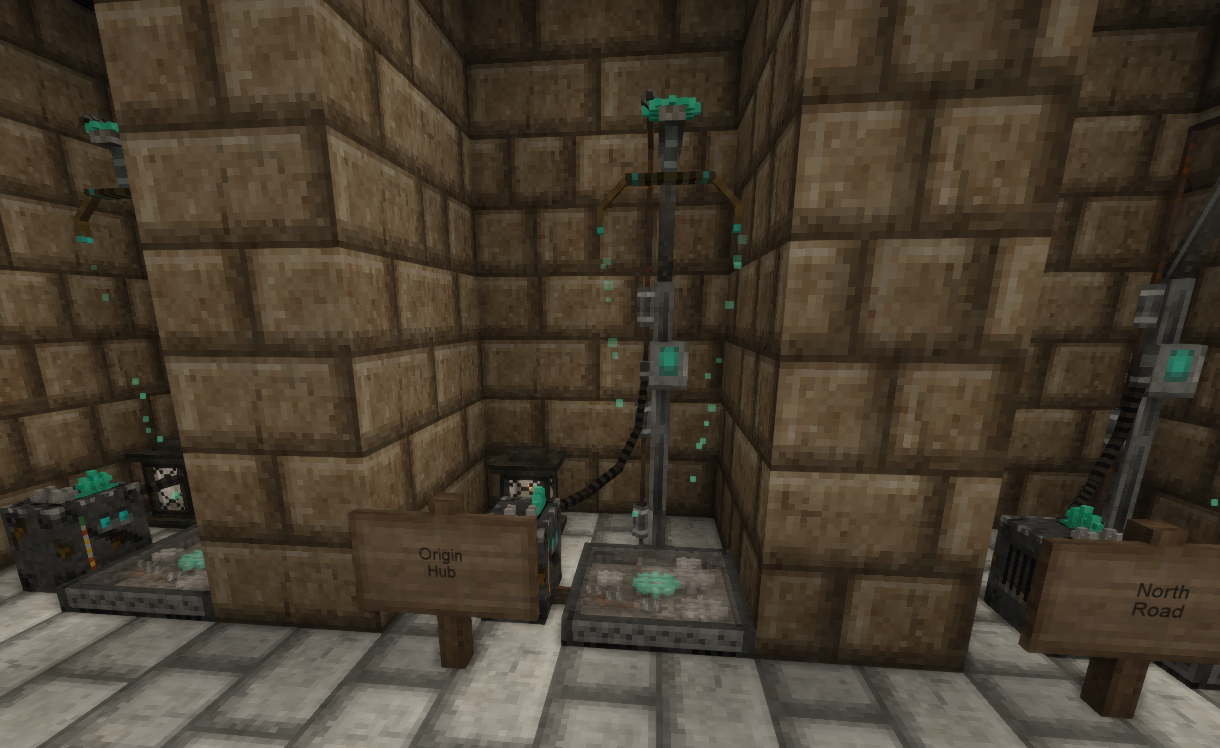
This mod enables the deconstruction, construction, and linking of Static Translocators. To get started, you will need 3 steel ingots, 2 gold ingots, and 1 rough diamond.
To craft new Translocators with this mod, you will need to use the crowbar to destroy Translocators you find in the world, since it is not possible to craft or otherwise find some of the components.
All translocation is always two-way.
The Crowbar
The crowbar can be smithed on an anvil, using a single steel ingot. Only steel is strong enough to make an effective crowbar. With the crowbar in hand, hold Sneak (shift) and right click to pry a Static Translocator apart.
Breaking Apart Translocators
Crowbars are not an exact science. Not all components are recovered when breaking apart a Translocator:
- 1x Gate Array (80% chance of recovery)
- 1x Particulation Component (80% chance of recovery)
- 1x Power Core (always recovered)
- 1x Glass Slab (always recovered)
- 4x Metal Parts (2-4 recovered)
- 1x Coalescence Crystal (5-6 shards recovered, 6 shards are required to make a complete crystal)
If you previously repaired the Translocator, you will also get back the 2 Metal Parts and any Temporal Gears you added. (However, if a Translocator was repaired with Temporal Gears by a non-Clockmaker before this mod was added, 1 fewer gears will be returned.)
If you crafted the Translocator, you will get back the extra 2 Metal Parts and 2 Temporal Gears you used in crafting it.
Using the Linker
The Linker can be used to connect two Translocators. Crafted Translocators can be linked immediately. Found Translocators will nee to be repaired first, before they can be linked.
There's no point in building and placing newly crafted Translocators without a Linker, because they won't go anywhere. Only the Translocators found in ruined structures are pre-linked to other Translocators.
The Linker crafting recipe includes a Gate Array (among other things, check the Handbook,) so at least one Translocator must be sacrified to craft it.
To use the Linker, right click on a Translocator, then right click it on a second Translocator. Both Translocators will become linked. If either Translocator was previously linked to another Translocator, those other Translocator(s) will become unlinked. An unlinked Translocator is still repaired, but requires linking before it can be used. All Translocation is two-way: there are never one-way Translocators.
The maximum distance a link can be made between two Translocators with the Linker is 8000 blocks. The lights on the front of the Linker provide a rough indicator of distance. As you travel away from the first Translocator you've synchronized the linker to, the lights will start to go out (1 light will go out for every 1000 blocks.) If you are holding a Linker which is synchronized to a Translocator which is farther away than 8000 blocks, all lights will go out and the panel will flicker, indicating that you are out of range.
After synchronizing your Linker to a Translocator, you can reset it by holding Sneak (shift) and right clicking.
New Translocators
Craft them and place them wherever you like. The recipe is in the handbook.
Crafted Translocators are fully repaired and ready to be linked: you will not need to add additional Metal Parts or additional Temporal Gears.
They won't do anything until they are linked with the Linker.
Special Thanks
Thanks to CaptainOats for contributing artwork!
Highlights
From source dataGame versions
Built for Vintage Story 1.14.8.
Footprint
Rated a light load on a server.
TranslocatorEngineering — break, make, link 'em on Nxeon
From our catalogue- One-click install
- Supported on Nxeon Vintage Story servers. We download it from Vintage Story ModDB, place it, and restart the server.
- Server side
- Required on the server
- Server load
- light
- Smallest plan we suggest
- Vintage Story — 1 GB (1 GB RAM). This follows our own load rating above, not a benchmark.
Run TranslocatorEngineering — break, make, link 'em on a Vintage Story server
Pick a server or deploy a new one above; it is installed in one click.
What kind of mod it is
From the catalogTechnology & automation
Machines, power, logistics and automation.
Runs on your server
From source side supportVintage Story ModDB lists TranslocatorEngineering — break, make, link 'em as required on the server. Check its Vintage Story ModDB page to see whether players need it too.
Compatibility
- Game
- Vintage Story
- Runs on
- Serverrequired on the server
- Game versions
- 1.14.8
Verified at the source
- ✓Vintage Story ModDBOfficial listing, checked 2026-09-24
- ✓Authorgoxmeor, as published on Vintage Story ModDB
- ✓LicenseNot published by the sourceFree