
VS Server Panel
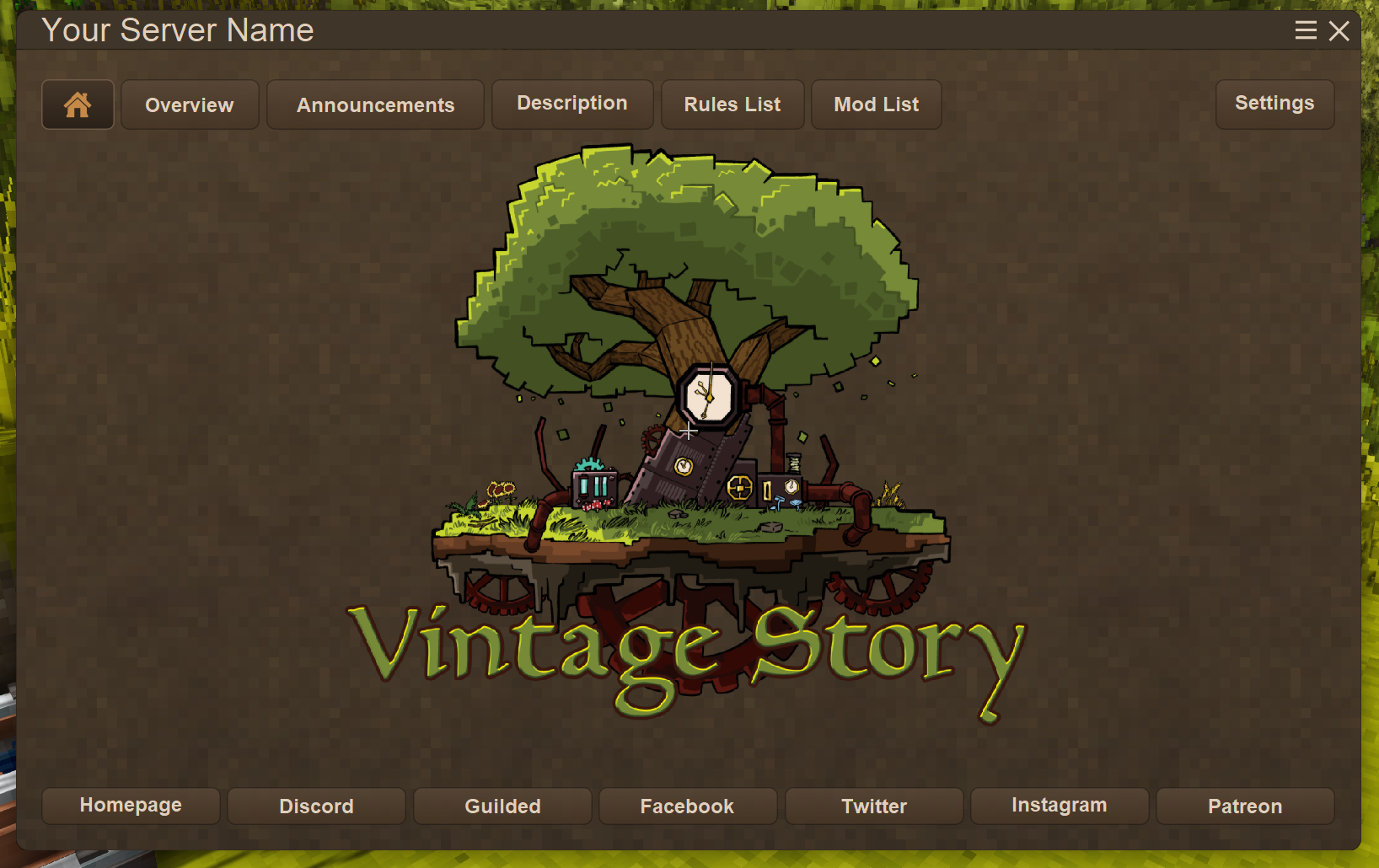
Shows players a server panel upon loading with a server config for customization.
Description
A home for your Vintage Story community
VS Server Panel
Help players settle in, find what they need and keep up with your server.
Bring your welcome page, rules, announcements, guides and community links into the game. VS Server Panel puts them alongside live server information, player stats, private messages, item gifts and player-to-player trading. Server owners can choose which features to offer and publish changes without leaving the game.
VS Server Panel uses VSUX Framework. Requires framework version 0.1.10 or newer with API 0.51 or newer. Install both mods on the server and every connecting client. This version of VS Server Panel is for Vintage Story 1.22.
Your server, one key away
Press Home after joining to open or close the panel. You can change the shortcut in Settings > Key Bindings, using a keyboard key or mouse button.
Choose how the panel opens when you join each server: Always, When Updated or Never. When Updated opens Announcements if there is a revision you have not marked as read. News arriving while you are already playing updates the unread indicator without opening the panel.
If the server requires rules acceptance, the panel stays open until you accept the current rules.
World Information HUD
Keep useful world information in view while you play. The compact card stays anchored at the top-left, even while the server panel is open.
Live information at a glance
- Date and time appear together, with the local season beside the sky header.
- Players Online and temporal stability share the next row. The live player count sits beside its label and keeps updating with the panel closed or Overview disabled.
- Weather and wind have a full-width section below subtle dividers. Long descriptions wrap, and the card expands to show the complete text.
Seasonal skies, day and night
- Seasonal artwork in the HUD and Overview changes as the local sun crosses the horizon, following seasonal daylight and latitude.
- Six sun-stage icons follow local time, with sunrise and sunset artwork near the horizon. Eight moon-phase icons track the moon at night.
- Localized day/night and moon-phase labels wrap as needed.
Adjust the display
Ratings & reviews
Sign in to leave a rating or comment.



