
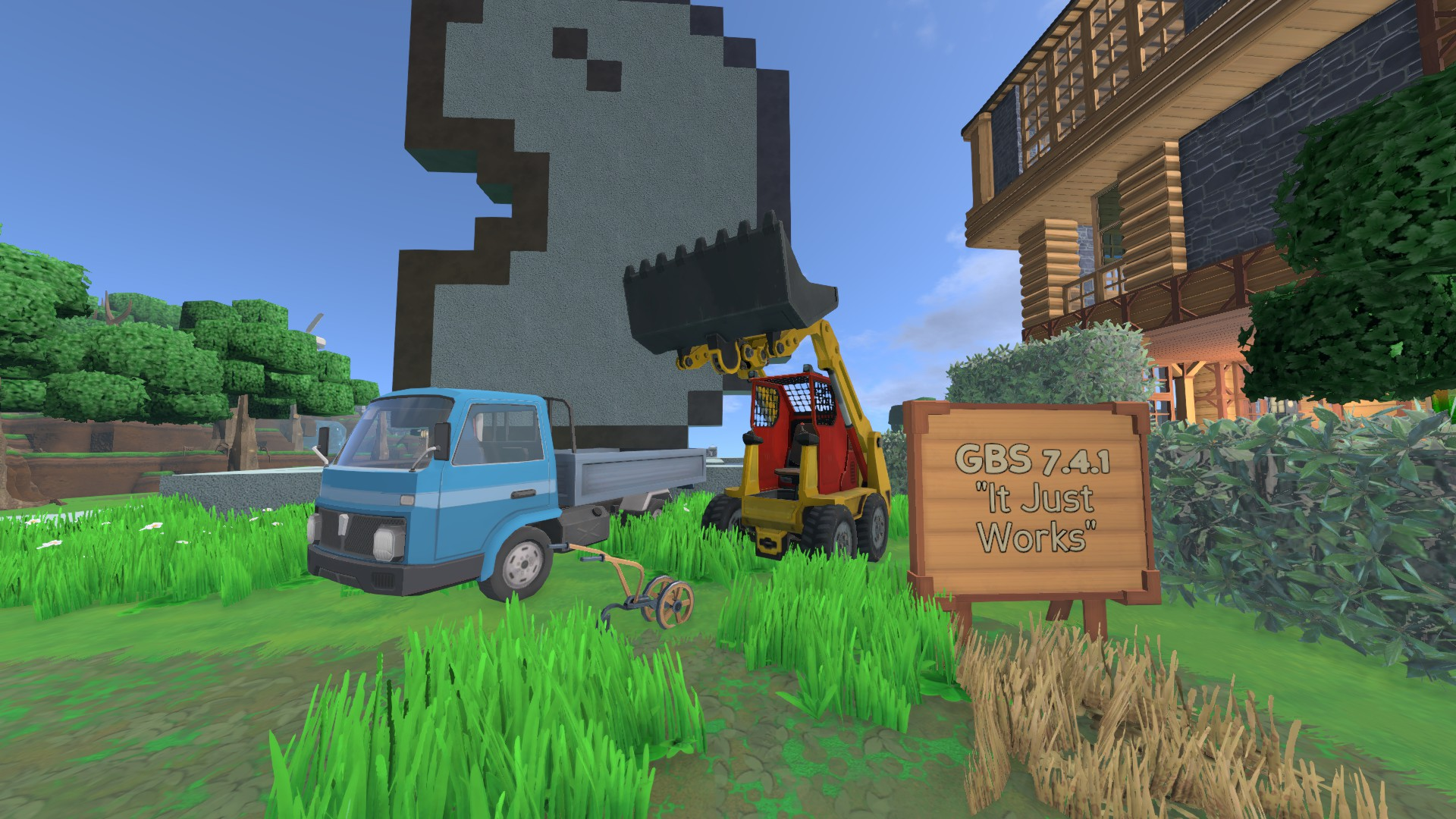

Glorious Bean Modpack
 By Gabeux
Mods include object collections, new recipes for food and objects, new skills for mining/logging/farming, double carry weight, new admin commands, faster vehicles, enables players to reset skills one time, multiple slight changes, and more!
Description
GBM 1.3.0 FOR ECO 7.6.2
Eco-Mods.com Mod Page
MODLIST, CHANGELOG, INFO, LINKS : Modlist - Google Drive Spreadsheet LAST TESTED VERSION: 0.7.6.2 - works 100%. Follow Installation Instructions at every Eco update. MAKE SURE TO READ THE README FOR WARNINGS AFTER UPDATING TO A NEW GBM VERSION!!
MOD.IO INSTALLATION INSTRUCTIONS - Mod.io is not ready for this modpack, but we can make it work:
- Launch your server.
- Subscribe, Download & Install this Modpack via Modkit Tab > Browse Mods Sub-tab.
- Go to your \Server\Mods folder, and DELETE EVERYTHING except mod.io folder. This mod provides a Full modded /Mods folder - deleting vanilla files is required to remove conflicts.
- Go to Server\Mods\mod.io\Glorious Bean Server Modpack 1.2.0\Configs\ - move everything in this folder to \Server\Configs.
- Restart your server. Have fun. :)
MOD.IO COMPATIBILITY NOTES: Currently Mods that overwrite vanilla/modpack files will remain unsupported via mod.io. Mods that don't touch the same files are very likely to be compatible. MOD.IO FUTURE PLANS: Current installation instructions are temporary until Mod.io can support overwrites/overrides, or until I can find a way to make installation easier for players.
= FULL GBM RELEASE DESCRIPTION =
HIGHLIGHTS & MODLIST Mods include object collections, new recipes for food and objects, new skills for mining/logging/farming, double carry weight, new admin commands, faster vehicles, enables players to reset skills one time, multiple slight changes to vanilla behavior and balance, and more!
AUTHOR DESCRIPTION Hello everyone! After playing Eco for a little while I quick realized the potential this game has for modding. It's much easier and faster than most games to mod, and provides one of the most seamless modded experience around, probably. Once I decided to have my own server so it could be the home of the group of players I've met and stuck together in-game (GBC), I *had* to mod it to my leisure. After 4 days of reading, modding, testing and re-testing, with a little push from friends it became obvious that I could publish it to make the lives of others easier, and also to (hopefully) serve as a door to bring vanilla players to the magical world of mods - that's what Minecraft modpacks did to me years ago and after those, every game I really enjoy I end up grabbing all the possible mods for it, and bruteforcing my way into making the ones I want play nice together. This is a package of curated and compatible (or compatibilized) mods developed by the whole Eco modding community.
THE GBM The modpack aims to expand, deepen or add to the vanilla experience, while doing the best to keep the games and servers stable by only adding engrossing, interesting mods that do not overly negatively impact performance or balance - my ultimate goal is to achieve the same as Minecraft modpacks achieved: let people have the mods without worrying about losing hours of gameplay. As this is an Early Access game, all sorts of problems can happen, but those should be reported to those responsible (report mod issues to their modders, report vanilla and Eco issues to the developers) as to attain the highest quality, best solutions, and less waste of time as possible.
INSTALLATION INSTRUCTIONS This mod provides a full \Mods folder to take place of your existing one. First: move, rename or delete your existing \Mods folder. Then place the modpack \Mods folder in your \Eco Server or Eco\Eco_Data\Server folder. Done! :)
UNINSTALLATION Backup your Mods folder or redownload/Verify Integrity of Game Files for quick uninstall. To uninstall individual mods, you'll first have to take the pill, Neo.
COMPATIBILITY NOTES - ADDING MODS MANUALLY Ideally you should not overwrite your /Mods folder - use the full one provided by the modpack and if you want to add new mods manually, you must do it on your own time, effort and risk.
Due to the high amount of mods, adding new mods could either render one of the mods useless, overwritten or broken - take special care with mods that makes changes to recipes and the tech-tree as not to cut yourself or your players off the game progression or cause unrecoverable unbalances!
Hint 1: If you understand you're doing this on your own risk, you can try: For mods that don't overwrite Vanilla files, you can install them without issue most of the time. Mind that a .dll mod can still be overwriting a Vanilla file and cause conflicts/issues. For mods that do overwrite Vanilla files, there could be conflicts with mods in the GBM. You can install those new mods first, and then install GBM again, overwriting everything on the Mods folder. Mind that this would overwrite any changes by the new mod, but new items/blocks/functionality may still be in place. Server Owners: Don't try this kind of thing on a live server. Test locally, or you will regret it, and so will your players.
Hint 2: An easy way to compatibilize mods is simply using a diff software [e.g. WinMerge], comparing the modpack-provided file/folder vs. the new mod file/folder, and applying the desired changes to each individual file. Assuming the mod is compiled as a .dll, of course.
FUTURE PLANS I'm publishing this modpack with 7.4 right around the corner. 7.4 will be great, and I will migrate the modpack to it as soon as possible. But I do need to wait on modders to update their own mods. Once a good amount of *core mods* are migrated to 7.4, so will the modpack. I'm keeping contact with as many mod authors as I can, and I will try to keep the modlist spreadsheet updated. I have multiple plans for multiple things regarding Eco. With any luck I will have free time to complete them!
MORE INFO: GBM Release Video and Mod Highlights Youtube Video:
Contact me on Discord (Gabeux#1309) for questions, issues or reports.
DISCLAIMER a. I cannot guarantee any compatibility between the modpack and different versions of the game, different versions of the included mods, or compati
Ratings & reviews
Sign in to leave a rating or comment.


