
About MoreInventorys
From Vintage Story ModDBThe mod adds new inventories for convenient and immersive storage: Shelves, crates, racks for weapon
Hello everyone
At the beginning, I have to say that I'm not a programmer, I'm just learning, and I really like VintageStory! That's why I decided to try to combine the pleasant with the useful, and that's how I came up with the idea of making a mod that would include the things I didn't have enough of in the game.
Even with Minecraft, I didn't like placing a chest on top of another chest when they were just hanging in the air, so I always wanted some shelves or racks to organize my storage in a convenient and beautiful way!
That's why, the first and most important thing in fashion is storage racks, not items! But other containers, chests, storage vessels, and crates!
Features of storage racks:
- To place a container on a rack, you need to hold it in your hand and press the right-click button on the slot for the container.
- Racks dynamically change the number of slots based on the type of container placed on the rack (double chests provide the most slots).
- To remove a container from a rack, you need to break the rack itself.
- currently available for installation on shelves: all vanilla chests, storage vessels, ragoz basket (from this mod), and crate (from this mod)
- unfortunately, I couldn't make vanilla crates and baskets render textures, but I'll get to it eventually. For now, they can't be used, so I made my own variations of baskets and crates.
There's also a stick rack for starting the game, crafted from sticks and rag, and it can only hold a ragoz basket (from this mod).
As you have already understood, there are boxes for 16 slots and a basket from ragosa for 8 slots.
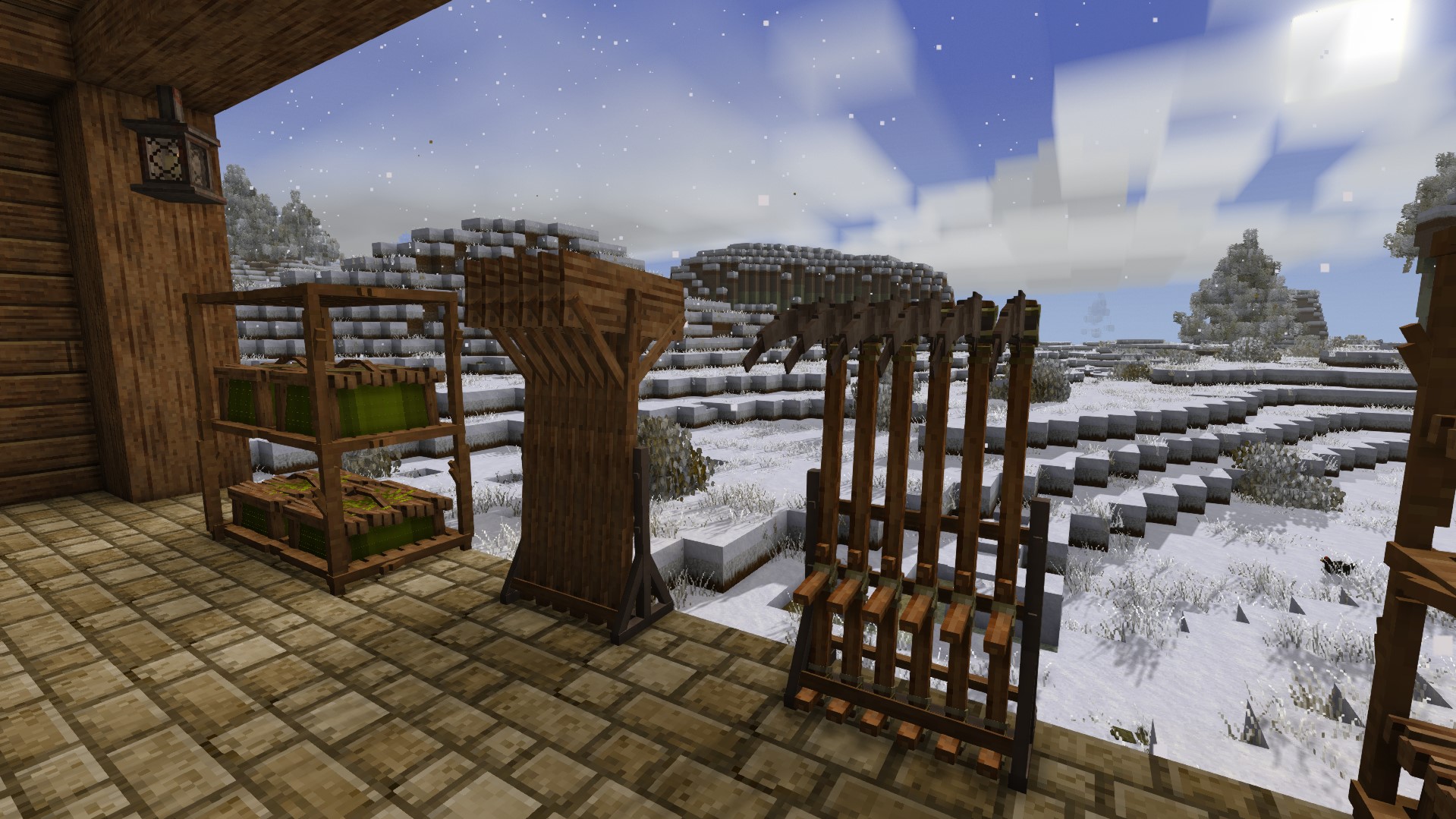
There are also stands for weapons, a horizontal option - only for swords, a vertical option for all weapons/tools.
And of course a stand for shields and swords.
That's all for now! I hope you enjoy it. If you encounter any bugs, please let me know, and I will try to fix them =)
If you need a sorting mod, @Trojan96, the author of the Storage Tweaks mod, has added support for our mod!
=====================================================================================
IMPORTANT! DANGEROUS! READ ME!
If you have installed my mod and later decide to update the game to a different version (either older or newer), you must do this by manually downloading and installing the game through the website. Only then will everything work correctly!
However, if you choose to update the game through the in-game interface, all blocks from the mod that you have already placed will break — they will no longer function properly. Keep in mind that if you place new blocks after the update, they will work just fine. It seems to be some kind of bug that occurs specifically when updating the game through the in-game interface.
So, either don't update the game at all, or always update it manually!
=====================================================================================
== BLOCKS ==
— SHELVES —
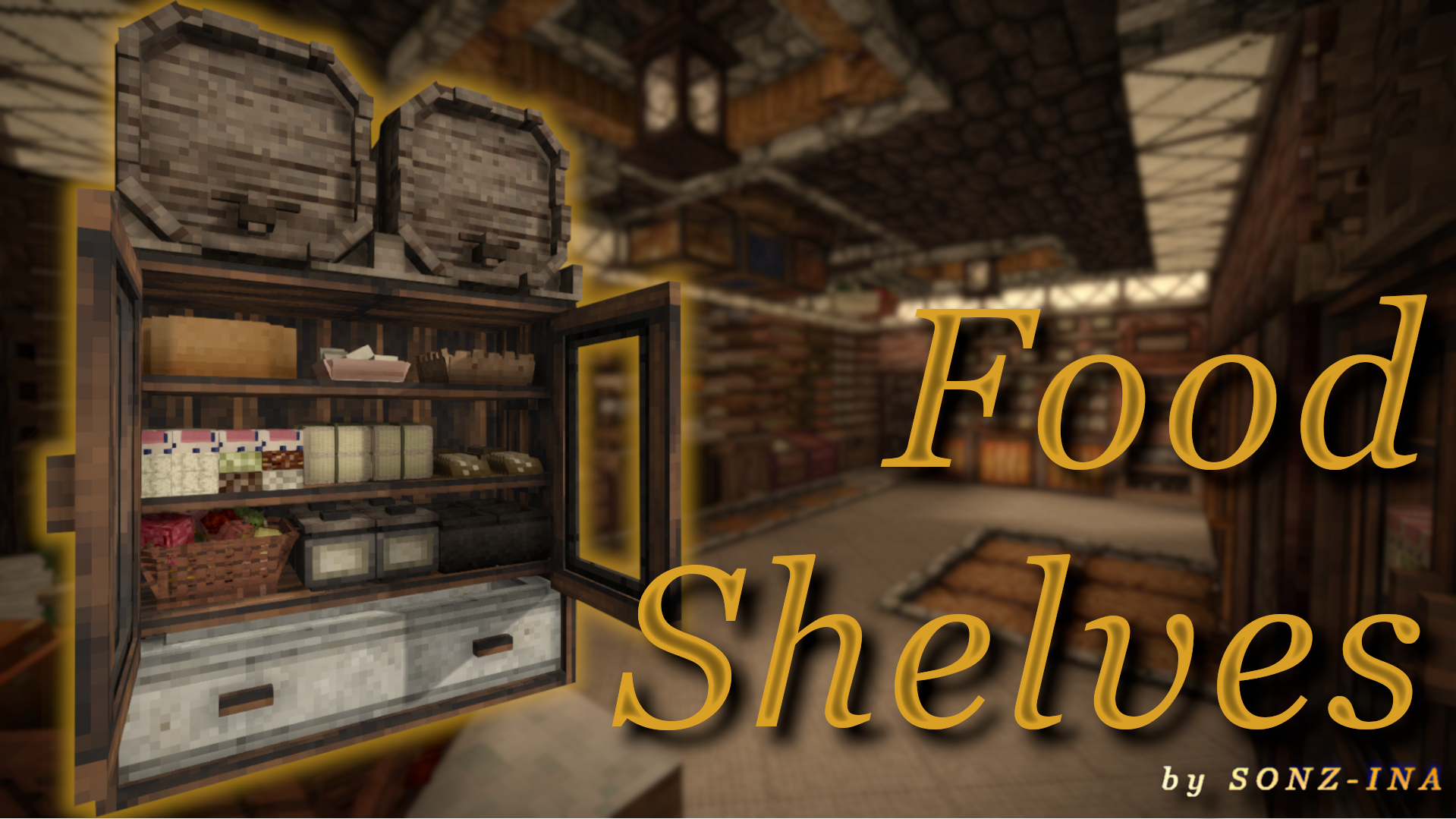
• Food Shelf v.1 (Oak) — food storage shelf
— RACKS—
• Double Rack 2x3
• Double Rack 2x2
• Rack 1x3
• Rack 1x2
— WOODEN RACKS —
• Double Rack 2x2
• Double Rack 2x3
— STICK RACK —
• Stick Rack 2x2
• Stick Rack 1x2
— WEAPON STANDS —
• Shield/Sword Stand v.1
• SH Sword Stand v.1
• SV Weapon/Tool Stand v.1
— STORAGE —
• Closed Crate
• Big Closed Crate
• Cattail Basket
• Floor Clothing Rack
• Large Cabinet
• Cabinet
== ITEMS ==
— RACK RAILS (10 metals) —
• Rack Rail (Iron, Copper, Tin Bronze, Bismuth Bronze, Black Bronze, Gold, Silver, Lead, Tin, Zinc)
• Rack Rail Corner — corner variant
• Rack Rail Line — line variant
• Hanger
Highlights
From source dataGame versions
Built for Vintage Story 1.22.3.
Footprint
Rated a light load on a server.
MoreInventorys on Nxeon
From our catalogue- One-click install
- Supported on Nxeon Vintage Story servers. We download it from Vintage Story ModDB, place it, and restart the server.
- Server side
- Required on the server
- Server load
- light
- Smallest plan we suggest
- Vintage Story — 1 GB (1 GB RAM). This follows our own load rating above, not a benchmark.
Run MoreInventorys on a Vintage Story server
Pick a server or deploy a new one above; it is installed in one click.
What kind of mod it is
From the catalogBuilding & decoration
Blocks, furniture, decorations and building tools.
Runs on your server
From source side supportVintage Story ModDB lists MoreInventorys as required on the server. Check its Vintage Story ModDB page to see whether players need it too.
Compatibility
- Game
- Vintage Story
- Runs on
- Serverrequired on the server
- Game versions
- 1.22.3
Verified at the source
- ✓Vintage Story ModDBOfficial listing, checked 2026-09-24Open ↗
- ✓AuthorInfantryMan, as published on Vintage Story ModDB
- ✓LicenseNot published by the sourceFree