
About Sorting Containers
From Vintage Story ModDBAdds a button to sort the contents of any container by type and name.
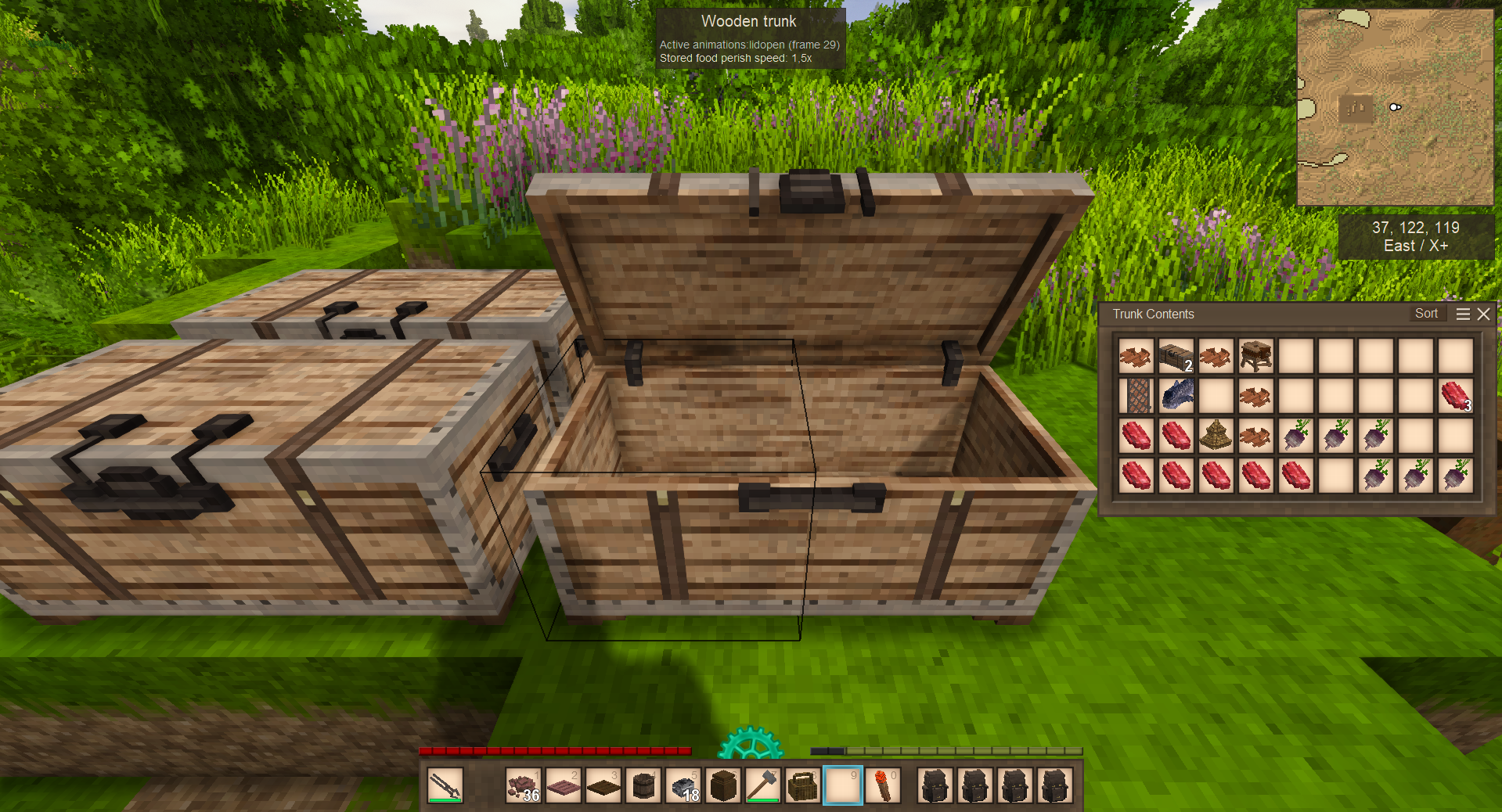
Adds a Sort button to the title bar of any storage container's window. Items are merged into stacks where possible and arranged by type and name.
Features:
- Click the Sort button in the top-right of any open container - without key assignments (which was in v.1.0.0)
- Works with chests, labelled chests, storage vessels, baskets and sacks
- Functional blocks (firepits, querns, etc) are intentionally ignored - sorting them would break their behavior
- Server-side sorting - visible to all players sharing a container
- Multiple containers can be opened side by side, each with its own Sort button
Tested only with vanilla containers.
Highlights
From source dataGame versions
Supports 2 Vintage Story versions, the newest being 1.22.1.
Footprint
Rated a light load on a server.
Sorting Containers on Nxeon
From our catalogue- One-click install
- Supported on Nxeon Vintage Story servers. We download it from Vintage Story ModDB, place it, and restart the server.
- Server side
- Required on the server
- Server load
- light
- Smallest plan we suggest
- Vintage Story — 1 GB (1 GB RAM). This follows our own load rating above, not a benchmark.
Run Sorting Containers on a Vintage Story server
Pick a server or deploy a new one above; it is installed in one click.
What kind of mod it is
From the catalogListed on Vintage Story ModDB as “Storage”
Building & decoration
Blocks, furniture, decorations and building tools.
Runs on your server
From source side supportVintage Story ModDB lists Sorting Containers as required on the server. Check its Vintage Story ModDB page to see whether players need it too.
Compatibility
- Game
- Vintage Story
- Runs on
- Serverrequired on the server
- Game versions
- 1.22.1 and 1 earlier
Verified at the source
- ✓Vintage Story ModDBOfficial listing, checked 2026-09-24Open ↗
- ✓AuthorFoxIT, as published on Vintage Story ModDB
- ✓LicenseNot published by the sourceFree