
Cold Storage
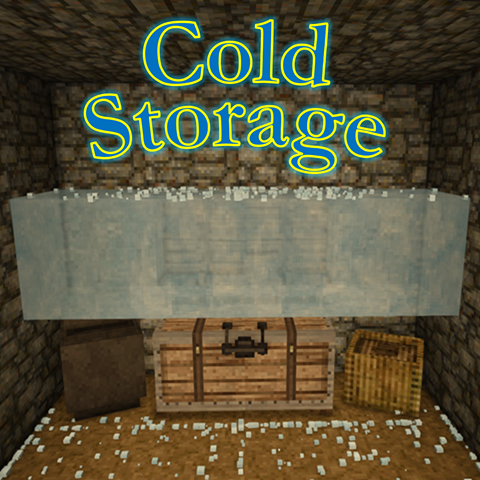
Add ice to containers to chill food, slowing spoilage based on temperature and ice amount.
Description
Cold Storage v2.0.0 - Major Melting Update!
Cold Storage allows players to preserve food by chilling containers with ice. Instead of static bonuses, containers now cool dynamically based on temperature, available ice, and environmental conditions. When chilled, spoilage slows according to configurable settings, creating a more natural and realistic cold-storage system.
Ice blocks from the base game (glacier ice, packed glacier ice, and lake ice) can be added to any compatible container, including chests, vessels, trunks, and reed chests. Cooling remains active as long as ice is present, with the melt rate influenced by both ambient temperature and the total amount of ice in the container — larger quantities melt more slowly, simulating the thermal mass of bulk ice.
In cellars, temperatures are capped at 5 °C, and at 0 °C or below, melting stops completely, allowing indefinite preservation. The container tooltip displays the current cooling state, remaining ice, and the estimated melt time for the active piece.
All values, including spoilage reduction (default 50%) and melt rate scaling, can be customized in ColdStorageConfig.json to fine-tune gameplay balance.
Usage:
-
Place any combination of vanilla ice blocks anywhere inside a supported container.
-
Cooling activates automatically, slowing food spoilage.
-
Ice is gradually consumed, with larger ice reserves melting more slowly.
-
Colder environments extend ice life and may completely halt melting.
-
Check the container tooltip for real-time cooling details and melt estimates.
Cold Storage v2.0.0 introduces a fully simulated cooling system that is temperature-aware, quantity-based, and dynamically persistent for a more immersive preservation experience.
Download
No download link is available for this entry right now.
Ratings & reviews
Sign in to leave a rating or comment.



