
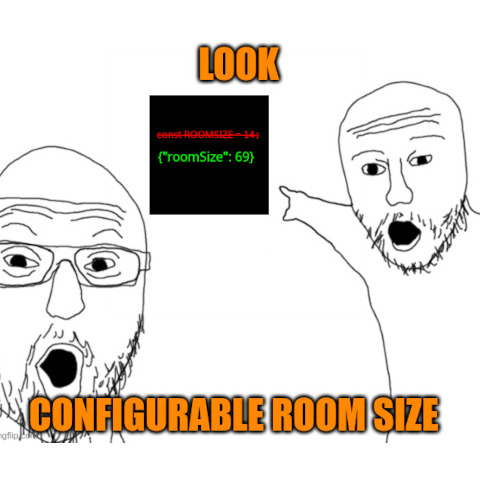
Configurable Room Size
Configure maximum room sizes in Vintage Story, to create larger interiors and be warm.
Description
Vintage Story - Configurable Room Size Mod
This mod allows you to configure maximum room sizes in Vintage Story, so you can create larger interiors and still be warm.
How to use:
Launch the game/server with the mod to generate config files.
Then edit ConfigurableRoomSize.json in ModConfig folder in respective client/server game files (server needs restarting).
When playing online config is synchronized with the server.
That's all!
PERFORMANCE NOTE:
The performance impact is approximately the cube of the increase in room size, from the vanilla default of 14. Small table of performance cost for reference:
<table style="border-collapse: collapse; width: 17.986%; height: 140px;" border="1"> <tbody> <tr style="height: 20px;"> <td style="width: 9.0695%; height: 20px;">Room Size</td> <td style="width: 7.88288%; height: 20px;">Factor on Vanilla</td> <td style="width: 12.5084%; height: 20px;">Performance impact</td> </tr> <tr style="height: 20px;"> <td style="width: 9.0695%; height: 20px;">14</td> <td style="width: 7.88288%; height: 20px;">1</td> <td style="width: 12.5084%; height: 20px;">1x</td> </tr> <tr style="height: 20px;"> <td style="width: 9.0695%; height: 20px;">28</td> <td style="width: 7.88288%; height: 20px;">2</td> <td style="width: 12.5084%; height: 20px;">8x</td> </tr> <tr style="height: 20px;"> <td style="width: 9.0695%; height: 20px;">42</td> <td style="width: 7.88288%; height: 20px;">3</td> <td style="width: 12.5084%; height: 20px;">27x</td> </tr> <tr style="height: 20px;"> <td style="width: 9.0695%; height: 20px;">56</td> <td style="width: 7.88288%; height: 20px;">4</td> <td style="width: 12.5084%; height: 20px;">64x</td> </tr> <tr style="height: 20px;"> <td style="width: 9.0695%; height: 20px;">70</td> <td style="width: 7.88288%; height: 20px;">5</td> <td style="width: 12.5084%; height: 20px;">125x</td> </tr> <tr style="height: 20px;"> <td style="width: 9.0695%; height: 20px;">84</td> <td style="width: 7.88288%; height: 20px;">6</td> <td style="width: 12.5084%; height: 20px;">216x</td> </tr> </tbody> </table>
I (BiggBenn) have a really good PC, and I personally use these values:
I won't stop you from going to insane values, but you best have a NASA supercomputer to match... Sorry that this mod isn't more efficient.
How to Contribute
Fork the project on github and make pull request with your changes.
Acknowledgments
Thanks to BiggBenn for updating the mod to 1.21 and providing multiplayer sync.
Download
No download link is available for this entry right now.
Ratings & reviews
Sign in to leave a rating or comment.



