
Description
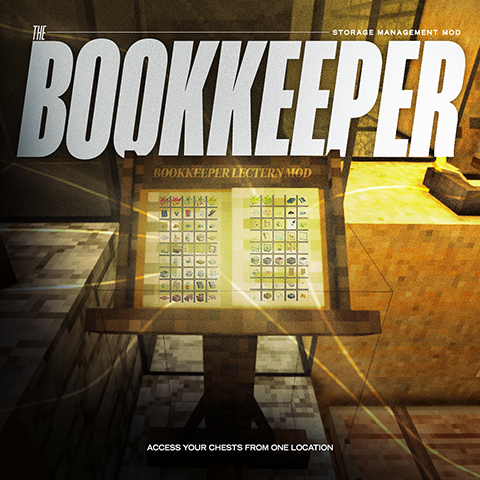
Bookkeeper
Know what you have. Know where it is.
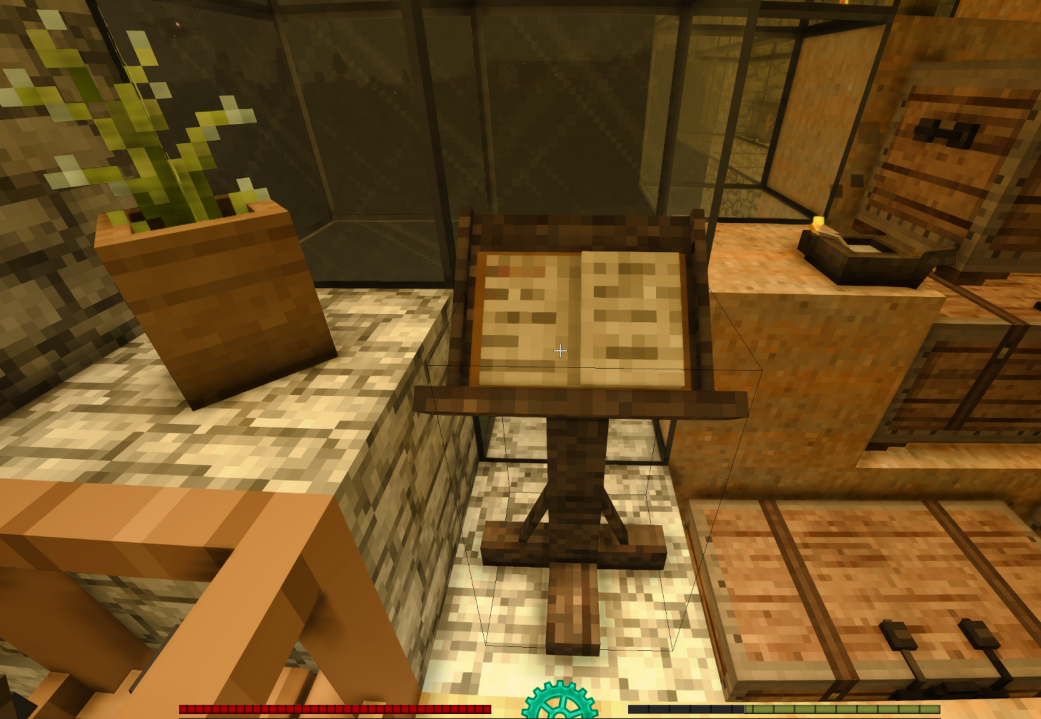
Bookkeeper adds a craftable lectern that becomes a complete read-only index of every
container, tool rack, display case, and shelf around your base. Open the ledger to
browse, search, and filter your entire stockpile by category — then locate exactly
which containers hold what you need, all from one place. No more digging through rows
of chests just to find out where something is.
Read-only by design. Bookkeeper only "reads" your storage — it never withdraws,
deposits, moves, merges, or deletes anything. Nothing in your containers is ever
modified. (Want to move items remotely as well? That lives in the companion mod
Quartermaster — Bookkeeper is the pure look-but-don't-touch locator.)
How It Works
1. Craft a Bookkeeper's Lectern (see recipe below)
2. Place it anywhere — no foundation or special flooring required
3. Look at the lectern and press K, or right-click it, to open the ledger
4. Browse, search, or filter by category — all items in nearby containers are shown in a paginated grid
5. Locate an item to find which containers hold it — without ever opening a chest
Locating Items
Middle-click any item to close the ledger and highlight the containers holding it, with
blue markers, floating text labels visible through walls, and temporary map waypoints.
Right-click a highlighted block to dismiss it individually; markers, labels, and
waypoints for a container also clear automatically as you open it.
Crafting the Lectern
- Chisel — any chisel (top-left); used as a tool, so it isn't consumed
- Paper (parchment) — 1 (top-middle)
- Charcoal — 1 piece (top-right)
- Planks — 2 plank blocks, any wood type (center column row 2 & 3)
Features
- Search bar — filter items by name in real time
- Category filters — toggle any combination of Food, Tools, Fuel, Wood, Wearables, Ores & Metals, and Building to narrow the grid; with none selected, everything
- Paginated display — 90 items per page (10 columns × 9 rows) with Prev/Next navigation
- Item consolidation — identical items across multiple containers are combine single entry showing the total count (decorative chest/clutter variants are kept distinct, shown by their real name and icon)
- Location highlighting — middle-clicking an item highlights up to 20 container locations with blue overlay markers
- Floating text labels — item name labels (e.g., "Iron shovel") appear above highlighted containers, visible through walls, so you can find items without li
- Distance fade — labels fade out gradually between 20–40 blocks
- Marker removal — right-click any highlighted block to dismiss it individual markers, labels, and waypoints for a container also clear automatically as you open it
- Tool rack and display scanning — items on tool racks, display cases, and sh are catalogued alongside chest and vessel contents
- Place it anywhere — the lectern has no foundation requirement and works on surface
Configuration
The mod generates a configuration file automatically on first launch. To customize scan range, edit the file at:
- Linux: ~/.config/VintagestoryData/ModConfig/BookkeeperConfig.json
- macOS: ~/Library/Application Support/VintagestoryData/ModConfig/Bookkeeper<br />- Windows: %AppData%/VintagestoryData/ModConfig/BookkeeperConfig.json</p> <p>Default settings:</p> <p>``json
{
"ChunkRadius": 2,
"VerticalRange": 5,
"HonorClaims": true
}
- ChunkRadius — how many chunks around the player to scan horizontally (default 2). Each chunk is 32 blocks, so a value of 2 scans a 5×5 chunk area (~160×160 blocks).
- VerticalRange — how many blocks above and below the player to scan (default 5).
- HonorClaims — when true, containers inside a land claim you don't have permission to use are hidden from the ledger. Owners/granted players and unclaimed land are unaffected. Set to false to ignore claims entirely.
Edit the values, save the file, and restart the world for changes to take effect.
Scan Range
By default, the lectern scans containers within a 2-chunk horizontal radius (~160 blocks
across) and ±5 blocks vertically from your position. This covers a typical base footprint while keeping performance snappy. Both values are configurable — see Configuration above.
What Gets Scanned
Standard storage block entities within range, including:
- Chests
- Vessels
- Crates
- Labeled chests
- Barrels (items inside, not liquids)
- Tool racks
- Display cases
- Shelves
- Most modded containers that follow the standard VS container interface
Download
No download link is available for this entry right now.
Ratings & reviews
Sign in to leave a rating or comment.



