About PlayerGrave
From Vintage Story ModDBFork of Player Corpse updated for VS 1.21. Persistent grave waypoints, disable death marker.
A fork of Player Corpse by DArkHekRoMaNT, updated and maintained for Vintage Story 1.21+.
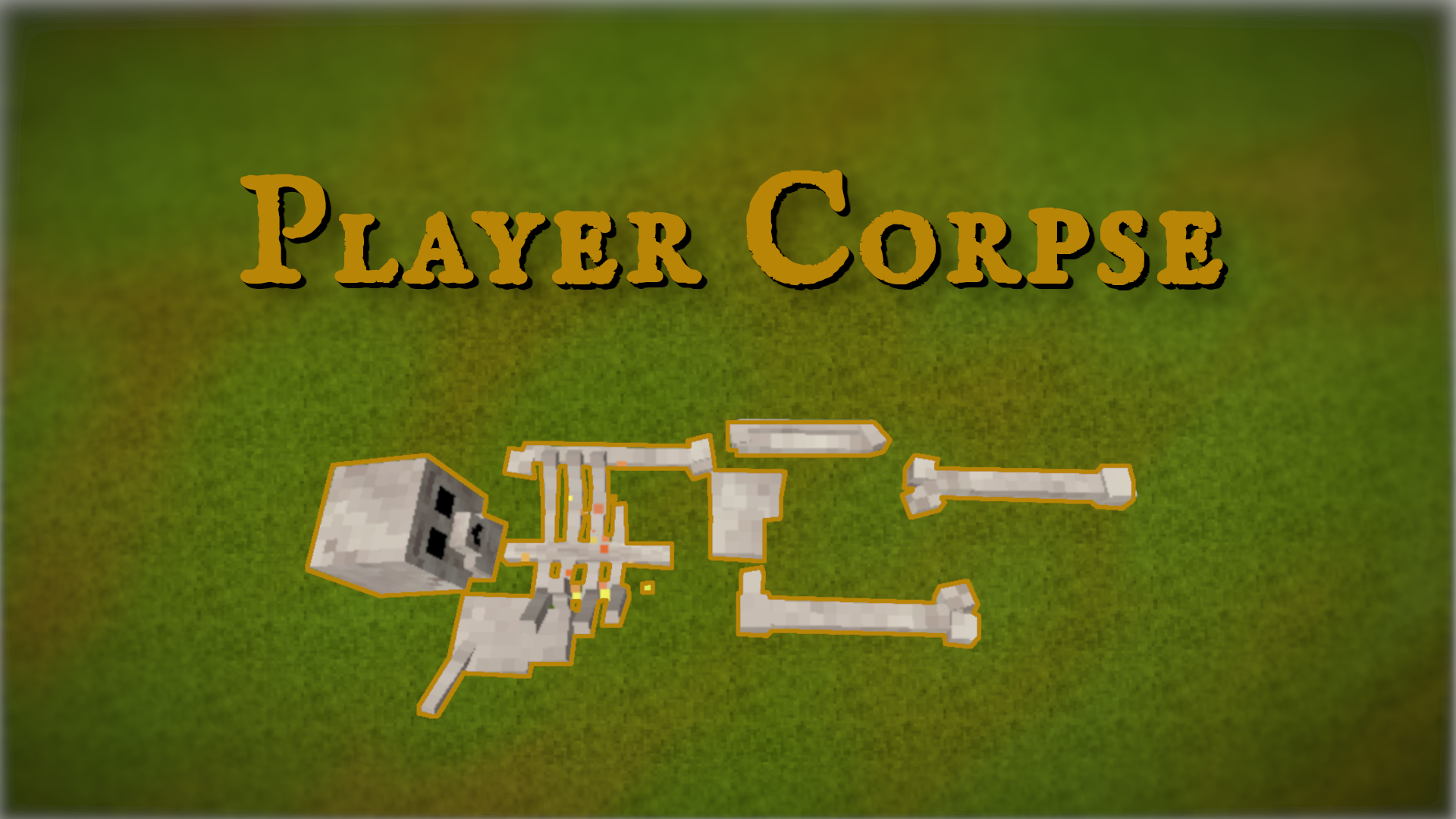
After player death, a persistent grave is created containing the player’s inventory. Graves do not despawn and can be collected by holding RMB. By default, only the owner (or creative-mode players) can collect a grave.
The mod also supports death waypoints, inventory recovery, and extensive server-side configuration. Designed to be server-safe and persistent across restarts.
Requires CommonLib. https://mods.vintagestory.at/commonlib
- CanFired – destroyed after 15 seconds of burning (default: false)
- HasHealth – grave has 100 HP and can be broken (default: false)
- CreateGrave – whether graves are created (default: true)
- SaveInventoryTypes – inventory types saved into the grave
- NeedPrivilegeForReturnThings – privilege required for
/returnthings(default: gamemode) - MaxDeathContentSavedPerPlayer – deaths stored per player (default: 10)
- CreateWaypoint – create a waypoint on death (default: Auto)
- WaypointIcon – waypoint icon (default: bee)
- WaypointColor – waypoint color (default: crimson)
- PinWaypoint – pin waypoint on map (default: true)
- DisableVanillaDeathWaypoint – disable vanilla death waypoint (default: true)
- RemoveWaypointOnCollect – remove waypoint when collected (default: true)
- FreeGraveAfterTime – grave becomes public after N hours (default: 240)
- GraveCollectionTime – time to collect grave in seconds (default: 1)
- GraveCompassEnabled – enable grave compass (default: true)
- DropArmorOnDeath – armor drop behavior (Vanilla / Armor / ArmorAndCloth)
- DebugMode – enable debug logging (default: false)
Highlights
From source dataGame versions
Built for Vintage Story 1.21.6.
Footprint
Rated a light load on a server.
PlayerGrave on Nxeon
From our catalogue- One-click install
- Supported on Nxeon Vintage Story servers. We download it from Vintage Story ModDB, place it, and restart the server.
- Server side
- Required on the server
- Server load
- light
- Smallest plan we suggest
- Vintage Story — 1 GB (1 GB RAM). This follows our own load rating above, not a benchmark.
Run PlayerGrave on a Vintage Story server
Pick a server or deploy a new one above; it is installed in one click.
What kind of mod it is
From the catalogQuality of life & UI
Small conveniences, tweaks and interface improvements players notice straight away.
Runs on your server
From source side supportVintage Story ModDB lists PlayerGrave as required on the server. Check its Vintage Story ModDB page to see whether players need it too.
Compatibility
- Game
- Vintage Story
- Runs on
- Serverrequired on the server
- Game versions
- 1.21.6
Verified at the source
- ✓Vintage Story ModDBOfficial listing, checked 2026-09-24
- ✓AuthorMarzz06, as published on Vintage Story ModDB
- ✓LicenseNot published by the sourceFree